
Edit, Download, and Sign the FDA Recall Audit Check Report Instructions
Form
eSign
Add Annotation
Share Form
How do I fill this out?
To fill out this form, ensure you have all necessary recall details on hand. Follow the provided instructions for each section carefully. This guide will help you complete the form accurately.

How to fill out the FDA Recall Audit Check Report Instructions?
1
Gather all relevant recall information.
2
Fill out the program data and audit accounts sections.
3
Complete the consignee data and notification data.
4
Provide action and status data along with sub-recall information.
5
Sign and date the form, then submit it as instructed.
Who needs the FDA Recall Audit Check Report Instructions?
1
FDA compliance officers needing to document recall details.
2
Manufacturers managing product recalls.
3
Distributors tracking recalled products.
4
Retailers ensuring compliance with recall notices.
5
Healthcare providers reporting recalled medical products.
How PrintFriendly Works
At PrintFriendly.com, you can edit, sign, share, and download the FDA Recall Audit Check Report Instructions along with hundreds of thousands of other documents. Our platform helps you seamlessly edit PDFs and other documents online. You can edit our large library of pre-existing files and upload your own documents. Managing PDFs has never been easier.

Edit your FDA Recall Audit Check Report Instructions online.
You can edit this PDF form directly on PrintFriendly using our intuitive PDF editor. Make changes to any section easily by clicking on the text fields. Save your edited document instantly.

Add your legally-binding signature.
With PrintFriendly, you can sign the PDF form digitally. Simply use the sign tool to add your signature wherever required. Complete and authenticate your form effortlessly.

Share your form instantly.
Sharing your completed PDF form is simple with PrintFriendly. Use the share tool to send the document via email or generate a shareable link. Distribute the form quickly and efficiently.
How do I edit the FDA Recall Audit Check Report Instructions online?
You can edit this PDF form directly on PrintFriendly using our intuitive PDF editor. Make changes to any section easily by clicking on the text fields. Save your edited document instantly.
1
Open the PDF form on PrintFriendly.
2
Click on the text fields to make changes.
3
Edit the content as needed.
4
Save your edited document.
5
Download or share the updated form.

What are the instructions for submitting this form?
Submit the completed Recall Audit Check Report to the appropriate FDA division. Ensure all required fields are filled and the form is signed. Contact your FDA monitoring division for the specific submission email or fax number. For online submissions, follow the guidelines provided on the FDA website. Keep a copy of the submitted form for your records.
What is the purpose of this form?
The purpose of this form is to document and manage FDA-regulated product recalls accurately. It helps manufacturers, distributors, and healthcare providers track recalled products and ensure compliance with recall notices. Completing this form ensures proper documentation of recall activities and adherence to FDA protocols.

Tell me about this form and its components and fields line-by-line.

- 1. RECALL INFORMATION: Includes Recall Number, Recalling Firm, Recalled Codes, and Products.
- 2. PROGRAM DATA: Program data for FDA Users Only.
- 3. AUDIT ACCOUNTS: Direct and Sub-Account details, including Monitoring Division and FEI Number.
- 4. CONSIGNEE DATA: List of contacted consignees and details about their role and product receipt.
- 5. NOTIFICATION DATA: Information about the recall notice and consignee actions.
- 6. ACTION AND STATUS DATA: Current status of recalled items and related actions.
- 7. SUB-RECALL: Information about subsequent distributions from consignees.
- 8. INJURIES/COMPLAINTS: Consignee awareness of any injuries, illnesses, or complaints.
- 9. REMARKS: Additional notes and actions taken if product was still available for sale or use.
- 10. SIGNATURES: Signature fields for final approval and endorsement.
What happens if I fail to submit this form?
Failure to submit this form can result in non-compliance with FDA regulations. This may lead to enforcement actions and possible fines.
- Regulatory Non-Compliance: Failure to document and submit recall information as required by FDA guidelines.
- Penalties: Potential fines and enforcement actions due to non-compliance.
How do I know when to use this form?

- 1. Initiating a Recall: Document recall details from the outset.
- 2. Tracking Recalled Products: Ensure all recalled products are accounted for and handled properly.
- 3. Notifying Consignees: Inform consignees and document their actions.
- 4. Ensuring Compliance: Verify adherence to recall instructions and FDA regulations.
- 5. Finalizing Recall: Complete and submit the form for final recall audit and review.
Frequently Asked Questions
How do I start editing the form?
Open the form on PrintFriendly and click on the text fields to start editing.
Can I add my signature to the form?
Yes, use PrintFriendly's sign tool to add your digital signature.
Is it possible to share the completed form?
Absolutely, you can share the form via email or generate a shareable link.
What should I do if I need to correct a mistake?
Simply reopen the form on PrintFriendly and make the necessary corrections.
How do I save my edited form?
After editing, click the save button and download your updated form.
Can I fill out the form using PrintFriendly on my mobile device?
Yes, PrintFriendly is mobile-friendly, allowing you to edit forms on the go.
What if I need to add additional notes?
You can use the text tool to add any additional notes or remarks.
Is there a limit to how many times I can edit the form?
No, you can edit and save the form as many times as needed.
Do I need any special software to use PrintFriendly?
No, PrintFriendly works directly in your web browser.
Can others collaborate on the form with me?
Yes, you can share the form and collaborate with others easily.
Related Documents - Recall Audit Check Report
Assessment of Abuse Potential of Drugs Guidance for Industry
This document provides guidance for the assessment of abuse potential in drugs. It covers key decision points, recommended studies, and the process for NDA submission. This is crucial for ensuring drug safety and regulatory compliance.
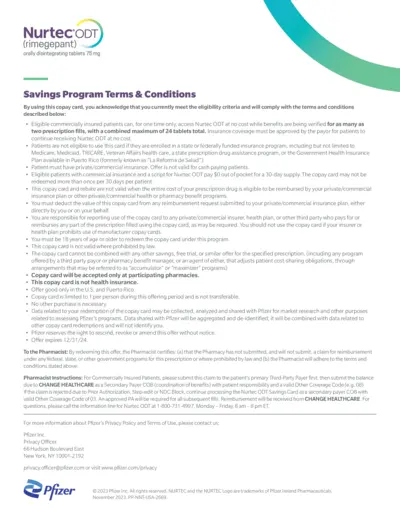
Nurtec ODT Savings Program Terms & Conditions
This document provides detailed terms and conditions for the Nurtec ODT Savings Program. It includes eligibility criteria, instructions for pharmacists, and important disclaimers. Patients using the copay card should adhere to these guidelines to benefit from the program.
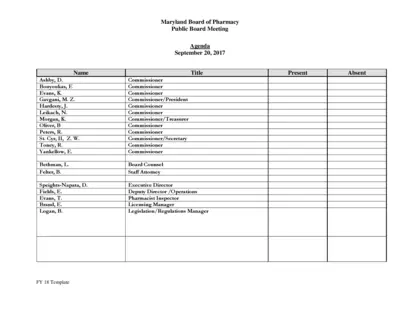
Maryland Board of Pharmacy Public Board Meeting Agenda
This file contains the agenda for the Maryland Board of Pharmacy's public board meeting on September 20, 2017. It includes reports from various committees and updates on operations, licensing, compliance, and more. The document is essential for stakeholders to keep track of board activities and decisions.
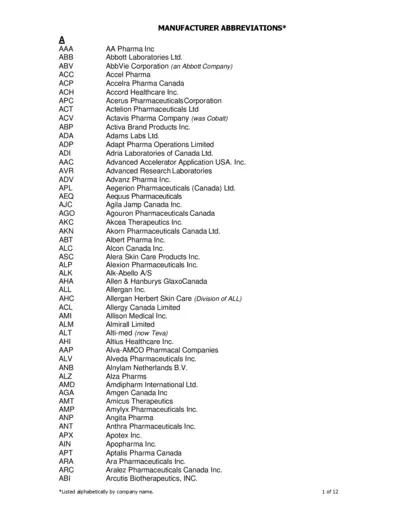
Abbreviations for Pharma Manufacturers
This file contains a list of manufacturers' abbreviations organized alphabetically, helping users to identify manufacturer names and their corresponding abbreviations.
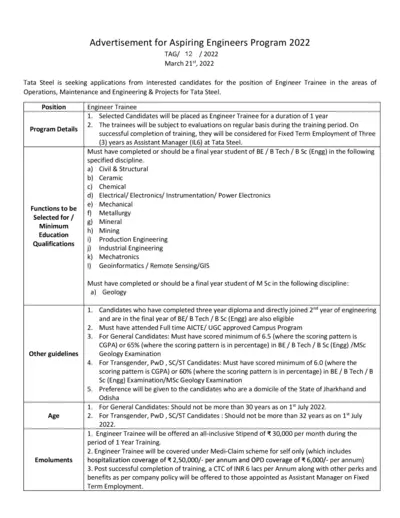
Tata Steel Aspiring Engineers Program 2022 Application
This file includes details about Tata Steel's Aspiring Engineers Program 2022. It covers program details, eligibility criteria, and the application process. It also provides information on evaluation, guidelines, and submission deadlines.
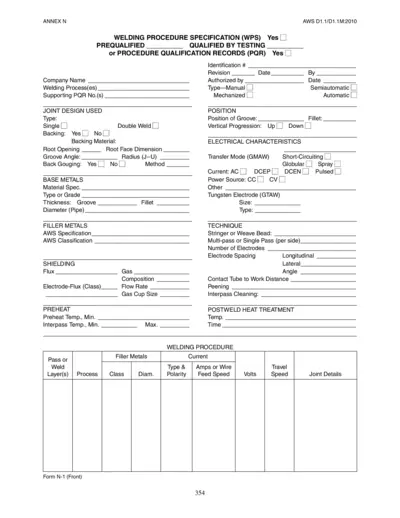
Welding Procedure Specification (WPS) PDF Guide
This file is a Welding Procedure Specification (WPS) that provides detailed instructions for welding procedures, joint design, base metals, filler metals, and more. It includes sections for prequalified and qualified-by-testing procedures. This document is essential for ensuring weld quality and consistency.
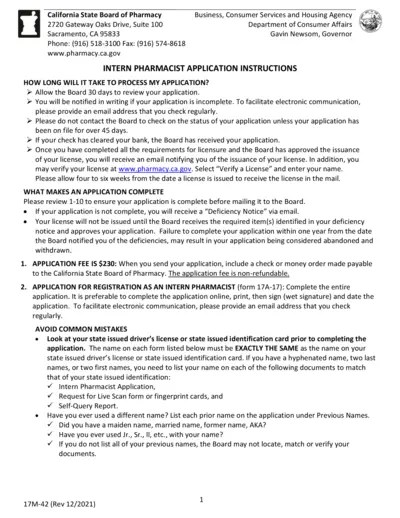
California Intern Pharmacist Application Instructions
This document provides detailed instructions for applying for an Intern Pharmacist license in California. It covers processing time, required materials, and special cases for expedited review. Ensure all requirements are met to avoid application delays.
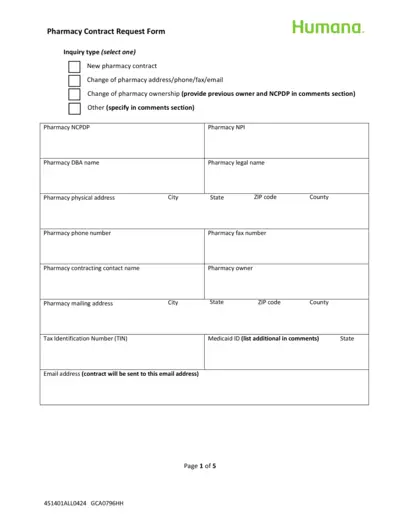
Humana Pharmacy Contract Request Form
This form is used by pharmacies to request a contract with Humana. It includes sections for pharmacy details, types of services offered, and ownership information. Instructions for submission are also provided.
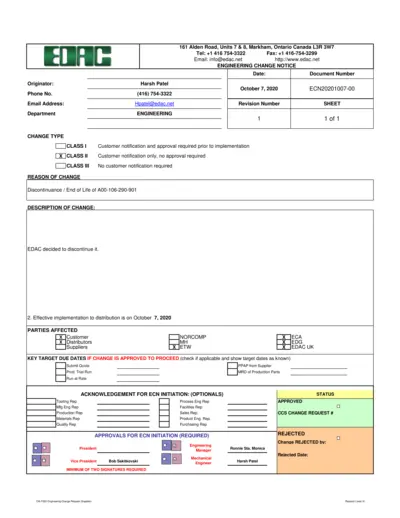
Engineering Change Notice Document
This document is an Engineering Change Notice (ECN) issued by EDAC for the discontinuance of A00-106-290-901. It includes details regarding the change, affected parties, and approvals. Follow the instructions to properly fill out and submit the document.
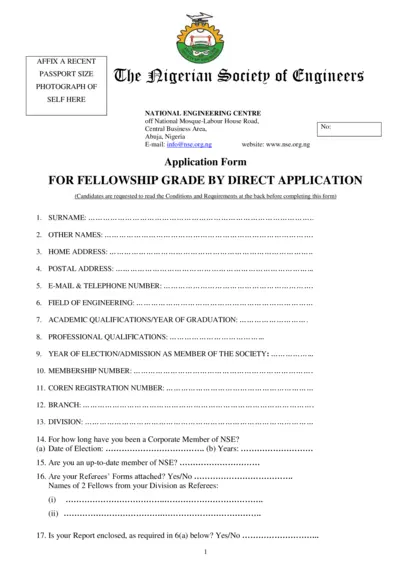
Nigerian Society of Engineers Fellowship Application
This document is an application form for fellowship grade by direct application to the Nigerian Society of Engineers. It outlines necessary details and requirements for candidates. Ensure to follow the guidelines carefully while filling out the form.
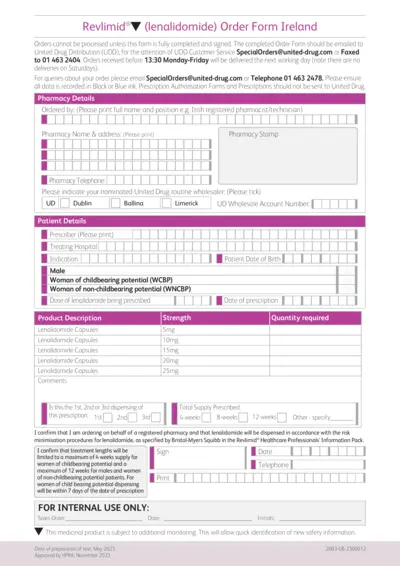
Revlimid Order Form Ireland Instructions
This document provides an order form for Revlimid® in Ireland. It includes essential details and instructions for healthcare professionals. Ensure to follow guidelines for proper completion and submission.
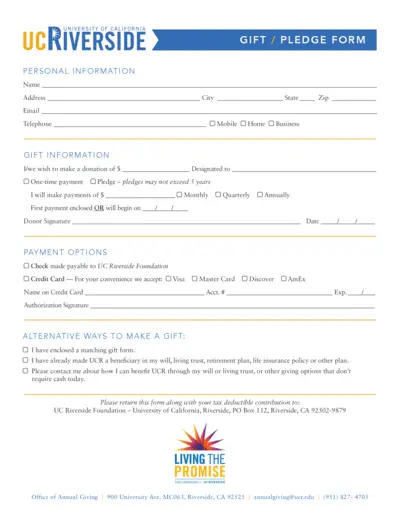
Donation Gift Pledge Form for UC Riverside
This PDF file contains the UCR Gift/Pledge form used for making donations. It includes detailed donation options, payment methods, and instructions. Suitable for individuals wishing to contribute to UC Riverside.