
Nurtec ODT Savings Program Terms & Conditions
This document provides detailed terms and conditions for the Nurtec ODT Savings Program. It includes eligibility criteria, instructions for pharmacists, and important disclaimers. Patients using the copay card should adhere to these guidelines to benefit from the program.
Edit, Download, and Sign the Nurtec ODT Savings Program Terms & Conditions
Form
eSign
Add Annotation
Share Form
How do I fill this out?
Filling out this form is easy and straightforward. Begin by ensuring you meet the eligibility criteria, then follow the specific instructions for your scenario. You’ll find detailed steps below to help you complete the form accurately.

How to fill out the Nurtec ODT Savings Program Terms & Conditions?
1
Ensure you meet the eligibility criteria.
2
Verify your insurance coverage.
3
Submit the claim to your primary Third-Party Payer first.
4
Process the Nurtec ODT Savings Card as a secondary payer if needed.
5
Contact the information line for assistance if required.
Who needs the Nurtec ODT Savings Program Terms & Conditions?
1
Commercially insured patients to save on their Nurtec ODT prescriptions.
2
Pharmacists needing to submit claims for Nurtec ODT prescriptions.
3
Patients verifying their insurance benefits coverage.
4
Patients ensuring they meet copay card eligibility criteria.
5
Patients needing guidance on reporting copay card use to insurers.
How PrintFriendly Works
At PrintFriendly.com, you can edit, sign, share, and download the Nurtec ODT Savings Program Terms & Conditions along with hundreds of thousands of other documents. Our platform helps you seamlessly edit PDFs and other documents online. You can edit our large library of pre-existing files and upload your own documents. Managing PDFs has never been easier.

Edit your Nurtec ODT Savings Program Terms & Conditions online.
With PrintFriendly, you can easily edit this PDF. Use our PDF editor to make any necessary changes to the form fields. Save the updated document directly from our platform.

Add your legally-binding signature.
PrintFriendly allows you to sign PDFs quickly and securely. Use our PDF editor to add your electronic signature to the form. Save the signed document directly from our platform.

Share your form instantly.
Sharing PDFs on PrintFriendly is simple. Use our platform to upload your document, then share it via a unique link or download the file to distribute as needed. Our tools make collaboration easy and efficient.
How do I edit the Nurtec ODT Savings Program Terms & Conditions online?
With PrintFriendly, you can easily edit this PDF. Use our PDF editor to make any necessary changes to the form fields. Save the updated document directly from our platform.
1
Open the PDF in PrintFriendly.
2
Use the editor tools to make changes to the form.
3
Fill in any necessary fields accurately.
4
Save your edits to the document.
5
Download the updated form for submission.

What are the instructions for submitting this form?
To submit this form, ensure all fields are completed accurately. Submit via the following options: Email to privacy.officer@pfizer.com, or mail to Pfizer Inc., Privacy Officer, 66 Hudson Boulevard East, New York, NY 10001-2192. For assistance, call the Nurtec ODT information line at 1-800-731-4997.
What are the important dates for this form in 2024 and 2025?
Offer expires 12/31/24. Check any relevant insurance approval dates prior to the expiration.

What is the purpose of this form?
The purpose of the Nurtec ODT Savings Program form is to provide eligible patients with savings on their Nurtec ODT prescriptions. It outlines the terms and conditions that patients must meet to benefit from the copay card offer. The form also includes important instructions for pharmacists on how to process claims and ensure compliance with the program's guidelines.

Tell me about this form and its components and fields line-by-line.

- 1. Eligibility Criteria: Outlines who is eligible to use the copay card and the restrictions in place.
- 2. Insurance Information: Details the necessary steps to verify insurance coverage and process claims.
- 3. Pharmacist Instructions: Provides specific guidelines for pharmacists on how to handle claims and reimbursement.
- 4. Terms and Conditions: Includes all legal stipulations and disclaimers associated with the copay card.
- 5. Contact Information: Lists contact details for further assistance or inquiries about the program.
What happens if I fail to submit this form?
Failure to submit this form accurately may result in the inability to benefit from the Nurtec ODT Savings Program. Patients may have to pay the full cost of their prescription.
- Loss of Savings: You may lose access to the copay card benefits.
- Insurance Denial: Your insurance provider may deny coverage for the prescription.
- Out-of-Pocket Costs: You might be required to cover the full cost of the medication.
How do I know when to use this form?

- 1. Access Savings: To benefit from copay card savings on your prescriptions.
- 2. Verify Insurance: To ensure your insurance covers Nurtec ODT under the savings program.
- 3. Pharmacist Claims: For pharmacists to process claims accurately.
- 4. Eligibility Check: To confirm you meet the program's eligibility criteria.
- 5. Program Compliance: To adhere to all terms, conditions, and legal requirements.
Frequently Asked Questions
What is the Nurtec ODT Savings Program?
The Nurtec ODT Savings Program provides eligible patients with savings on their Nurtec ODT prescriptions by using a copay card under specific terms and conditions.
Who is eligible for the Nurtec ODT Savings Program?
Eligible patients are those with commercial insurance, excluding those enrolled in government-funded programs like Medicare or Medicaid.
How do I use the Nurtec ODT copay card?
Ensure you meet the eligibility criteria and follow the pharmacist's instructions for submitting the claim to your primary Third-Party Payer first.
Can I use the copay card if I have Medicare?
No, patients enrolled in state or federally funded insurance programs, including Medicare, are not eligible to use the copay card.
What if my claim is rejected?
If your claim is rejected due to Prior Authorization, continue processing the Nurtec ODT Savings Card as a secondary payer with a valid Other Coverage Code.
How often can I use the copay card?
The copay card may be redeemed once per 30-day period per patient.
Where can I use the copay card?
The copay card is accepted only at participating pharmacies and is not valid where prohibited by law.
How do I edit the Nurtec ODT Savings Program form on PrintFriendly?
Open the PDF in PrintFriendly's editor, make necessary changes, and save the updated document.
How do I sign the Nurtec ODT Savings Program form on PrintFriendly?
Use PrintFriendly's PDF editor to add your electronic signature and save the signed document.
How do I share the Nurtec ODT Savings Program form from PrintFriendly?
Upload your document to PrintFriendly and share it via a unique link or download the file to distribute as needed.
Related Documents - Nurtec_ODT_Savings_Terms
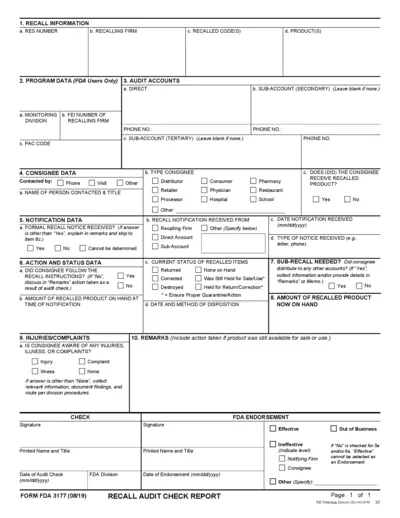
FDA Recall Audit Check Report Instructions
This file provides detailed instructions for completing the FDA Recall Audit Check Report. It includes information on recall details, program data, audit accounts, and consignee data. Useful for those involved in managing FDA recalls.
Assessment of Abuse Potential of Drugs Guidance for Industry
This document provides guidance for the assessment of abuse potential in drugs. It covers key decision points, recommended studies, and the process for NDA submission. This is crucial for ensuring drug safety and regulatory compliance.
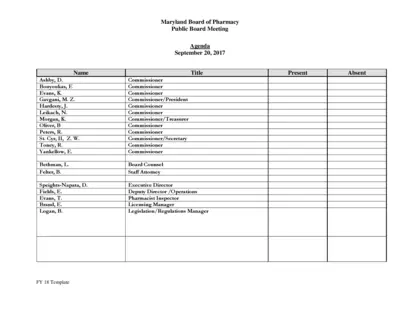
Maryland Board of Pharmacy Public Board Meeting Agenda
This file contains the agenda for the Maryland Board of Pharmacy's public board meeting on September 20, 2017. It includes reports from various committees and updates on operations, licensing, compliance, and more. The document is essential for stakeholders to keep track of board activities and decisions.
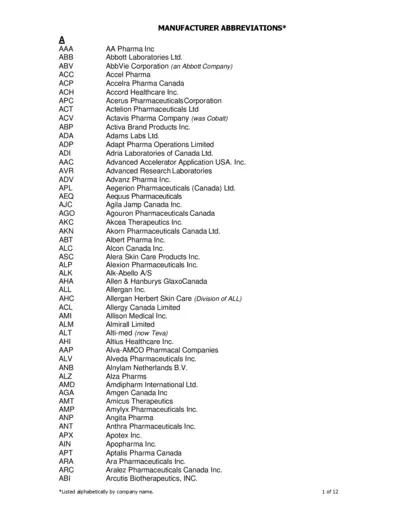
Abbreviations for Pharma Manufacturers
This file contains a list of manufacturers' abbreviations organized alphabetically, helping users to identify manufacturer names and their corresponding abbreviations.
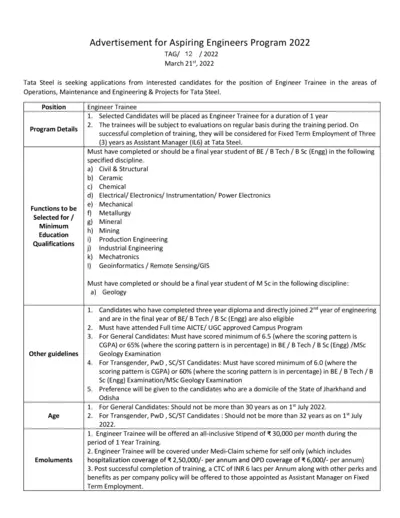
Tata Steel Aspiring Engineers Program 2022 Application
This file includes details about Tata Steel's Aspiring Engineers Program 2022. It covers program details, eligibility criteria, and the application process. It also provides information on evaluation, guidelines, and submission deadlines.
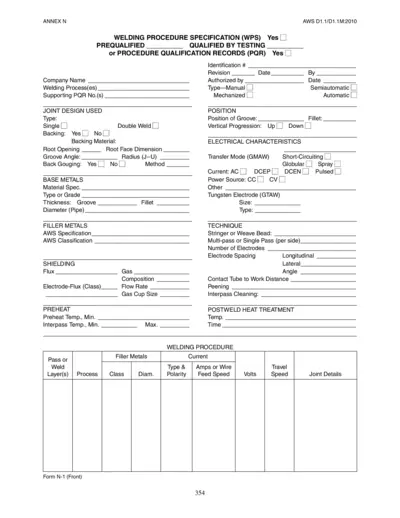
Welding Procedure Specification (WPS) PDF Guide
This file is a Welding Procedure Specification (WPS) that provides detailed instructions for welding procedures, joint design, base metals, filler metals, and more. It includes sections for prequalified and qualified-by-testing procedures. This document is essential for ensuring weld quality and consistency.
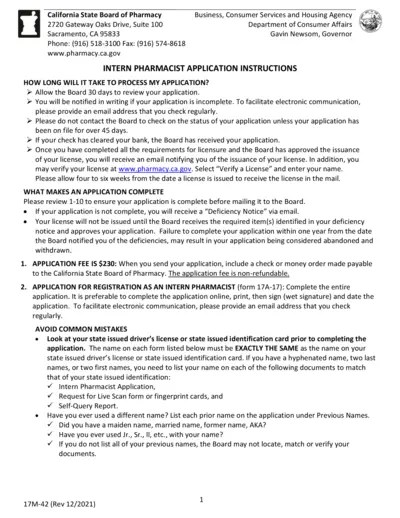
California Intern Pharmacist Application Instructions
This document provides detailed instructions for applying for an Intern Pharmacist license in California. It covers processing time, required materials, and special cases for expedited review. Ensure all requirements are met to avoid application delays.
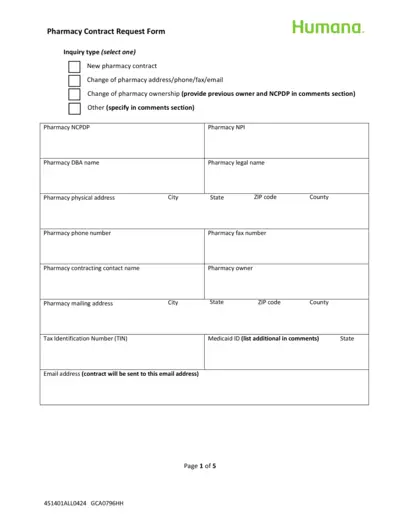
Humana Pharmacy Contract Request Form
This form is used by pharmacies to request a contract with Humana. It includes sections for pharmacy details, types of services offered, and ownership information. Instructions for submission are also provided.
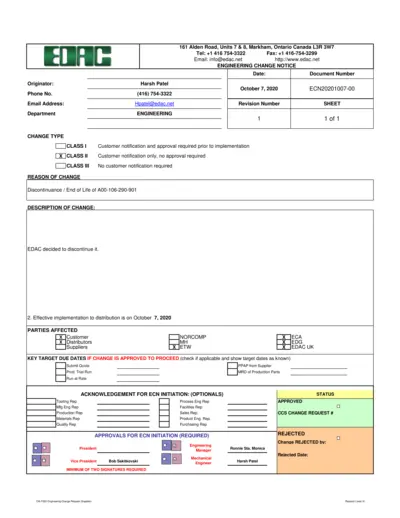
Engineering Change Notice Document
This document is an Engineering Change Notice (ECN) issued by EDAC for the discontinuance of A00-106-290-901. It includes details regarding the change, affected parties, and approvals. Follow the instructions to properly fill out and submit the document.
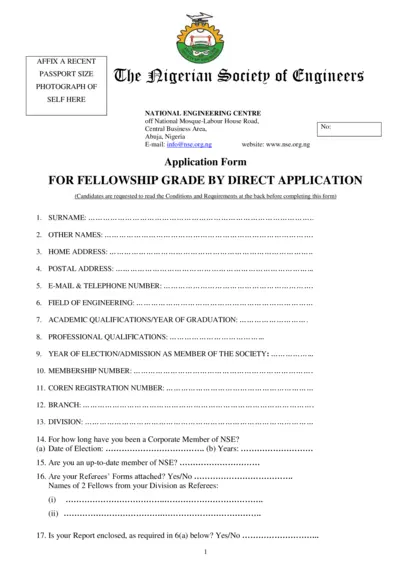
Nigerian Society of Engineers Fellowship Application
This document is an application form for fellowship grade by direct application to the Nigerian Society of Engineers. It outlines necessary details and requirements for candidates. Ensure to follow the guidelines carefully while filling out the form.
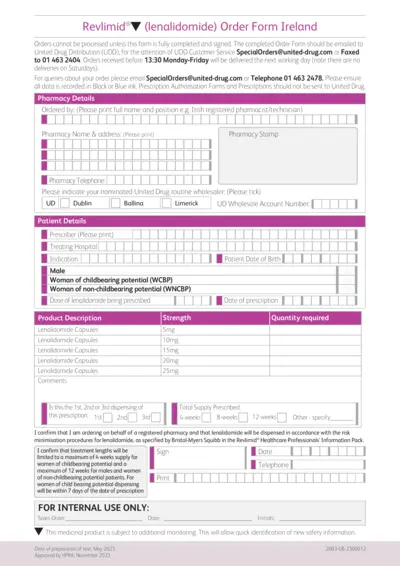
Revlimid Order Form Ireland Instructions
This document provides an order form for Revlimid® in Ireland. It includes essential details and instructions for healthcare professionals. Ensure to follow guidelines for proper completion and submission.
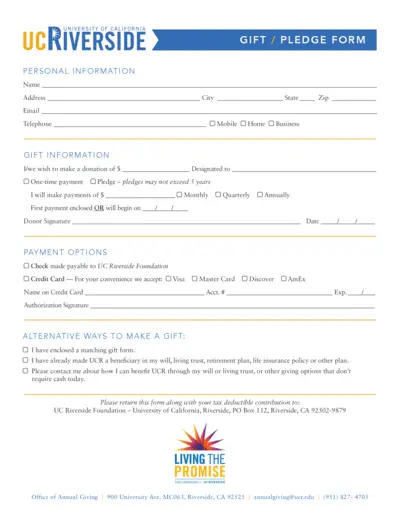
Donation Gift Pledge Form for UC Riverside
This PDF file contains the UCR Gift/Pledge form used for making donations. It includes detailed donation options, payment methods, and instructions. Suitable for individuals wishing to contribute to UC Riverside.