
Edit, Download, and Sign the Workforce Development Help Desk Request Form
Form
eSign
Add Annotation
Share Form
How do I fill this out?
To fill out this form, start by entering the required information in SECTION I, including your office location and contact details. Proceed to SECTION II to provide customer-related information and a description of the issue. Make sure to attach any relevant documents when submitting your request.

How to fill out the Workforce Development Help Desk Request Form?
1
Begin by filling out SECTION I with your office location and staff details.
2
Proceed to SECTION II to describe the customer's issue and expected outcomes.
3
Enter any activity codes or corrections needed.
4
Attach any necessary verification or supporting documents.
5
Submit the completed form to the ISD Help Desk via email.
Who needs the Workforce Development Help Desk Request Form?
1
Case managers need this form to report issues with client data.
2
Support staff require it for password resets or account issues.
3
Managers may use it to track frequent issues reported by staff.
4
IT personnel need it for systemic problems affecting CALJOBS.
5
New employees may require assistance in setting up their accounts.
How PrintFriendly Works
At PrintFriendly.com, you can edit, sign, share, and download the Workforce Development Help Desk Request Form along with hundreds of thousands of other documents. Our platform helps you seamlessly edit PDFs and other documents online. You can edit our large library of pre-existing files and upload your own documents. Managing PDFs has never been easier.

Edit your Workforce Development Help Desk Request Form online.
You can edit this PDF directly on PrintFriendly by selecting the text or fields you want to change. Our intuitive editing tools allow you to make adjustments easily. Experience the convenience of modifying your documents without needing additional software.

Add your legally-binding signature.
Signing the PDF on PrintFriendly is simple and straightforward. You can add your signature electronically in just a few clicks. Our platform ensures that your signed documents are ready for submission or sharing instantly.

Share your form instantly.
Sharing the PDF via PrintFriendly is hassle-free. You can send your edited document to colleagues or clients with a single click. Enjoy seamless sharing options to enhance your collaboration efforts.
How do I edit the Workforce Development Help Desk Request Form online?
You can edit this PDF directly on PrintFriendly by selecting the text or fields you want to change. Our intuitive editing tools allow you to make adjustments easily. Experience the convenience of modifying your documents without needing additional software.
1
Open the PDF document in PrintFriendly for editing.
2
Select the text or fields you wish to modify.
3
Make the necessary changes using our editing tools.
4
Review your edits to ensure accuracy.
5
Download or share the edited PDF as needed.

What are the instructions for submitting this form?
To submit this form, complete all required fields, ensuring accuracy and detail. Email the finished form to isdhelpdesk@isd.sbcounty.gov for processing. For urgent matters, consider following up via phone to ensure your request is acknowledged.
What are the important dates for this form in 2024 and 2025?
Important dates for submitting this form include quarterly review deadlines and annual updates. Users are encouraged to check for periodic changes in policies and procedures. Regular deadlines will ensure timely processing of requests.

What is the purpose of this form?
The purpose of this form is to facilitate communication between staff and the ISD Help Desk. It serves as a structured way to report issues or request support related to CALJOBS. Efficient completion of this form helps improve service delivery and operational efficiency.

Tell me about this form and its components and fields line-by-line.

- 1. Office/Provider Location: The specific location where the staff member operates.
- 2. Staff Name: The name of the staff member filling out the form.
- 3. Staff Phone Number: A contact number for the staff member.
- 4. Manager/Supervisor Name: The name of the staff member's manager or supervisor.
- 5. Manager/Supervisor Phone Number: Contact number for the manager or supervisor.
- 6. Customer Name: The name of the customer experiencing the issue.
- 7. Social Security Number (Last 4 Digits): The last four digits of the customer's SSN.
- 8. Source ID: An identification number linked to the customer's record.
What happens if I fail to submit this form?
Failing to submit this form can lead to unresolved issues and delayed assistance. It is crucial to ensure that the form is completed accurately and submitted timely. Without proper submission, necessary support may not be provided.
- Delayed Response: Failure to submit can result in a delayed response from the Help Desk.
- Unresolved Issues: Important issues may go unaddressed, leading to further complications.
- Account Access Problems: Staff members may face continued difficulties accessing CALJOBS.
How do I know when to use this form?

- 1. Technical Issues: Use the form to report any glitches or malfunctions within CALJOBS.
- 2. Account Assistance: Request help with accessing or managing your CALJOBS account.
- 3. Data Corrections: Submit requests for correcting inaccurate customer information.
Frequently Asked Questions
How do I edit this form on PrintFriendly?
To edit the form, open it in PrintFriendly and select the text you wish to change.
Can I save my changes?
After editing, you can download the PDF with your changes applied.
Is it possible to fill in the form digitally?
Yes, you can fill in the form directly within PrintFriendly.
How do I share the edited PDF?
You can easily share it by using the share options provided in PrintFriendly.
What if I encounter issues while using the form?
You can report issues using the same form to request assistance.
What types of issues can I report?
You can report any technical or operational challenges related to CALJOBS.
Is there a specific email for submissions?
Yes, submit your completed form to isdhelpdesk@isd.sbcounty.gov.
What information is required to fill the form?
You'll need to provide your contact details and a description of the issue.
Can I print the form after editing?
Absolutely, you can print the edited form directly from PrintFriendly.
Are there any support resources available?
Yes, feel free to reach out to the Help Desk for further assistance.
Related Documents - WDD Help Desk Form
Capital Expenditure Justification Form
This file is used to justify any ARPA allocation that includes capital expenditures, and the total capital project cost is $1 million or more. It outlines the harm or need to be addressed, why capital expenditures are necessary, and compares alternative projects.
Sygnia CSI Funding Application Form
This file is an application form for Sygnia CSI funding, focusing on education from Early Childhood Development to Tertiary Education. It includes necessary details such as background information, project details, and supporting documents required for the application. The submission deadline is Monday, 14 February 2022.
Economics: Business Organizations and Tax Information
This file provides an in-depth overview of business organizations and the various types of business taxes. Readers will learn about different business formats such as Sole Proprietorship, Partnership, Corporation, Limited Liability Company, and Franchise, along with advantages and disadvantages of each. It also covers key aspects of business taxes.

Points of Call and Fractional Times Detailed Guide
This file contains detailed information about points of call and fractional times for various distances. It's a comprehensive guide for racing enthusiasts. Use it to understand the breakdown of different segments in a race.
Cost Benefit Analysis Template for Organizations
This Cost Benefit Analysis template provides organizations with a comprehensive framework to evaluate potential solutions. It outlines the costs, benefits, and alternatives for projects, helping decision-makers assess strategic goals. Ideal for funders and stakeholders managing project proposals.

Danish Refugee Council Diaspora Project Guidelines
This document provides comprehensive guidelines on applying for funding to implement diaspora-led projects. It covers eligibility, application processes, and available funding tracks. Ideal for Afghan and Somali diaspora in Denmark seeking support for development initiatives.
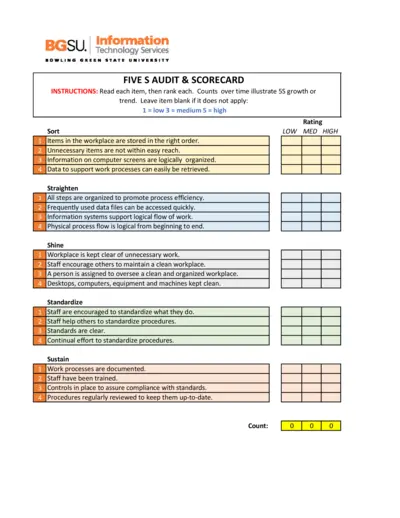
5S Audit and Scorecard Instructions
This file provides detailed instructions for conducting a 5S audit. It includes a scorecard to track organizational processes over time. Use this tool to enhance workplace efficiency and organization.
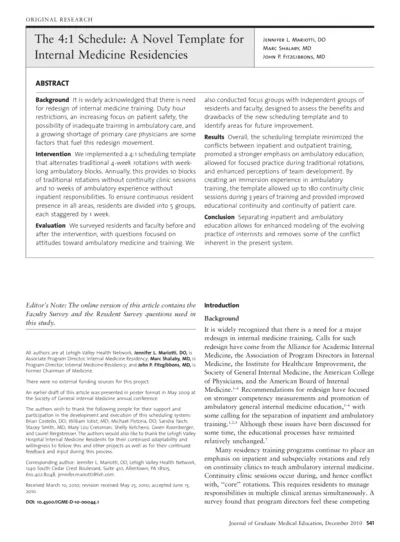
The 4:1 Schedule A Novel Template for Internal Medicine Residencies
This document presents a novel 4:1 scheduling template aimed at enhancing the internal medicine residency training. It discusses the background, methods, results, and conclusions drawn from the implementation of this template. The paper provides insights based on surveys conducted with residents and faculty to assess the effectiveness of this new model.
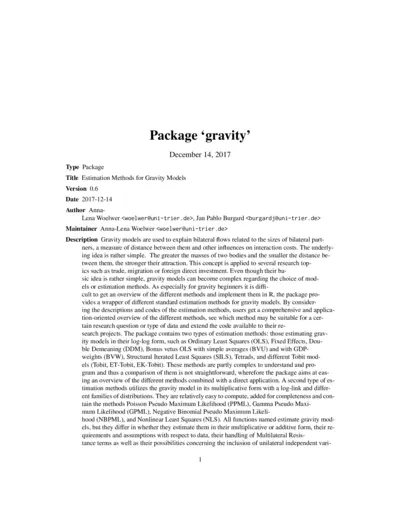
Estimation Methods for Gravity Models (Package Gravity)
This file contains the 'gravity' package which provides various estimation methods for analyzing bilateral flows. It offers users guidance on implementing gravity models effectively in R. Ideal for researchers exploring trade, migration, or foreign direct investment using gravity models.
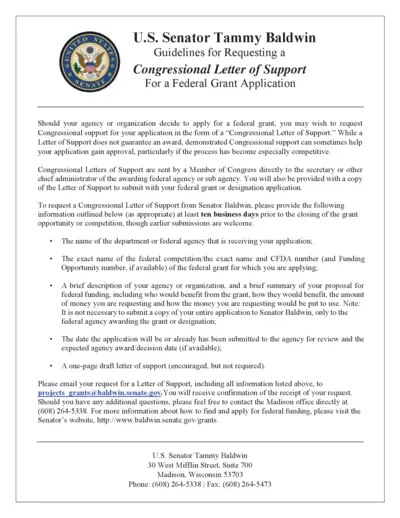
Request Congressional Letter of Support for Grants
This file provides guidelines for requesting a Congressional Letter of Support from Senator Tammy Baldwin for federal grant applications. It outlines the required information and submission processes needed to receive support for your grant application. Follow the instructions to enhance your application's chances of success.
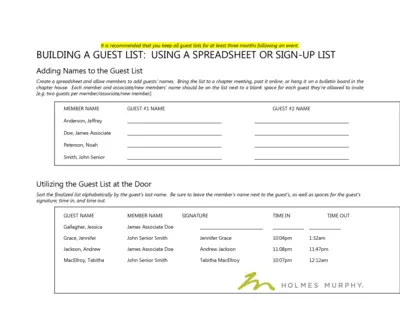
Guest List Management and Event Instructions
This file provides comprehensive guidelines for building and managing guest lists for events. It includes instructions on how to fill out the guest list, utilize invitations, and keep track of attendees. Ideal for organizations planning events requiring guest management.
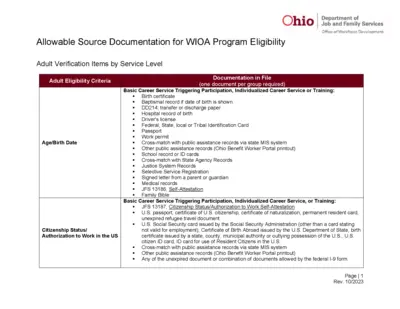
Ohio Allowable Documentation WIOA Program Eligibility
This file provides guidance on allowable documentation for WIOA program eligibility. It includes details on adult verification items by service level and eligibility criteria. Useful for individuals seeking assistance with workforce development programs in Ohio.