
Guest List Management and Event Instructions
This file provides comprehensive guidelines for building and managing guest lists for events. It includes instructions on how to fill out the guest list, utilize invitations, and keep track of attendees. Ideal for organizations planning events requiring guest management.
Edit, Download, and Sign the Guest List Management and Event Instructions
Form
eSign
Add Annotation
Share Form
How do I fill this out?
Filling out the guest list involves several simple steps. Begin by creating a spreadsheet or invitation design for members to add guests' names. Make sure to gather completed lists to facilitate smooth check-ins at your event.

How to fill out the Guest List Management and Event Instructions?
1
Create a spreadsheet or invitation template.
2
Allow members to input their guests' names.
3
Sort the finalized list alphabetically.
4
Prepare a sign-in sheet at the door.
5
Track guests' entry and exit times.
Who needs the Guest List Management and Event Instructions?
1
Event planners need this file to efficiently manage their guest lists.
2
Organizations hosting events benefit from structuring invitations.
3
Members of clubs or fraternities use this file for social gatherings.
4
Administrative staff require the file to keep track of attendees.
5
Volunteers working at events depend on this for smooth operations.
How PrintFriendly Works
At PrintFriendly.com, you can edit, sign, share, and download the Guest List Management and Event Instructions along with hundreds of thousands of other documents. Our platform helps you seamlessly edit PDFs and other documents online. You can edit our large library of pre-existing files and upload your own documents. Managing PDFs has never been easier.

Edit your Guest List Management and Event Instructions online.
Editing your PDF on PrintFriendly is straightforward. Simply upload your document and make adjustments directly in the editor. You'll have access to various editing tools to customize your file as needed.

Add your legally-binding signature.
Signing your PDF on PrintFriendly is a seamless process. You can add your signature digitally anywhere on the document. This allows you to authenticate your files quickly and efficiently.

Share your form instantly.
Sharing your PDF on PrintFriendly is easy and convenient. Once your document is ready, use the sharing options to send it via email or social media. This ensures your information reaches your audience promptly.
How do I edit the Guest List Management and Event Instructions online?
Editing your PDF on PrintFriendly is straightforward. Simply upload your document and make adjustments directly in the editor. You'll have access to various editing tools to customize your file as needed.
1
Upload the PDF file to PrintFriendly.
2
Use the editing tools to make necessary changes.
3
Adjust text or images to fit your preferences.
4
Save your edited document.
5
Download or share the finalized PDF.

What are the instructions for submitting this form?
Submit your completed guest list either via email to the event organizer or bring a printed version to the meeting. Make sure to include all necessary details like guest names and respective member designations. For large events, consider using online submission options for easier management.
What are the important dates for this form in 2024 and 2025?
There are no specific important dates related to this form for 2024 and 2025. However, ensure to plan your guest lists well in advance of events to avoid last-minute issues.

What is the purpose of this form?
The purpose of this form is to facilitate the organization and management of guest lists for various events. By providing a structured format for capturing guest information, it ensures a smooth check-in experience. This form is designed to streamline the planning process, enabling hosts to focus on delivering memorable events.

Tell me about this form and its components and fields line-by-line.

- 1. Member Name: The name of the member inviting guests.
- 2. Guest Name: Names of the guests invited by each member.
- 3. Signature: Area for guests to sign upon arrival.
- 4. Time In: The time the guest arrives at the event.
- 5. Time Out: The time the guest leaves the event.
What happens if I fail to submit this form?
Failing to submit this form can lead to disorganized events and incomplete guest tracking. This can cause confusion during check-ins and may affect the overall experience for both hosts and attendees.
- Missing Guests: You may not have an accurate count of attendees.
- Check-In Delays: Hosts may struggle to manage entry without a list.
- Limited Guest Control: Without records, controlling the number of guests can be challenging.
How do I know when to use this form?

- 1. Social Events: Ideal for managing guest lists for parties and social gatherings.
- 2. Official Meetings: Use it for professional events where tracking attendance is essential.
- 3. Fraternity/Sorority Events: A must-have for Greek life functions to invite and check guests efficiently.
Frequently Asked Questions
Can I add my own formatting to the guest list?
Yes, the editing tools allow you to customize the format of your guest list.
Is there a limit to the number of guests I can add?
No, you can add as many guests as necessary to your list.
Can I use this file for multiple events?
Absolutely, this file can be reused for various events.
How do I save my edits?
After editing, simply download the updated PDF.
Is it possible to print the guest list directly from the app?
Yes, you can print directly from PrintFriendly.
What if I need to share the PDF quickly?
You can share your PDF via email or social media right after editing.
Can I work on this file collaboratively?
Yes, you can share the PDF with others for collaborative editing.
What kind of events can this guest list be used for?
This guest list is versatile and can be used for parties, meetings, and other social events.
What if I make a mistake while editing?
You can easily undo changes or start over at any time.
Is there a tutorial available for using PrintFriendly?
Yes, PrintFriendly offers tutorials on how to use various features effectively.
Related Documents - GuestListInstructions
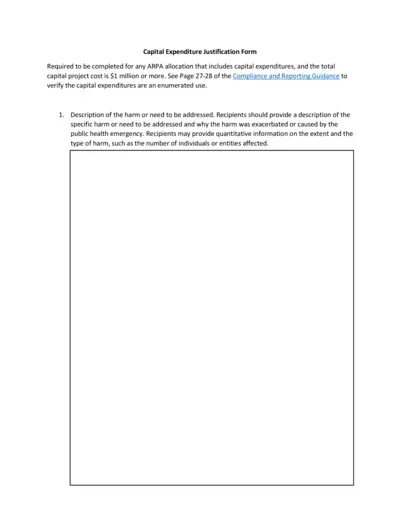
Capital Expenditure Justification Form
This file is used to justify any ARPA allocation that includes capital expenditures, and the total capital project cost is $1 million or more. It outlines the harm or need to be addressed, why capital expenditures are necessary, and compares alternative projects.
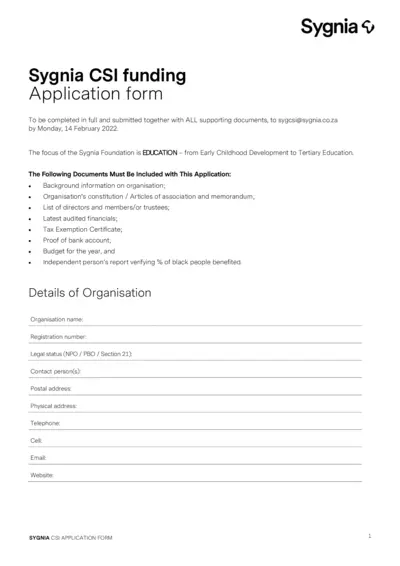
Sygnia CSI Funding Application Form
This file is an application form for Sygnia CSI funding, focusing on education from Early Childhood Development to Tertiary Education. It includes necessary details such as background information, project details, and supporting documents required for the application. The submission deadline is Monday, 14 February 2022.
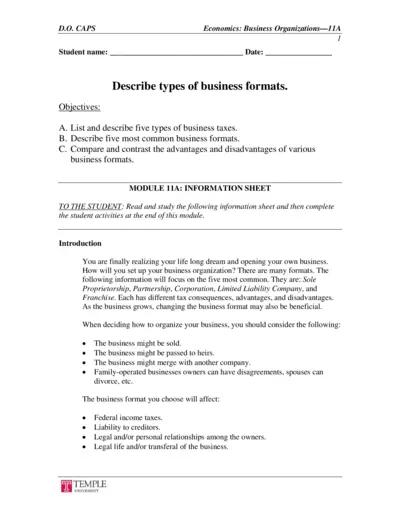
Economics: Business Organizations and Tax Information
This file provides an in-depth overview of business organizations and the various types of business taxes. Readers will learn about different business formats such as Sole Proprietorship, Partnership, Corporation, Limited Liability Company, and Franchise, along with advantages and disadvantages of each. It also covers key aspects of business taxes.
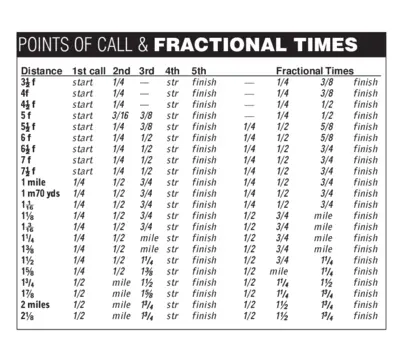
Points of Call and Fractional Times Detailed Guide
This file contains detailed information about points of call and fractional times for various distances. It's a comprehensive guide for racing enthusiasts. Use it to understand the breakdown of different segments in a race.
Cost Benefit Analysis Template for Organizations
This Cost Benefit Analysis template provides organizations with a comprehensive framework to evaluate potential solutions. It outlines the costs, benefits, and alternatives for projects, helping decision-makers assess strategic goals. Ideal for funders and stakeholders managing project proposals.
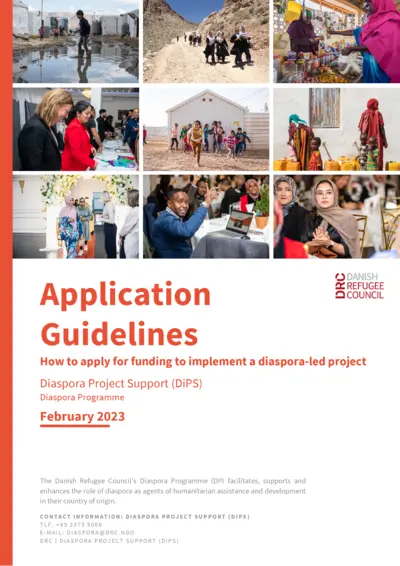
Danish Refugee Council Diaspora Project Guidelines
This document provides comprehensive guidelines on applying for funding to implement diaspora-led projects. It covers eligibility, application processes, and available funding tracks. Ideal for Afghan and Somali diaspora in Denmark seeking support for development initiatives.
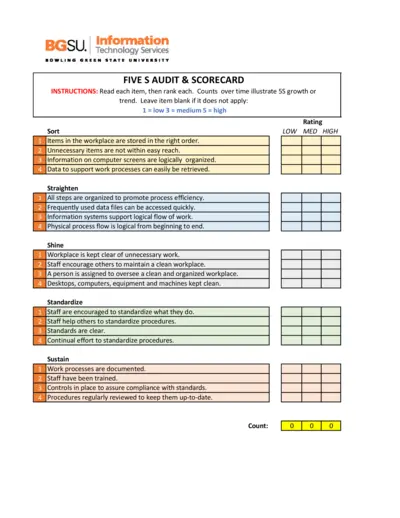
5S Audit and Scorecard Instructions
This file provides detailed instructions for conducting a 5S audit. It includes a scorecard to track organizational processes over time. Use this tool to enhance workplace efficiency and organization.
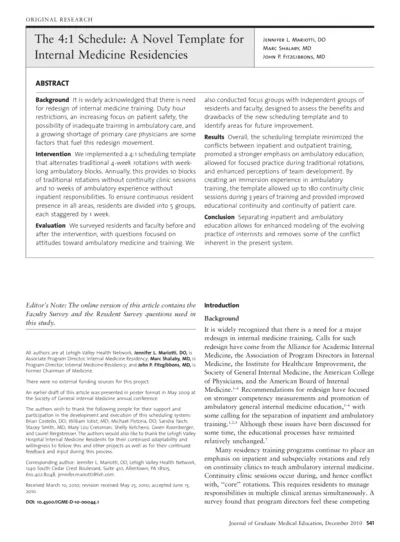
The 4:1 Schedule A Novel Template for Internal Medicine Residencies
This document presents a novel 4:1 scheduling template aimed at enhancing the internal medicine residency training. It discusses the background, methods, results, and conclusions drawn from the implementation of this template. The paper provides insights based on surveys conducted with residents and faculty to assess the effectiveness of this new model.
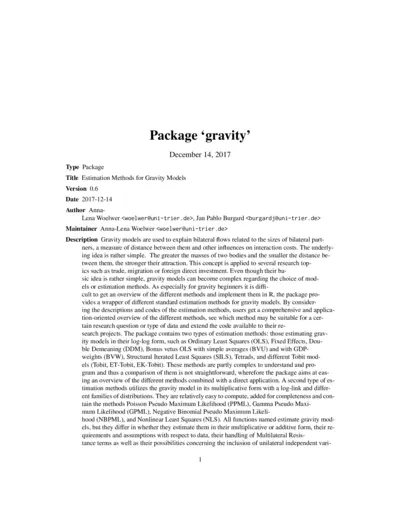
Estimation Methods for Gravity Models (Package Gravity)
This file contains the 'gravity' package which provides various estimation methods for analyzing bilateral flows. It offers users guidance on implementing gravity models effectively in R. Ideal for researchers exploring trade, migration, or foreign direct investment using gravity models.
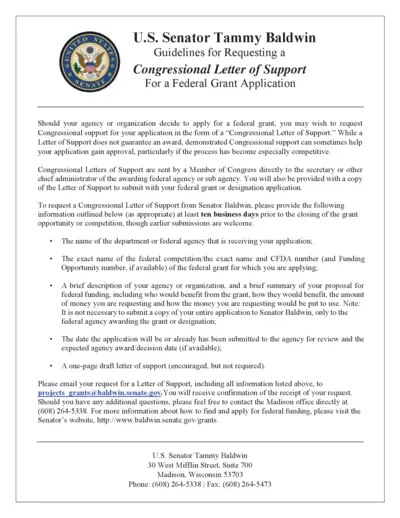
Request Congressional Letter of Support for Grants
This file provides guidelines for requesting a Congressional Letter of Support from Senator Tammy Baldwin for federal grant applications. It outlines the required information and submission processes needed to receive support for your grant application. Follow the instructions to enhance your application's chances of success.
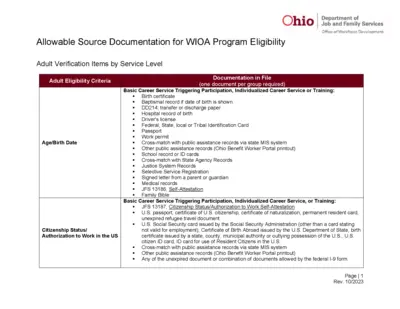
Ohio Allowable Documentation WIOA Program Eligibility
This file provides guidance on allowable documentation for WIOA program eligibility. It includes details on adult verification items by service level and eligibility criteria. Useful for individuals seeking assistance with workforce development programs in Ohio.
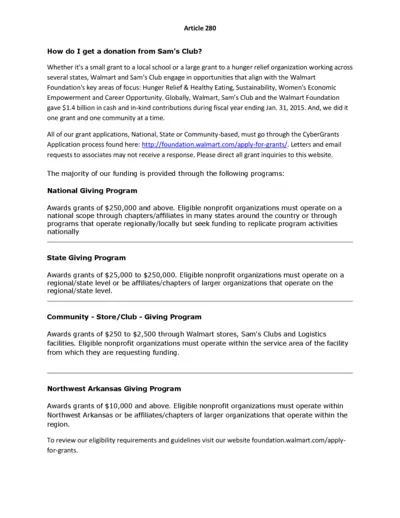
Donation Application Guidelines for Sam's Club
This document provides comprehensive guidelines on obtaining donations from Sam's Club. It details the funding opportunities and the application process through CyberGrants. Ideal for nonprofits looking to secure funding for various initiatives.