
Controlled Substance Log for Medication Dispensing
This file serves as a Controlled Substance Log to accurately document medication dispensing. It is essential for healthcare providers to maintain compliance and manage inventories effectively. Use this form to track dosages, quantities, and patient details.
Edit, Download, and Sign the Controlled Substance Log for Medication Dispensing
Form
eSign
Add Annotation
Share Form
How do I fill this out?
Filling out this log is straightforward. Begin by entering the medication name and dosage information. Ensure all sections are completed for accurate records.

How to fill out the Controlled Substance Log for Medication Dispensing?
1
Enter the Medication Name and Dosage.
2
Fill in the Quantity of Drug dispensed.
3
Note the Physician's DEA Number and Manufacturer Name.
4
Record the Date Administered and Lot Number.
5
Ensure all authorized personnel's details are entered.
Who needs the Controlled Substance Log for Medication Dispensing?
1
Healthcare providers need this log to document medication dispensing accurately.
2
Pharmacists use this log for tracking controlled substances in inventory.
3
Nurses require this file for precise patient medication administration records.
4
Compliance officers need this form to ensure adherence to DEA regulations.
5
Clinical managers use this documentation for internal audits and reviews.
How PrintFriendly Works
At PrintFriendly.com, you can edit, sign, share, and download the Controlled Substance Log for Medication Dispensing along with hundreds of thousands of other documents. Our platform helps you seamlessly edit PDFs and other documents online. You can edit our large library of pre-existing files and upload your own documents. Managing PDFs has never been easier.

Edit your Controlled Substance Log for Medication Dispensing online.
Editing this PDF on PrintFriendly is simple and user-friendly. Start by launching the PDF editor and uploading the file. You can easily modify text, adjust formatting, and save your changes with just a few clicks.

Add your legally-binding signature.
You can sign the PDF on PrintFriendly with ease. Use our integrated signature tool to add your signature directly onto the document. After signing, you can save or share your signed document quickly.

Share your form instantly.
Sharing the PDF on PrintFriendly is straightforward. Once your document is ready, you can use the share feature to send it via email or copy the link to share it across platforms. This enhances collaboration and accessibility.
How do I edit the Controlled Substance Log for Medication Dispensing online?
Editing this PDF on PrintFriendly is simple and user-friendly. Start by launching the PDF editor and uploading the file. You can easily modify text, adjust formatting, and save your changes with just a few clicks.
1
Click on the upload button to load your PDF document.
2
Select the 'Edit' option from the toolbar.
3
Use the editing tools to modify text or numbers where necessary.
4
Once you are satisfied with the changes, save your document.
5
Download the edited PDF to your device.

What are the instructions for submitting this form?
To submit the Controlled Substance Log, you can email it directly to the designated department's email address provided by your facility. If faxing is preferred, send it to the fax number listed on the form. For physical submissions, ensure it is delivered to the correct administrative office within your organization. Always double-check for any specific submission requirements from your organization. Maintaining organized and timely submissions helps streamline processe...
What are the important dates for this form in 2024 and 2025?
Important dates for submission may vary based on local regulations and healthcare policies. Ensure to check with your regulatory body for any deadlines. Regularly update your records to maintain compliance, especially at year-end audits.

What is the purpose of this form?
The primary purpose of the Controlled Substance Log is to provide an accurate record of medication dispensing, particularly for controlled substances. It ensures that all dosage and patient information is properly documented, promoting accountability in healthcare practices. By maintaining this log, healthcare providers can comply with legal requirements and improve patient safety.

Tell me about this form and its components and fields line-by-line.

- 1. Medication Name: The name of the medication being dispensed.
- 2. Original Quantity of Drug: The total amount of the drug available at the start.
- 3. Manufacturer Name: The name of the company that manufactures the drug.
- 4. Physician's DEA Number: The Drug Enforcement Administration number of the prescribing physician.
- 5. Date Administered: The date the medication was administered to the patient.
- 6. Dosage: The amount of medication given to the patient.
- 7. Lot Number: The lot number assigned to the medication by the manufacturer.
- 8. DEA Expires: The expiration date of the DEA registration.
- 9. Name of Patient Receiving Drug: The full name of the patient for whom the medication is dispensed.
- 10. Quantity Dispensed: The exact amount of medication that was dispensed.
- 11. Additions: Notations for any additional entries or changes made.
- 12. Remaining Doses on Hand: Records the remaining medications available.
- 13. Print Name of Authorized Person Dispensing Drug: The printed name of the person authorized to dispense the medication.
- 14. Initials: Initials of the person dispensing the medication.
What happens if I fail to submit this form?
Failing to submit this log can lead to discrepancies in medication records and potential legal issues. It is essential to maintain up-to-date records for compliance purposes. Healthcare providers may face penalties if the log is not accurately filled and submitted.
- Legal Penalties: Not maintaining proper logs may result in fines or legal actions from regulatory bodies.
- Inventory Discrepancies: Inaccuracies can cause issues with drug inventory management.
- Patient Safety Risks: Failure to document properly can lead to medication errors that affect patient safety.
How do I know when to use this form?

- 1. Medication Administration: When administering medications to patients, document the details.
- 2. Drug Inventory Management: Track how much medication is remaining and manage inventory.
- 3. Regulatory Compliance: Ensure adherence to DEA regulations by maintaining accurate records.
Frequently Asked Questions
How do I edit the Controlled Substance Log?
You can edit the log by uploading it to PrintFriendly and using the editing tools provided.
Can I download the PDF after editing?
Yes, you can download the edited PDF to your device after making changes.
Is it possible to share the log quickly?
Yes, PrintFriendly allows you to share your PDF via email or by generating a shareable link.
Are there any template options?
PrintFriendly provides options to adjust your document format as needed.
Can multiple users edit this PDF?
Yes, the PDF can be shared among users for collaborative editing.
What file formats can I upload?
You can upload PDF files to PrintFriendly.
How do I sign the PDF after editing?
You can use the signature feature within PrintFriendly to add your signature directly.
What if I make a mistake while editing?
You can easily undo changes or re-edit your document.
Is there a limit to how many times I can download?
No, there are no limits to downloading your edited files.
Can I access this service on mobile devices?
Yes, PrintFriendly is accessible on various mobile devices.
Related Documents - Controlled Substance Log
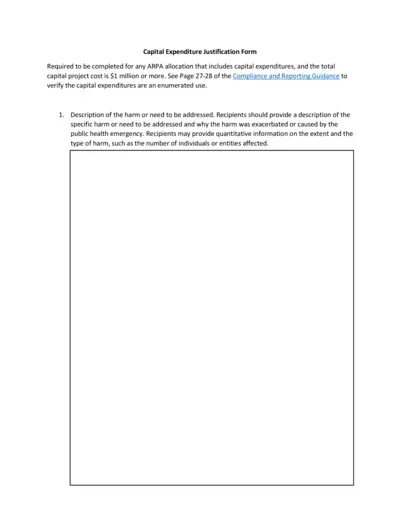
Capital Expenditure Justification Form
This file is used to justify any ARPA allocation that includes capital expenditures, and the total capital project cost is $1 million or more. It outlines the harm or need to be addressed, why capital expenditures are necessary, and compares alternative projects.
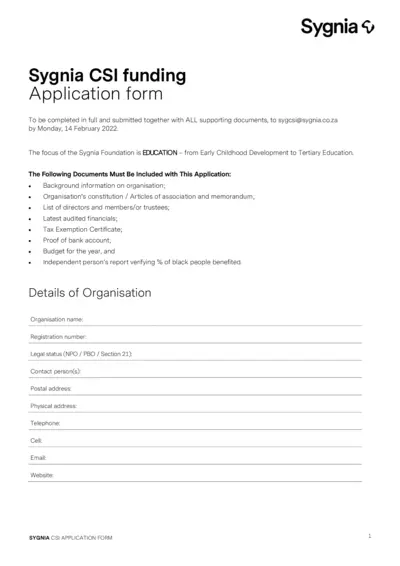
Sygnia CSI Funding Application Form
This file is an application form for Sygnia CSI funding, focusing on education from Early Childhood Development to Tertiary Education. It includes necessary details such as background information, project details, and supporting documents required for the application. The submission deadline is Monday, 14 February 2022.
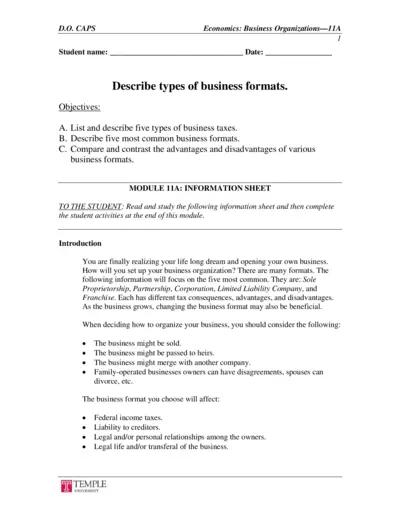
Economics: Business Organizations and Tax Information
This file provides an in-depth overview of business organizations and the various types of business taxes. Readers will learn about different business formats such as Sole Proprietorship, Partnership, Corporation, Limited Liability Company, and Franchise, along with advantages and disadvantages of each. It also covers key aspects of business taxes.
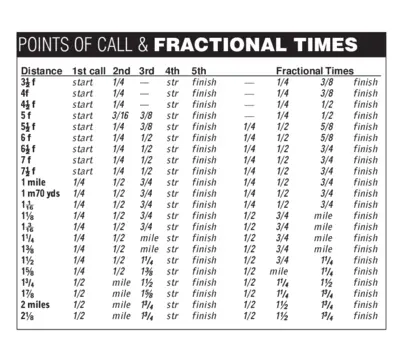
Points of Call and Fractional Times Detailed Guide
This file contains detailed information about points of call and fractional times for various distances. It's a comprehensive guide for racing enthusiasts. Use it to understand the breakdown of different segments in a race.
Cost Benefit Analysis Template for Organizations
This Cost Benefit Analysis template provides organizations with a comprehensive framework to evaluate potential solutions. It outlines the costs, benefits, and alternatives for projects, helping decision-makers assess strategic goals. Ideal for funders and stakeholders managing project proposals.

Danish Refugee Council Diaspora Project Guidelines
This document provides comprehensive guidelines on applying for funding to implement diaspora-led projects. It covers eligibility, application processes, and available funding tracks. Ideal for Afghan and Somali diaspora in Denmark seeking support for development initiatives.
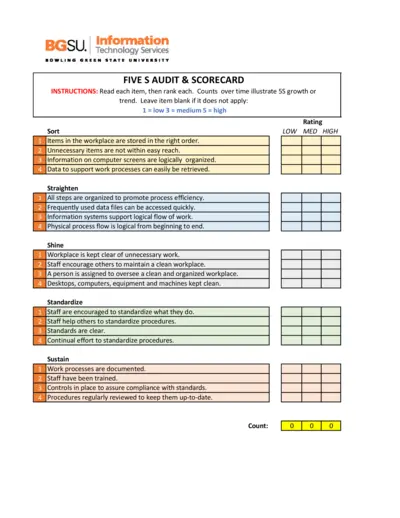
5S Audit and Scorecard Instructions
This file provides detailed instructions for conducting a 5S audit. It includes a scorecard to track organizational processes over time. Use this tool to enhance workplace efficiency and organization.
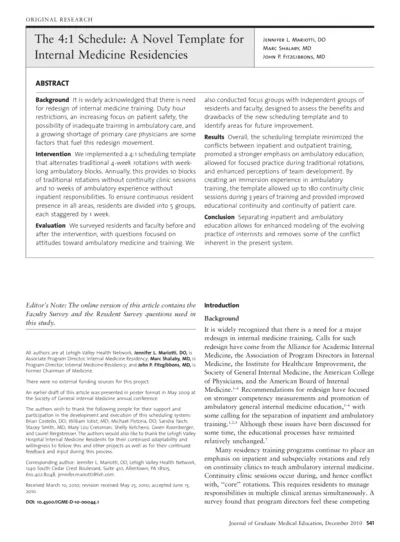
The 4:1 Schedule A Novel Template for Internal Medicine Residencies
This document presents a novel 4:1 scheduling template aimed at enhancing the internal medicine residency training. It discusses the background, methods, results, and conclusions drawn from the implementation of this template. The paper provides insights based on surveys conducted with residents and faculty to assess the effectiveness of this new model.
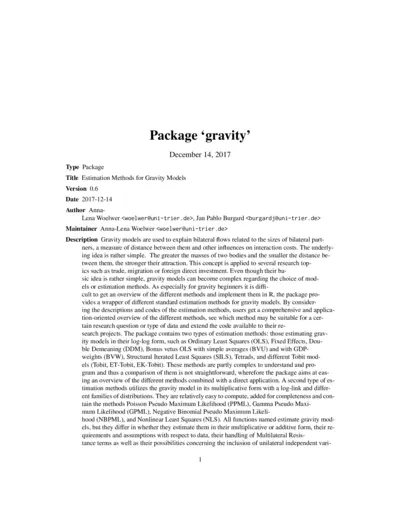
Estimation Methods for Gravity Models (Package Gravity)
This file contains the 'gravity' package which provides various estimation methods for analyzing bilateral flows. It offers users guidance on implementing gravity models effectively in R. Ideal for researchers exploring trade, migration, or foreign direct investment using gravity models.
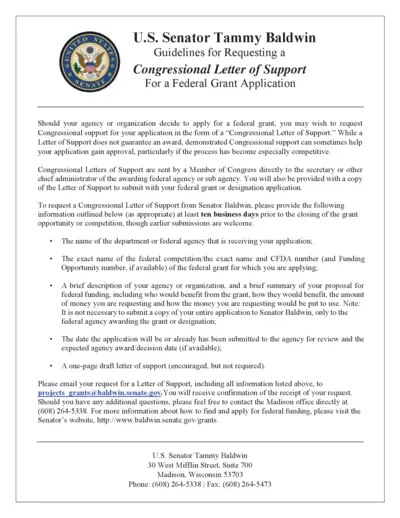
Request Congressional Letter of Support for Grants
This file provides guidelines for requesting a Congressional Letter of Support from Senator Tammy Baldwin for federal grant applications. It outlines the required information and submission processes needed to receive support for your grant application. Follow the instructions to enhance your application's chances of success.
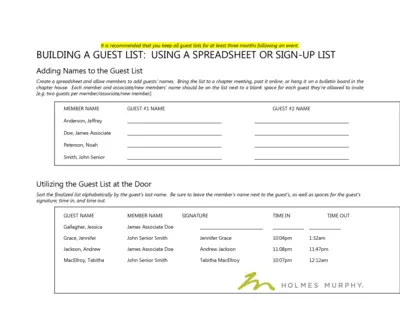
Guest List Management and Event Instructions
This file provides comprehensive guidelines for building and managing guest lists for events. It includes instructions on how to fill out the guest list, utilize invitations, and keep track of attendees. Ideal for organizations planning events requiring guest management.
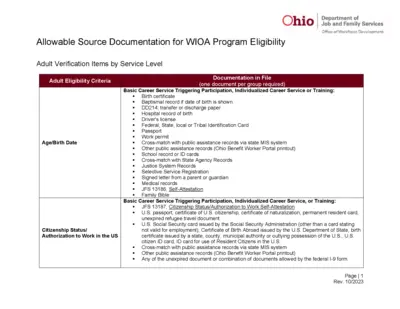
Ohio Allowable Documentation WIOA Program Eligibility
This file provides guidance on allowable documentation for WIOA program eligibility. It includes details on adult verification items by service level and eligibility criteria. Useful for individuals seeking assistance with workforce development programs in Ohio.