
Cabin Steward Position Description for Housekeeping
This file outlines the position description for a Cabin Steward in the housekeeping department. It includes essential duties, qualifications, and responsibilities necessary for effective performance. This document serves as a vital resource for those pursuing or managing this role.
Edit, Download, and Sign the Cabin Steward Position Description for Housekeeping
Form
eSign
Add Annotation
Share Form
How do I fill this out?
To fill out this file, begin by carefully reading all sections provided. Focus on the essential duties and responsibilities to understand the expectations for the position. Ensure that all relevant details and qualifications are accurately entered.

How to fill out the Cabin Steward Position Description for Housekeeping?
1
Read the position summary carefully.
2
List essential duties and responsibilities.
3
Check required qualifications and skills.
4
Fill in any additional relevant information.
5
Review the document for accuracy and completeness.
Who needs the Cabin Steward Position Description for Housekeeping?
1
HR managers who are hiring for the role.
2
Potential candidates interested in applying.
3
Training coordinators developing onboarding materials.
4
Department heads needing to understand role requirements.
5
Recruiters searching for qualified candidates.
How PrintFriendly Works
At PrintFriendly.com, you can edit, sign, share, and download the Cabin Steward Position Description for Housekeeping along with hundreds of thousands of other documents. Our platform helps you seamlessly edit PDFs and other documents online. You can edit our large library of pre-existing files and upload your own documents. Managing PDFs has never been easier.

Edit your Cabin Steward Position Description for Housekeeping online.
You can easily edit this PDF on PrintFriendly by uploading the document to our editor. Once the PDF is opened, you can click on the sections you wish to edit and make your changes. After editing, simply download the updated document to your device.

Add your legally-binding signature.
Signing this PDF on PrintFriendly is straightforward. Open the document in our editor, then select the signature option provided. You can customize your signature and place it directly on the document before downloading.

Share your form instantly.
Sharing this PDF on PrintFriendly is user-friendly. After editing and signing, you can use the share feature to distribute the document via email or social media directly from our platform. This ensures that your important documents reach your intended audience quickly.
How do I edit the Cabin Steward Position Description for Housekeeping online?
You can easily edit this PDF on PrintFriendly by uploading the document to our editor. Once the PDF is opened, you can click on the sections you wish to edit and make your changes. After editing, simply download the updated document to your device.
1
Upload the PDF file to PrintFriendly.
2
Access the document in the editing interface.
3
Make the necessary changes to the content.
4
Preview the edited document for verification.
5
Download the completed file to your device.

What are the instructions for submitting this form?
To submit this form, ensure all fields are accurately completed. You can send the completed document via email to HR@example.com, or fax it to (123) 456-7890. Additionally, the submission can be done in person at the HR department located at 123 Cruise Line Ave, Suite 100.
What are the important dates for this form in 2024 and 2025?
All applicable dates for the role will be determined by recruitment and onboarding schedules, which may adjust annually based on operational needs.

What is the purpose of this form?
This form serves to clearly outline the expectations and responsibilities associated with the Cabin Steward position. It is crucial for ensuring both the employer and the employee have a mutual understanding of the role, reducing confusion and facilitating better job performance. Moreover, it acts as a foundational tool in the hiring process, helping to attract suitable candidates.

Tell me about this form and its components and fields line-by-line.

- 1. Position Title: Identifies the job title.
- 2. Department: Indicates the department where the role is located.
- 3. Position Summary: Briefly describes the overall role of the Cabin Steward.
- 4. Essential Duties: Lists the core responsibilities associated with the position.
- 5. Qualifications: Details the required skills and experience for the role.
What happens if I fail to submit this form?
Failing to submit this form may lead to delays in the hiring process and can affect candidate selection. It is essential to ensure the completion and accuracy of all required fields to avoid any misunderstandings. Submitting incomplete forms may result in the disqualification of potential candidates.
- Incomplete Applications: An incomplete submission may result in automatic disqualification.
- Miscommunication: Failure to provide accurate role details could lead to misunderstandings.
- Hiring Delays: Not submitting the form on time can postpone the recruitment process.
How do I know when to use this form?

- 1. Recruiting Candidates: Utilized by HR to attract and evaluate potential employees.
- 2. Employee Training: Serves as a guide in training and onboarding newly hired staff.
- 3. Performance Assessments: Acts as a reference point during performance evaluations.
Frequently Asked Questions
How can I edit this PDF?
You can edit this PDF by uploading it to PrintFriendly's editor and modifying the content directly.
Is it possible to sign the document?
Yes, you can sign the document using the signature feature in the PrintFriendly editor.
Can I share the PDF with others?
Absolutely, you can share the PDF via email or social media from PrintFriendly.
What if I need to change the format?
You can adjust formatting options within the PrintFriendly editor before downloading.
Are there tutorials available for using PrintFriendly?
Yes, PrintFriendly provides tutorials and help sections to guide users through editing and sharing.
Can I download the edited PDF?
Once you finish editing, you can download the PDF directly to your device.
Is there a limit to what I can edit?
Generally, you can edit most text and images within the PDF using PrintFriendly's editor.
Can I save my changes on PrintFriendly?
At this time, while changes aren't saved on the site, you can download the edited version.
What types of documents can I edit?
You can edit a variety of documents, including job descriptions, forms, and more.
Is PrintFriendly easy to use?
Yes, users find PrintFriendly's interface intuitive and straightforward for editing and sharing PDFs.
Related Documents - Cabin Steward Job Description
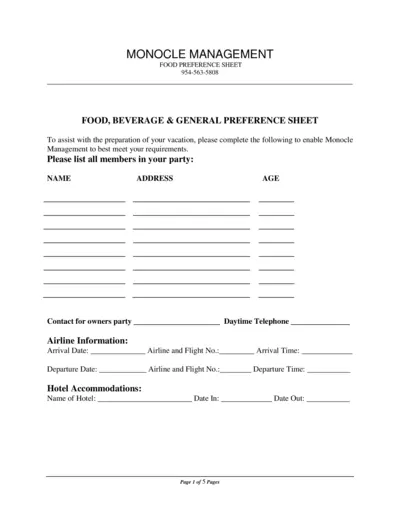
Food, Beverage & General Preference Sheet
This file assists you in preparing for your vacation by providing a comprehensive food, beverage, and activity preference sheet. Complete the form to communicate your preferences to Monocle Management. This ensures your needs are met during your vacation.
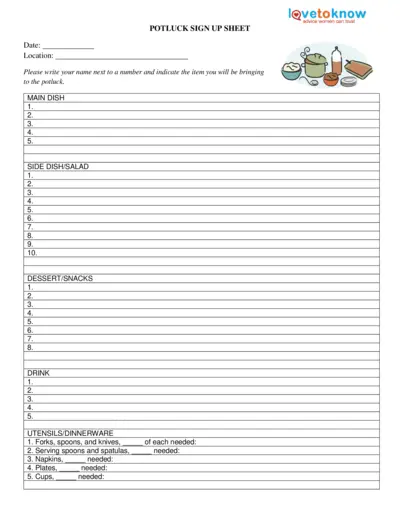
Potluck Sign Up Sheet
This document is a Potluck Sign Up Sheet. It allows participants to contribute various items for a potluck event, such as main dishes, side dishes, salads, desserts, drinks, and utensils. Easily organize and plan your next potluck with this comprehensive sign-up sheet.
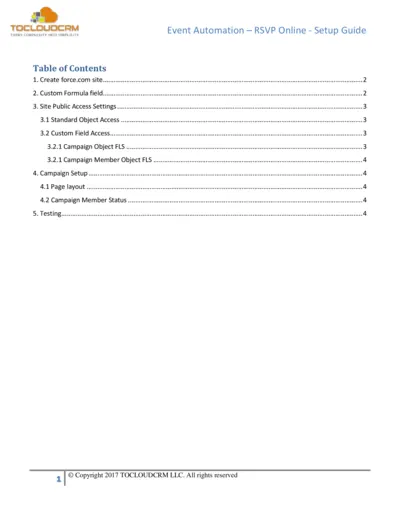
Event Automation RSVP Online Setup Guide
This setup guide provides detailed instructions for setting up the Event Automation RSVP online feature. It covers site creation, custom fields, and public access settings. Perfect for anyone looking to simplify their event RSVP process.

Room Service Order Taking Procedures Guide
This file provides comprehensive guidelines for taking room service orders. It outlines key processes, skills, and tips for successful service. Ideal for hospitality professionals looking to enhance their room service operations.
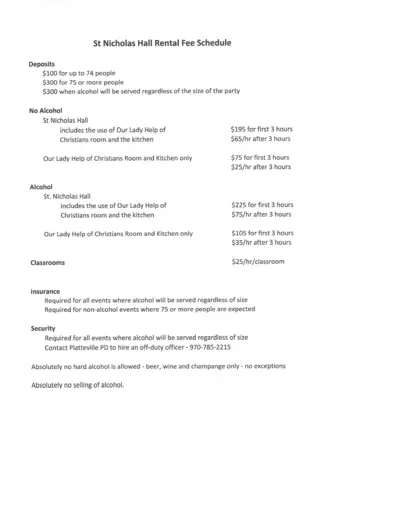
St Nicholas Hall Rental Fee Details and Policies
Discover the rental fee schedule and guidelines for hosting events at St. Nicholas Hall. This file provides essential information regarding deposits, responsibilities, and rental terms. Perfect for event planners and individuals looking to host gatherings.
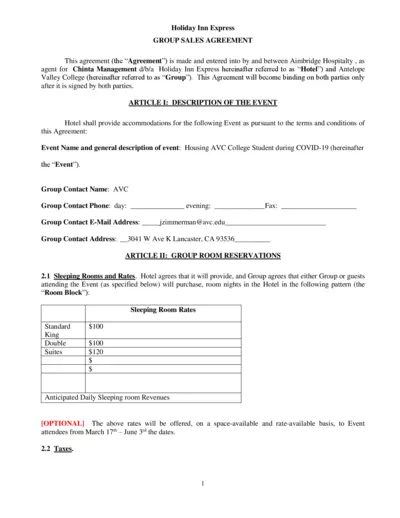
Holiday Inn Express Group Sales Agreement
This file is a Group Sales Agreement for Holiday Inn Express. It outlines event details, room reservations, policies, and billing methods. Perfect for organizations needing accommodations for events.
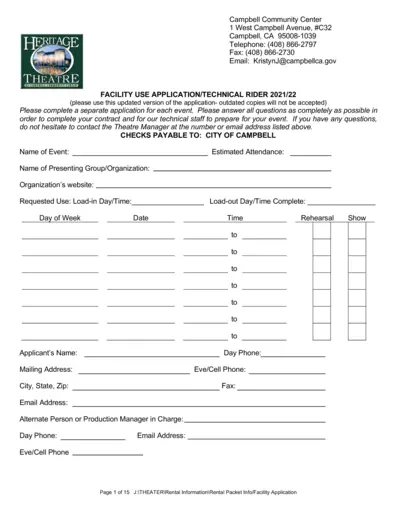
Campbell Community Center Facility Use Application
This file is a comprehensive application for utilizing the facilities at the Campbell Community Center. It includes detailed instructions for event planning and requirements for approval. Ideal for organizations looking to host events in a well-equipped venue.
Kipsu Hotel Guest Note Templates for Exceptional Service
This file contains customizable guest note templates for hotels to enhance guest experience. Utilize these templates for welcome, thank you, and text message communications. Perfect for hotel managers and staff looking to improve guest relations.

Hannaford Party Planning Guide for Events
Discover essential details for ordering party platters, appetizers, and wine from Hannaford. This guide helps you plan and celebrate your big events with ease. Order online or contact your local Hannaford store for assistance.
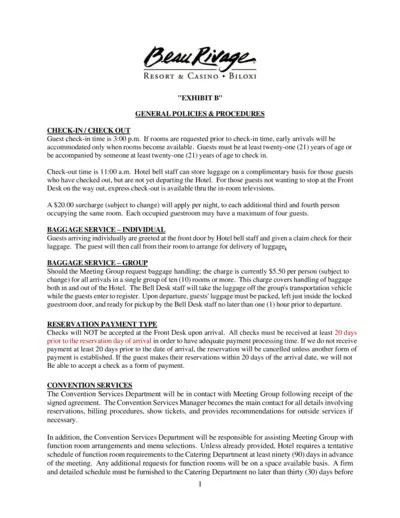
Beau Rivage Resort and Casino Policies & Procedures
This document contains the general policies and procedures for checking in and out at Beau Rivage Resort & Casino. It outlines important information about baggage services, reservation payment types, and convention services. This guide is essential for guests to understand their rights and responsibilities while staying at the hotel.
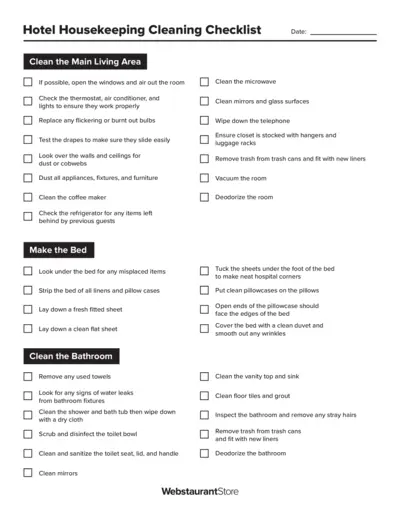
Hotel Housekeeping Cleaning Checklist
This file contains a comprehensive cleaning checklist for housekeeping staff in hotels. It provides detailed instructions to ensure every area is cleaned effectively. Ideal for maintaining high standards of hotel cleanliness.
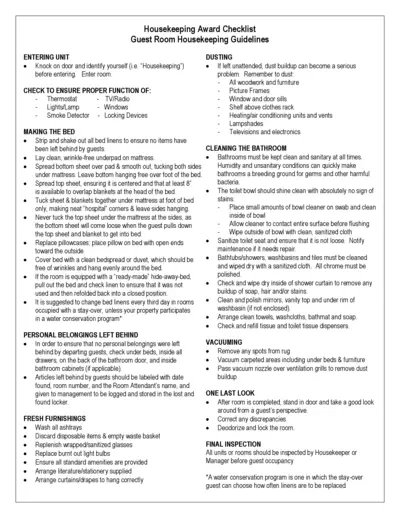
Essential Housekeeping Award Checklist Guide
This checklist provides comprehensive guidelines for housekeeping staff to ensure guest satisfaction and cleanliness. It outlines the standards for cleaning guest rooms, bathrooms, and common areas. Ideal for hotels and lodging facilities looking to maintain high housekeeping standards.