
Edit, Download, and Sign the Potluck Sign Up Sheet
Form
eSign
Add Annotation
Share Form
How do I fill this out?
To fill out the Potluck Sign Up Sheet, start by entering the date and location of the potluck event. Write your name next to the item you will be bringing. Ensure that all required sections are filled out to complete the sign-up process.

How to fill out the Potluck Sign Up Sheet?
1
Enter the date and location of the potluck event.
2
Write your name next to the item you will bring.
3
Choose from categories such as Main Dish, Side Dish/Salad, Dessert/Snacks, Drink, and Utensils/Dinnerware.
4
Indicate the items and quantities needed for utensils/dinnerware.
5
Review the completed form to ensure all sections are filled out.
Who needs the Potluck Sign Up Sheet?
1
Event organizers need this sheet to plan and coordinate potluck events.
2
Participants use it to sign up for bringing specific items to the potluck.
3
Party planners utilize it to ensure all essential items are covered.
4
Community groups and clubs can use it to organize their gatherings.
5
Office teams find it helpful for planning team-building potluck events.
How PrintFriendly Works
At PrintFriendly.com, you can edit, sign, share, and download the Potluck Sign Up Sheet along with hundreds of thousands of other documents. Our platform helps you seamlessly edit PDFs and other documents online. You can edit our large library of pre-existing files and upload your own documents. Managing PDFs has never been easier.

Edit your Potluck Sign Up Sheet online.
With PrintFriendly's new editing features, you can easily modify your Potluck Sign Up Sheet directly on the platform. Add, remove, or change text fields as needed. Seamlessly adjust the file to suit your specific event requirements.

Add your legally-binding signature.
PrintFriendly now offers the ability to sign PDFs. You can add your signature directly to the Potluck Sign Up Sheet. Simply open the sheet in PrintFriendly, click on the signature field, and sign using your mouse or touchpad.

Share your form instantly.
Sharing your Potluck Sign Up Sheet is now easier with PrintFriendly. After editing and signing your document, you can share it directly through email or social media. Easily collaborate with participants and organizers by sharing your updated sheet with a simple click.
How do I edit the Potluck Sign Up Sheet online?
With PrintFriendly's new editing features, you can easily modify your Potluck Sign Up Sheet directly on the platform. Add, remove, or change text fields as needed. Seamlessly adjust the file to suit your specific event requirements.
1
Open the Potluck Sign Up Sheet on PrintFriendly.
2
Click on the text fields to enter your information.
3
Use the editing tools to modify text, add items, or adjust quantities.
4
Save your changes once you have completed editing.
5
Share the updated sheet with participants and organizers.

What are the instructions for submitting this form?
After filling out the Potluck Sign Up Sheet, participants should submit the form to the event organizer. Submission can be done via email, fax, or in-person. If submitting electronically, ensure the file is properly saved and sent to the provided email address.
What are the important dates for this form in 2024 and 2025?
Important dates for this form will vary based on your event schedule. Ensure to set the date of your potluck event when planning.

What is the purpose of this form?
The purpose of the Potluck Sign Up Sheet is to organize and coordinate contributions for potluck events. This form helps participants indicate the items they plan to bring, ensuring a well-rounded and successful gathering. Event organizers use this sheet to track contributions and make sure essential items are covered.

Tell me about this form and its components and fields line-by-line.

- 1. Date: Space to enter the date of the potluck event.
- 2. Location: Space to enter the location of the potluck event.
- 3. Main Dish: Lines for participants to write their name and the main dish they will bring.
- 4. Side Dish/Salad: Lines for participants to write their name and the side dish or salad they will bring.
- 5. Dessert/Snacks: Lines for participants to write their name and the dessert or snacks they will bring.
- 6. Drink: Lines for participants to write their name and the drink they will bring.
- 7. Utensils/Dinnerware: Fields for participants to write the quantity of utensils and dinnerware they will bring, such as forks, spoons, knives, plates, cups, and napkins.
What happens if I fail to submit this form?
Failing to submit the Potluck Sign Up Sheet may result in disorganized contributions and missing essential items.
- Disorganization: Without the sign-up sheet, contributions may be duplicated or missing, leading to an unbalanced event.
- Missing Items: Critical items like utensils, dinnerware, or specific dishes may be overlooked, affecting the overall success of the event.
How do I know when to use this form?

- 1. Event Planning: Use this sheet to coordinate contributions and ensure all necessary items are covered.
- 2. Participant Coordination: Participants can indicate what they will bring, preventing duplication and missing items.
Frequently Asked Questions
How can I fill out the Potluck Sign Up Sheet?
You can fill out the Potluck Sign Up Sheet by entering the date, location, and your contribution in the respective fields.
Can I edit the Potluck Sign Up Sheet on PrintFriendly?
Yes, you can easily edit the Potluck Sign Up Sheet using PrintFriendly's PDF editor.
How do I sign the Potluck Sign Up Sheet?
You can sign the Potluck Sign Up Sheet by using the signature field in PrintFriendly's editor.
Is it possible to share the completed Potluck Sign Up Sheet?
Yes, after editing and signing, you can share the sheet via email or social media through PrintFriendly.
Who can use this Potluck Sign Up Sheet?
Event organizers, participants, party planners, community groups, and office teams can use this sheet for planning potluck events.
What categories are included in the Potluck Sign Up Sheet?
The categories include Main Dish, Side Dish/Salad, Dessert/Snacks, Drink, and Utensils/Dinnerware.
How do I ensure all necessary items are covered?
Review the form to make sure each category has contributions and the required quantities for utensils/dinnerware are indicated.
Can I save my edited Potluck Sign Up Sheet?
Yes, you can save your changes after editing the Potluck Sign Up Sheet on PrintFriendly.
Do I need to create an account to edit the sheet?
No, you can edit the Potluck Sign Up Sheet without creating an account on PrintFriendly.
How do I access the PDF editor on PrintFriendly?
Simply upload your Potluck Sign Up Sheet to PrintFriendly, and the PDF editor will open automatically.
Related Documents - PotluckSignUp
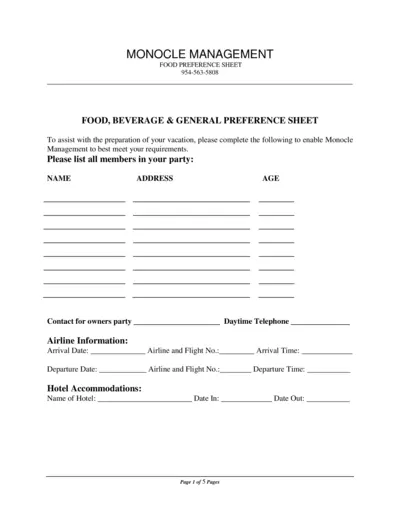
Food, Beverage & General Preference Sheet
This file assists you in preparing for your vacation by providing a comprehensive food, beverage, and activity preference sheet. Complete the form to communicate your preferences to Monocle Management. This ensures your needs are met during your vacation.
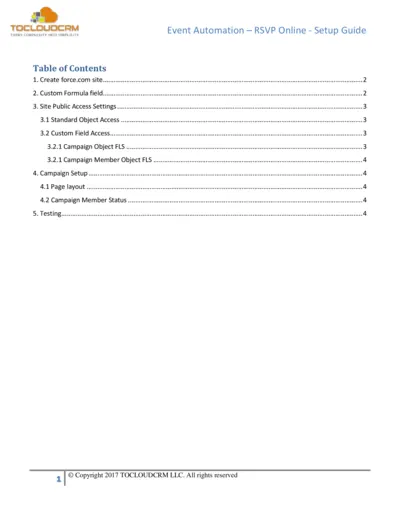
Event Automation RSVP Online Setup Guide
This setup guide provides detailed instructions for setting up the Event Automation RSVP online feature. It covers site creation, custom fields, and public access settings. Perfect for anyone looking to simplify their event RSVP process.

Room Service Order Taking Procedures Guide
This file provides comprehensive guidelines for taking room service orders. It outlines key processes, skills, and tips for successful service. Ideal for hospitality professionals looking to enhance their room service operations.
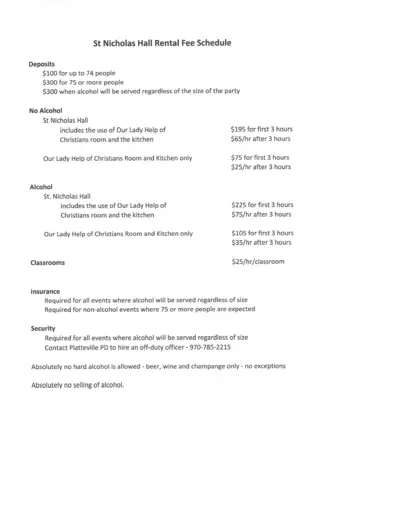
St Nicholas Hall Rental Fee Details and Policies
Discover the rental fee schedule and guidelines for hosting events at St. Nicholas Hall. This file provides essential information regarding deposits, responsibilities, and rental terms. Perfect for event planners and individuals looking to host gatherings.
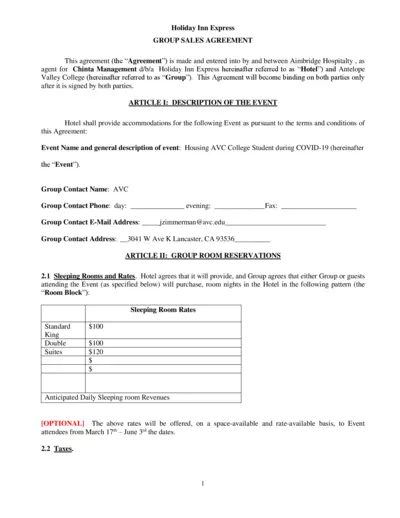
Holiday Inn Express Group Sales Agreement
This file is a Group Sales Agreement for Holiday Inn Express. It outlines event details, room reservations, policies, and billing methods. Perfect for organizations needing accommodations for events.
Campbell Community Center Facility Use Application
This file is a comprehensive application for utilizing the facilities at the Campbell Community Center. It includes detailed instructions for event planning and requirements for approval. Ideal for organizations looking to host events in a well-equipped venue.
Kipsu Hotel Guest Note Templates for Exceptional Service
This file contains customizable guest note templates for hotels to enhance guest experience. Utilize these templates for welcome, thank you, and text message communications. Perfect for hotel managers and staff looking to improve guest relations.
Hannaford Party Planning Guide for Events
Discover essential details for ordering party platters, appetizers, and wine from Hannaford. This guide helps you plan and celebrate your big events with ease. Order online or contact your local Hannaford store for assistance.
Beau Rivage Resort and Casino Policies & Procedures
This document contains the general policies and procedures for checking in and out at Beau Rivage Resort & Casino. It outlines important information about baggage services, reservation payment types, and convention services. This guide is essential for guests to understand their rights and responsibilities while staying at the hotel.
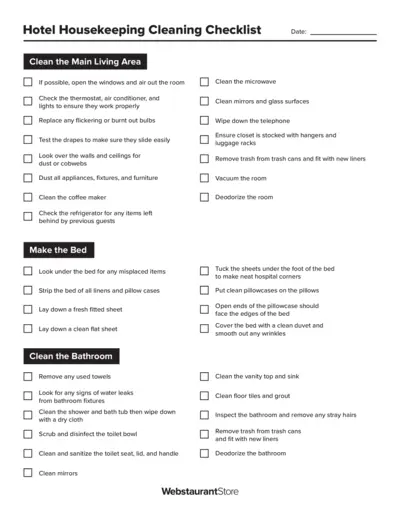
Hotel Housekeeping Cleaning Checklist
This file contains a comprehensive cleaning checklist for housekeeping staff in hotels. It provides detailed instructions to ensure every area is cleaned effectively. Ideal for maintaining high standards of hotel cleanliness.
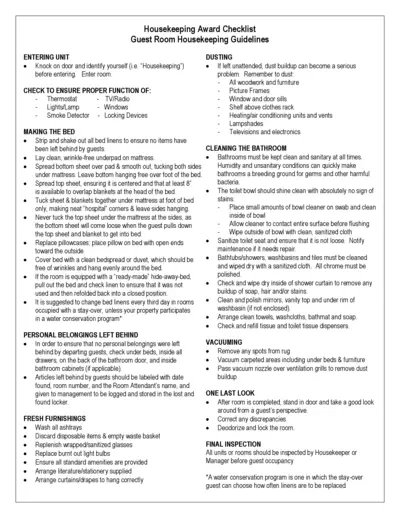
Essential Housekeeping Award Checklist Guide
This checklist provides comprehensive guidelines for housekeeping staff to ensure guest satisfaction and cleanliness. It outlines the standards for cleaning guest rooms, bathrooms, and common areas. Ideal for hotels and lodging facilities looking to maintain high housekeeping standards.
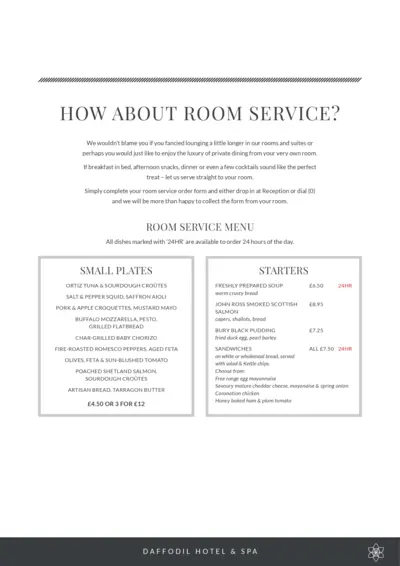
Room Service Menu and Instructions at Daffodil Hotel
Discover the exquisite room service offerings at Daffodil Hotel & Spa. Enjoy luxury dining in the comfort of your room with our extensive menu. From savory small plates to delectable desserts, we have everything to satisfy your cravings.