
Edit, Download, and Sign the Hycalc Internet Hydrant Flow Calculator
Form
eSign
Add Annotation
Share Form
How do I fill this out?
To fill out this form, start by entering the static pressure before flowing. Next, input the residual pressure and the pitot gauge reading. Finally, specify the diameter of the opening tested.

How to fill out the Hycalc Internet Hydrant Flow Calculator?
1
Enter the static pressure before flowing.
2
Input the residual pressure while flowing.
3
Fill in the pitot gauge reading.
4
Specify the diameter of the hydrant opening.
5
Submit the form to view the calculated results.
Who needs the Hycalc Internet Hydrant Flow Calculator?
1
Fire departments need this file to calculate hydrant flow rates for firefighting operations.
2
Engineers require this file to design water distribution systems effectively.
3
Water utility managers use this file for maintenance and monitoring of hydrant functionality.
4
Fire safety inspectors utilize this form for evaluating hydrant performance in their area.
5
Emergency services rely on this data to ensure adequate water supply during emergencies.
How PrintFriendly Works
At PrintFriendly.com, you can edit, sign, share, and download the Hycalc Internet Hydrant Flow Calculator along with hundreds of thousands of other documents. Our platform helps you seamlessly edit PDFs and other documents online. You can edit our large library of pre-existing files and upload your own documents. Managing PDFs has never been easier.

Edit your Hycalc Internet Hydrant Flow Calculator online.
You can easily edit this PDF document using PrintFriendly’s intuitive tools. Modify text fields directly on the page without hassle. Save your changes and download the updated file in just a few clicks.

Add your legally-binding signature.
Signing this PDF is straightforward with PrintFriendly's signature feature. Simply add your digital signature using the designated tool. Once signed, you can save and download the document.

Share your form instantly.
Sharing your edited PDF is simple with PrintFriendly. Utilize the sharing options to send the file via email or link. Ensure your colleagues have access to the updated hydrant flow calculation.
How do I edit the Hycalc Internet Hydrant Flow Calculator online?
You can easily edit this PDF document using PrintFriendly’s intuitive tools. Modify text fields directly on the page without hassle. Save your changes and download the updated file in just a few clicks.
1
Open the PDF in PrintFriendly.
2
Click on the field you want to edit.
3
Make the necessary changes to the content.
4
Once edits are complete, click save.
5
Download the edited PDF to your device.

What are the instructions for submitting this form?
To submit this form, please email your completed document to submissions@firehydrant.org. Alternatively, you can fax it to (555) 012-3456. For physical submissions, mail to FireHydrant.org, 1567 OREGION ST., Main, OR. Ensure all fields are accurately filled before submission for better processing.
What are the important dates for this form in 2024 and 2025?
Important dates for submitting this form in 2024 include April 14 for annual updates and flow assessments. 2025 vital submissions must be in before April 14 as well. Mark your calendars to ensure compliance with local regulations.

What is the purpose of this form?
The purpose of this form is to simplify the process of hydrant flow calculation. It provides necessary data for firefighting and water management professionals. Properly filling this form ensures reliable flow estimates for emergency services.

Tell me about this form and its components and fields line-by-line.

- 1. Static Pressure: Pressure before the hydrant starts flowing.
- 2. Residual Pressure: Pressure that remains while the hydrant is flowing.
- 3. Pitot Gauge Reading: Measurement taken from the pitot gauge.
- 4. Diameter: Size of the hydrant opening.
What happens if I fail to submit this form?
Failure to submit this form could result in inaccurate flow assessments, potentially jeopardizing fire safety. It could delay emergency response times and lead to ineffective firefighting efforts.
- Inaccurate Flow Data: Without submission, you risk missing out on essential hydrant flow information.
- Regulatory Non-compliance: Failure to submit may lead to non-compliance with local fire regulations.
- Emergency Readiness: Inadvisable unpreparedness in emergency situations due to lack of reliable data.
How do I know when to use this form?

- 1. Routine Testing: For regular assessments of hydrant performance.
- 2. Firefighting Planning: To ensure adequate water supply for operations.
- 3. System Evaluations: When reviewing water distribution system effectiveness.
Frequently Asked Questions
How do I calculate hydrant flow?
Input the static and residual pressures, along with the diameter, to calculate the flow.
Can I edit this PDF?
Yes, PrintFriendly allows you to edit this PDF directly.
How do I download the edited file?
After editing, simply click the download button to save your changes.
Is there a limit to the number of edits?
No, you can make as many edits as needed before downloading.
Can I share this PDF with my team?
Absolutely! Use the sharing options to distribute your file easily.
What if I make a mistake while editing?
You can always revert changes and start over if needed.
Are there templates available?
This PDF serves as a template for hydrant flow calculations.
How do I add my signature?
Use PrintFriendly’s signature tool to add your digital signature.
What if I have questions about the calculations?
Feel free to reach out to us for assistance with calculations.
Is this hydraulic information accurate?
The calculations are based on established formulas for estimation purposes.
Related Documents - Hycalc PDF
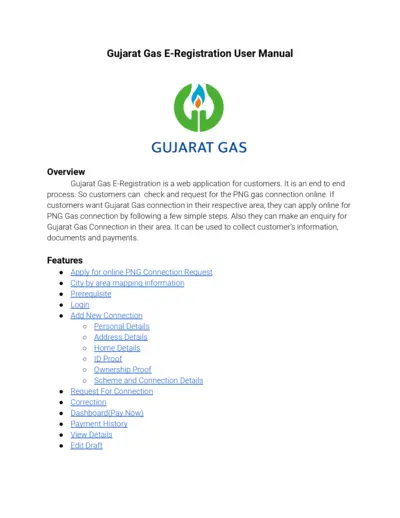
Gujarat Gas E-Registration User Manual
The Gujarat Gas E-Registration User Manual guides users through the online process of applying for a PNG gas connection. It details the steps for filling out forms, submitting documents, and making payments. It also offers features such as city by area mapping information, request corrections, and viewing detailed payment history.
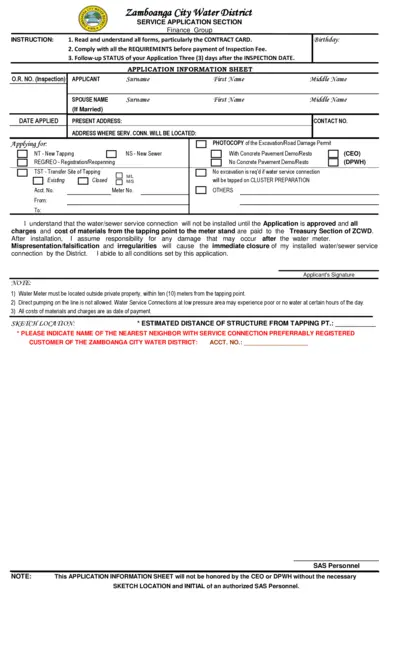
Zamboanga City Water District Service Application
This file is a service application form for the Zamboanga City Water District. It includes instructions, application information, and job order for inspection. The form should be filled out and submitted as per the guidelines provided.
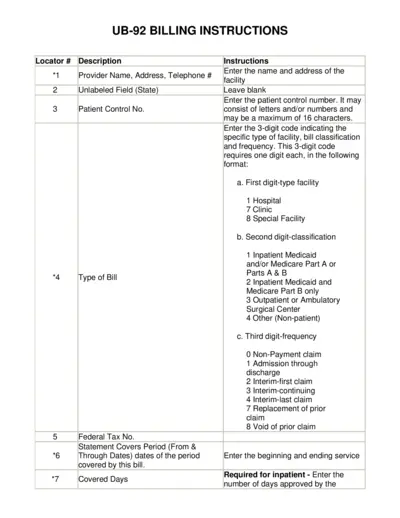
UB-92 Billing Instructions Guide for Providers
This file provides detailed instructions for completing the UB-92 form, including information on patient details, service dates, and billing codes. It is essential for healthcare providers to accurately fill out this form to ensure proper billing and reimbursement. Follow the instructions carefully to avoid errors and delays in payment.
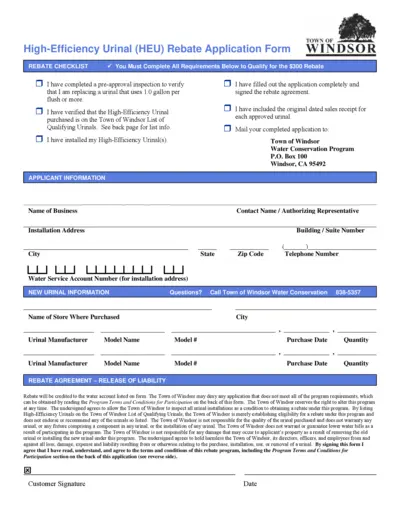
High-Efficiency Urinal (HEU) Rebate Application Form
The High-Efficiency Urinal (HEU) Rebate Application Form is used by businesses to apply for a $300 rebate for replacing old urinals with high-efficiency models. It includes applicant information, installation details, and a rebate agreement. The form must be completed, signed, and submitted with proof of purchase within 60 days of purchase.

Understanding Your PSE&G Bill
This file provides an in-depth understanding of the redesigned PSE&G bill. It includes details on the benefits of the redesign, common elements of the bill, and available resources. Learn how to read and make the most of the new PSE&G bill format.
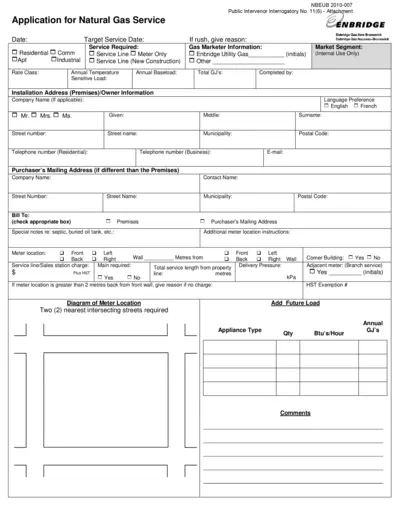
Application for Natural Gas Service - Enbridge
This file is a formal application for natural gas service provided by Enbridge Gas New Brunswick. It includes all necessary fields for different types of service requests. For assistance in filling out the form, please follow the instructions provided.
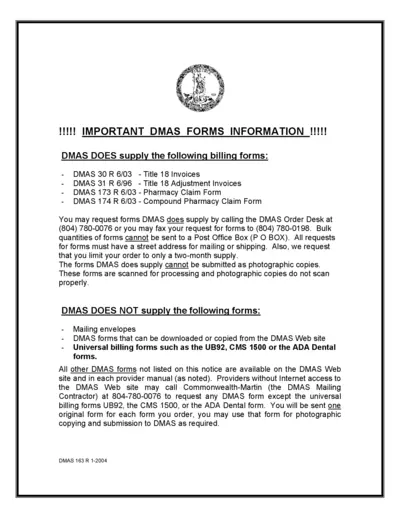
DMAS Billing Forms Information and Instructions
This file contains vital information about DMAS billing forms, including the available forms, how to request them, limitations, and submission guidelines. Use this file to understand the necessary steps for submitting your DMAS forms properly.
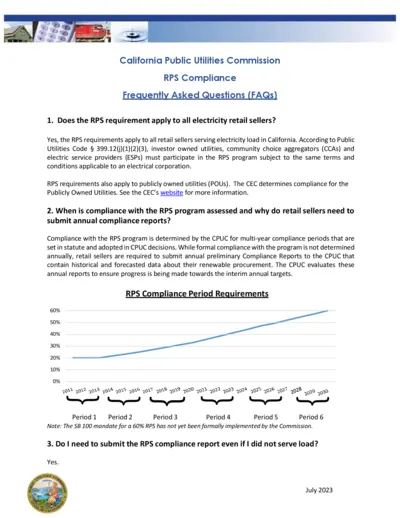
California Public Utilities Commission RPS Compliance FAQs
This document contains frequently asked questions about the RPS compliance requirements for electricity retail sellers in California. It covers compliance deadlines, reporting instructions, and penalties. Essential for utilities and energy providers.
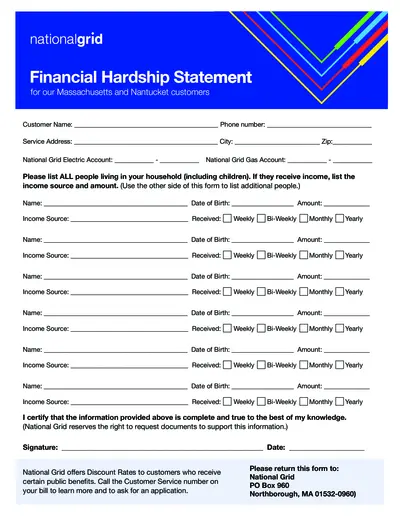
National Grid Financial Hardship Statement MA and Nantucket
This document is used by National Grid customers in Massachusetts and Nantucket who are experiencing financial hardship. It helps customers provide information about their household income. Additionally, it assists in determining eligibility for discount rates.
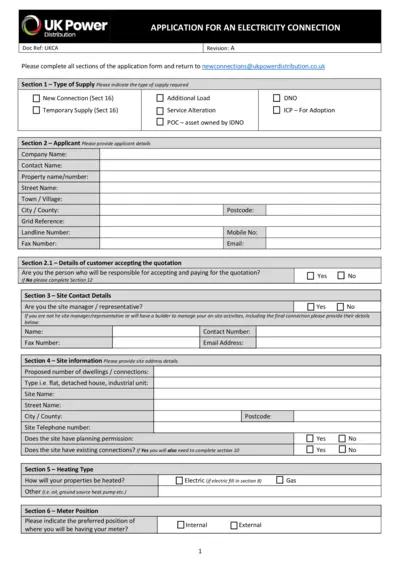
UK Power Distribution: Application for an Electricity Connection
This document is an application form for requesting a new electricity connection with UK Power Distribution. It includes sections for applicant details, site information, electrical load details, and more. Complete all required sections and submit the form for processing.
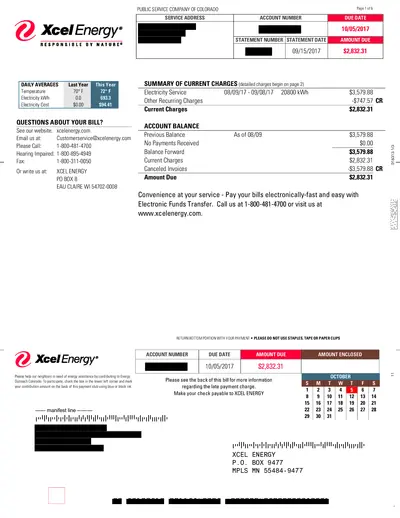
Xcel Energy Bill Statement September 2017
This file is an official bill statement from Xcel Energy for the month of September 2017, detailing electricity usage, charges, and payment information. It includes a breakdown of charges and provides instructions for payment. Additional details about community support are also included.
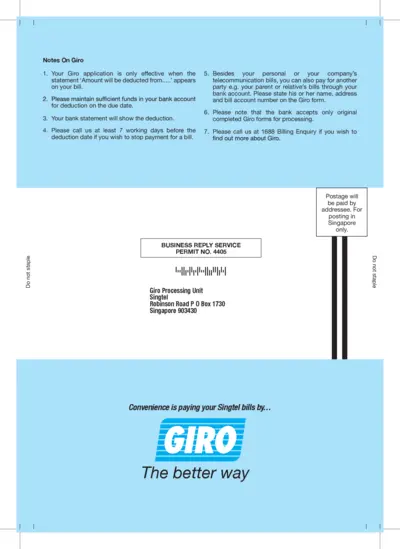
Singtel GIRO Application Form and Instructions
This file provides detailed instructions and an application form for setting up GIRO payments with Singtel. It includes steps for completing the form and important notes for applicants. Users can learn how to authorize Singtel to debit their bank account for bill payments.