
Edit, Download, and Sign the Baltimore Police CAD Request Form Instructions
Form
eSign
Add Annotation
Share Form
How do I fill this out?
To fill out the Baltimore Police CAD Request Form, gather the required information. Ensure you have the correct Police Report Number and CAD Number. Follow the instructions carefully to submit your request properly.

How to fill out the Baltimore Police CAD Request Form Instructions?
1
Gather your Police Report Number and CAD Number.
2
Provide the detailed location of the incident.
3
Include the date and time of the incident.
4
Ensure your $10.00 fee is included with your request.
5
Mail the completed form to the designated address.
Who needs the Baltimore Police CAD Request Form Instructions?
1
Individuals involved in an incident needing a report for court.
2
Insurance companies requiring incident reports for claims.
3
Legal representatives seeking evidence for a case.
4
Researchers analyzing crime data and trends.
5
Families looking for information on police responses to incidents.
How PrintFriendly Works
At PrintFriendly.com, you can edit, sign, share, and download the Baltimore Police CAD Request Form Instructions along with hundreds of thousands of other documents. Our platform helps you seamlessly edit PDFs and other documents online. You can edit our large library of pre-existing files and upload your own documents. Managing PDFs has never been easier.

Edit your Baltimore Police CAD Request Form Instructions online.
Edit your PDF using our intuitive tools on PrintFriendly. You can easily modify text and add necessary information as needed. Our platform ensures a user-friendly experience when customizing your document.

Add your legally-binding signature.
Adding signatures to your PDF is simple with PrintFriendly. Utilize our signature tool to place your mark on the document. This feature is designed for ease of use while ensuring your documents are legally compliant.

Share your form instantly.
Once your PDF is ready, you can share it directly from PrintFriendly. Our sharing options allow you to distribute your documents effortlessly. Connect with your audience quickly and efficiently.
How do I edit the Baltimore Police CAD Request Form Instructions online?
Edit your PDF using our intuitive tools on PrintFriendly. You can easily modify text and add necessary information as needed. Our platform ensures a user-friendly experience when customizing your document.
1
Open the PDF in PrintFriendly.
2
Select the text you want to edit.
3
Make necessary changes to the document.
4
Add any images or comments needed.
5
Download your edited PDF for submission.

What are the instructions for submitting this form?
To submit the Baltimore Police CAD Request Form, complete all required fields and ensure to include a $10.00 fee. Mail your completed form to Baltimore Police Department, Custodian of Records, C/O Legal Affairs, 100 N Holliday St., Room 100, Baltimore Md. 21202. For any queries regarding the submission process or forms, contact the IT Section at 410-396-2033.
What are the important dates for this form in 2024 and 2025?
For 2024 and 2025, there are no specific important dates concerning the submission of this form. However, please ensure to submit your requests in a timely manner to avoid delays. Updates about any operational changes will be posted on the Baltimore Police Department's official site.

What is the purpose of this form?
The purpose of the Baltimore Police CAD Request Form is to provide individuals with a straightforward method of obtaining CAD reports pertaining to specific incidents. It serves as a formal request to the Baltimore Police Department for relevant documentation that can aid in legal matters, insurance claims, or personal records. By completing this form, users ensure that they follow the correct procedures to receive accurate and timely information.

Tell me about this form and its components and fields line-by-line.

- 1. To: Designates the recipient of the request.
- 2. From: Indicates who is submitting the request.
- 3. Case Name or Client: Space to enter relevant case or client information.
- 4. Subject: Detailing the purpose of the report request.
- 5. Police Report Number: Essential number assigned to the police report.
- 6. CAD Number and Date & Time: Specific identifiers of the incident.
- 7. Detailed Location: The exact location of the incident being requested.
What happens if I fail to submit this form?
If the form is not submitted correctly, you may experience delays in receiving your CAD report. Incomplete forms can lead to identification issues, possibly requiring resubmission. It is vital to provide all requested information and the proper form of payment to facilitate timely processing.
- Incomplete Information: Missing details can result in the inability to locate the required report.
- Payment Issues: Failure to include the $10.00 fee will halt processing of the request.
- Incorrect Recipient: Incorrect address or details can result in the form being lost or delayed.
How do I know when to use this form?

- 1. Legal Documentation: Used by attorneys needing reports for legal cases.
- 2. Insurance Claims: Vital for insurance companies to verify incident details.
- 3. Personal Records: Individuals may want to keep records of incidents for their files.
Frequently Asked Questions
How do I request a CAD report?
To request a CAD report, fill out the request form with the necessary details and submit it to the Baltimore Police Department.
What is the cost for a CAD report?
The cost for a CAD report is $10.00 per incident.
How long are CAD reports available?
CAD reports are available for approximately one year from the date of the incident.
What if I need a report older than a year?
For reports older than one year, additional costs may apply, especially if computer setup is required.
Can I submit the request online?
Currently, requests must be mailed in, with the appropriate fee included.
What information is needed to fill out the form?
You will need the Police Report Number, CAD Number, date, time, and detailed location of the incident.
Who do I contact for questions about the form?
You can contact the IT Section at the Baltimore Police Department at 410-396-2033.
How do I pay the CAD report fee?
You can pay the $10.00 fee by check made out to the Director of Finance.
What if I forget to include the fee?
Your request may be delayed until the fee is received, so be sure to include it.
How long will it take to get my report?
Processing times can vary, so it’s best to allow a few weeks for your request to be fulfilled.
Related Documents - Baltimore CAD Form
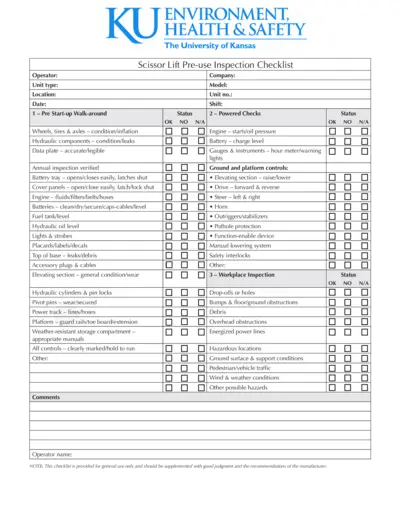
Scissor Lift Pre-use Inspection Checklist
This file is a detailed checklist for conducting pre-use inspections of scissor lifts. It includes sections for pre start-up walk-around, powered checks, and workplace inspection. The checklist ensures the safe operation of the lift and compliance with safety standards.
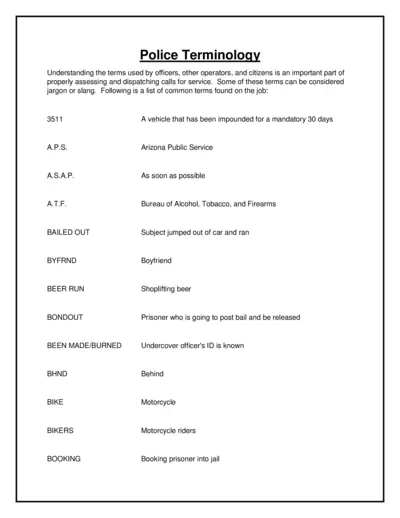
Police Terminology and Dispatching Guidelines
This file provides a comprehensive list of police terminology used by officers, operators, and citizens. It's essential for proper assessment and dispatching of calls for service. The terms include jargon, slang, and standard abbreviations.
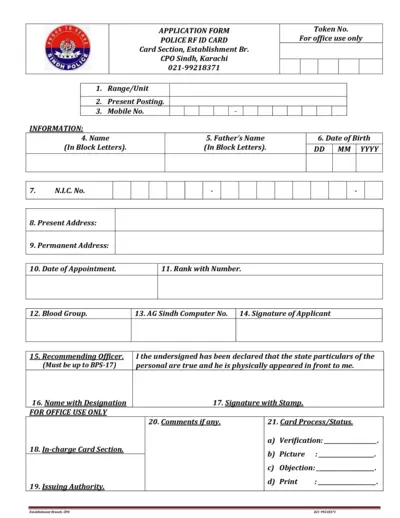
Sindh Police RFID Card Application and Payment Form
This file contains the application form for the Sindh Police RFID Card and the Inter Branch Transaction Pay In Slip of National Bank of Pakistan. It provides detailed instructions and fields required to complete the application and the transaction slip. Use this file if you need to apply for the RFID card or need to complete the payment transaction slip.
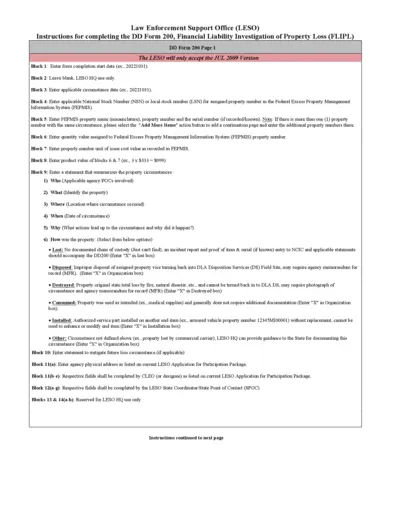
Instructions for Completing DD Form 200, Financial Liability Investigation of Property Loss
This document provides step-by-step instructions for completing the DD Form 200, used for investigating financial liability in cases of property loss. It includes guidance on documenting property details, circumstances of loss, and actions taken to prevent future occurrences. Download and follow these instructions to ensure proper completion of the form.
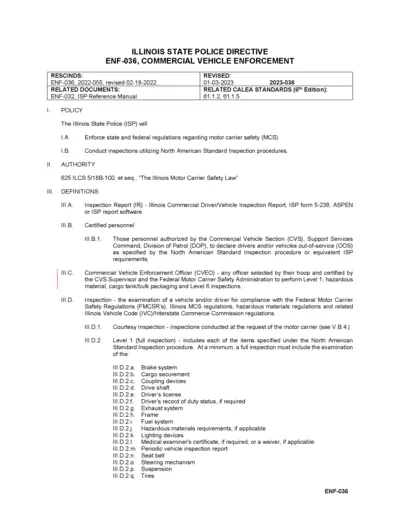
Illinois State Police Commercial Vehicle Enforcement
This document outlines the Illinois State Police's regulations and procedures for Commercial Vehicle Enforcement, including inspection types, responsibilities, and standards. It provides information on the enforcement of motor carrier safety regulations and the definitions and authorities involved. The document is relevant to certified personnel involved in commercial vehicle inspections.
Application for Employment - Entry Level Police Officer
This form is an application for entry-level police officer positions. It outlines necessary information and steps for applying. Applicants must provide personal history and pertinent qualifications.
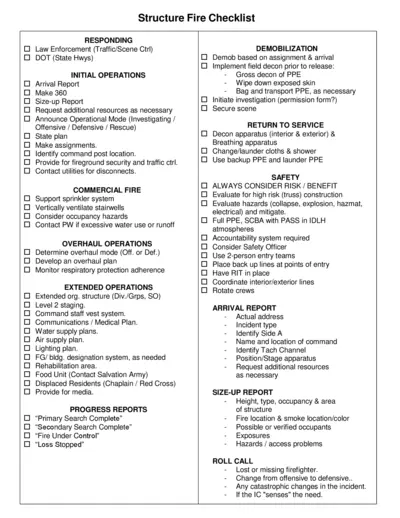
Structure Fire Checklist for Emergency Response
This document offers a comprehensive checklist for responding to structure fires. It guides first responders through initial operations, safety protocols, and demobilization. This checklist is essential for ensuring effective and efficient fireground operations.
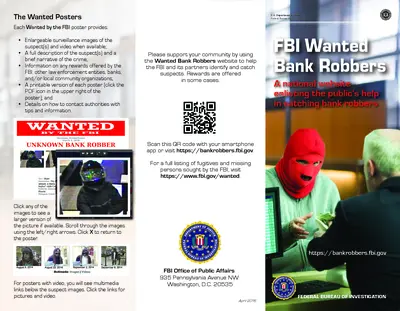
FBI Wanted Bank Robbers Information
Get details about wanted bank robbers in the U.S. including descriptions and how to assist. This is essential for community safety.
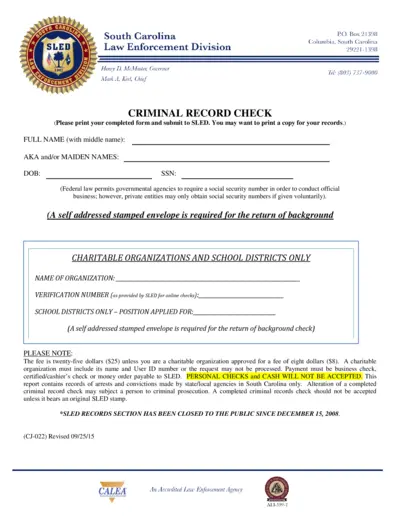
South Carolina Criminal Record Check Form
This file contains the Criminal Record Check form used in South Carolina. It provides information on how to fill out the form and the necessary details needed for submission. Ideal for individuals and organizations needing background checks.
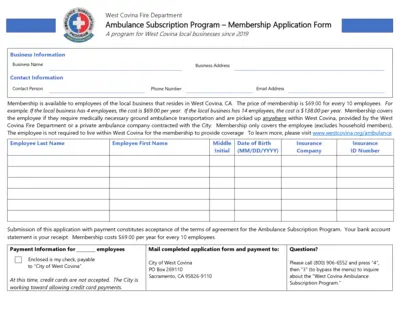
West Covina Fire Department Ambulance Program
This file contains the application form for the West Covina Fire Department's Ambulance Subscription Program, which is available to local businesses. It details the membership benefits, eligibility, payment information, and the terms of agreement for subscribers. The program provides coverage for medically necessary ground ambulance transportation for employees.
License Plate Reader Policy Development Template
This file provides a comprehensive policy development template for law enforcement agencies. It guides users on intelligence and investigative activities related to license plate readers. Essential for administrators and policymakers in law enforcement.
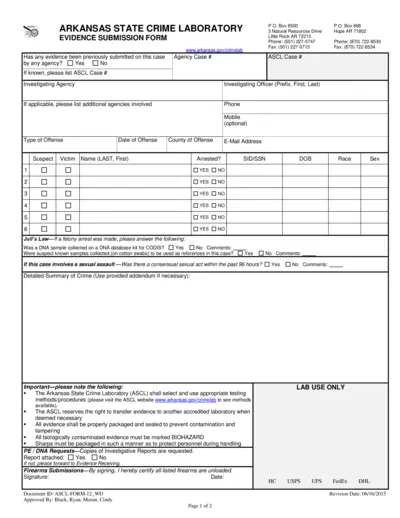
Arkansas State Crime Laboratory Evidence Submission Form
This file is the Evidence Submission Form used by the Arkansas State Crime Laboratory. It provides guidelines for submitting evidence related to criminal cases. Users can fill out this form to facilitate the analysis of evidence in investigations.