
Scissor Lift Pre-use Inspection Checklist
This file is a detailed checklist for conducting pre-use inspections of scissor lifts. It includes sections for pre start-up walk-around, powered checks, and workplace inspection. The checklist ensures the safe operation of the lift and compliance with safety standards.
Edit, Download, and Sign the Scissor Lift Pre-use Inspection Checklist
Form
eSign
Add Annotation
Share Form
How do I fill this out?
To fill out this Scissor Lift Pre-use Inspection Checklist, follow the steps carefully. Each section requires you to evaluate different components and conditions of the scissor lift. Ensure to mark the appropriate status for each item, and provide comments when necessary.

How to fill out the Scissor Lift Pre-use Inspection Checklist?
1
Begin with the pre start-up walk-around inspection.
2
Check the condition and status of wheels, tires, hydraulic components, and other listed items.
3
Perform powered checks including engine start-up, battery charge level, and control functions.
4
Conduct a workplace inspection to identify any potential hazards.
5
Complete the form with necessary comments and operator details.
Who needs the Scissor Lift Pre-use Inspection Checklist?
1
Scissor lift operators – to ensure the equipment is safe to use.
2
Safety inspectors – to verify compliance with safety regulations.
3
Construction site managers – to maintain a safe working environment.
4
Equipment rental companies – to ensure the lift is in good condition before renting.
5
Maintenance personnel – to identify parts that need repair or replacement.
How PrintFriendly Works
At PrintFriendly.com, you can edit, sign, share, and download the Scissor Lift Pre-use Inspection Checklist along with hundreds of thousands of other documents. Our platform helps you seamlessly edit PDFs and other documents online. You can edit our large library of pre-existing files and upload your own documents. Managing PDFs has never been easier.

Edit your Scissor Lift Pre-use Inspection Checklist online.
You can easily edit this PDF directly on PrintFriendly. Use our intuitive editing tools to mark the status of each item and add your comments. Save the edited file to your device once you're done.

Add your legally-binding signature.
Signing the PDF on PrintFriendly is simple. Use our integrated signature tool to add your digital signature to the document. Ensure all required fields are signed and save the signed PDF.

Share your form instantly.
Sharing your edited PDF on PrintFriendly is easy. Use the share button to generate a shareable link or directly share via email. Ensure your recipients have access to the edited document for review.
How do I edit the Scissor Lift Pre-use Inspection Checklist online?
You can easily edit this PDF directly on PrintFriendly. Use our intuitive editing tools to mark the status of each item and add your comments. Save the edited file to your device once you're done.
1
Open the PDF file on PrintFriendly.
2
Use the editing tools to mark the status of each item and add comments.
3
Review each section to ensure all fields are filled out correctly.
4
Add any additional information or annotations as needed.
5
Save the edited PDF to your device.

What are the instructions for submitting this form?
Submit the completed form to the relevant safety department or supervisor responsible for equipment inspections. You can submit via email, fax, or physically hand over the document. If submitting online, use the designated submission form or email address provided by your organization. Always keep a copy for your records and ensure that the submission is acknowledged.
What are the important dates for this form in 2024 and 2025?
There are no specific dates associated with this form. It should be used whenever a scissor lift is to be operated to ensure safety and compliance.

What is the purpose of this form?
The purpose of the Scissor Lift Pre-use Inspection Checklist is to ensure that all scissor lifts are safe to operate before use. By conducting thorough inspections and checking each component and condition of the lift, operators can identify any potential issues that may compromise safety. The checklist serves as a comprehensive guide to help operators and inspectors maintain high safety standards and comply with relevant regulations.

Tell me about this form and its components and fields line-by-line.

- 1. Pre Start-up Walk-around: Includes checks for wheels, tires, hydraulic components, and other physical aspects of the scissor lift.
- 2. Powered Checks: Involves checking the engine start-up, battery charge level, and control functions of the lift.
- 3. Workplace Inspection: Focuses on identifying potential hazards in the operating environment such as drop-offs, overhead obstructions, and energized power lines.
What happens if I fail to submit this form?
Failure to submit this form may result in the operation of an unsafe scissor lift, leading to potential accidents or injuries.
- Safety Hazards: Using an unchecked scissor lift can pose serious safety risks to operators and workers around.
- Regulatory Non-compliance: Not following the required inspection procedures can result in non-compliance with safety regulations and potential legal consequences.
How do I know when to use this form?

- 1. Pre-Operation: Conduct a thorough inspection before each use of the scissor lift.
- 2. Routine Safety Checks: Use the form for regular safety inspections to maintain equipment in optimal condition.
- 3. Annual Inspections: Include this form as part of the annual inspection process to ensure comprehensive safety checks are conducted.
Frequently Asked Questions
Can I edit the Scissor Lift Inspection Checklist on PrintFriendly?
Yes, you can edit the checklist using PrintFriendly's PDF editing tools.
How do I mark the status of each item on the checklist?
Use the editing tools to select the appropriate status (OK, NO, N/A) for each item.
Can I add comments to the checklist?
Yes, you can add comments using the text annotation tool on PrintFriendly.
How do I save the edited checklist?
Once you've completed your edits, use the save button to download the edited PDF to your device.
Is it possible to sign the checklist on PrintFriendly?
Yes, you can use the integrated signature tool to add your digital signature.
Can I share the edited checklist with others?
Yes, you can share the edited checklist via email or by generating a shareable link.
Can I use PrintFriendly on any device?
Yes, PrintFriendly is compatible with a variety of devices including desktops, tablets, and smartphones.
Does PrintFriendly keep a copy of my edited documents?
No, once you've saved your document, PrintFriendly does not store a copy of it.
How do I start using PrintFriendly?
Simply upload your PDF file to PrintFriendly to begin editing.
Is there a limit to the number of edits I can make?
No, you can make as many edits as necessary until you're satisfied with the final document.
Related Documents - Scissor Lift Inspection Checklist
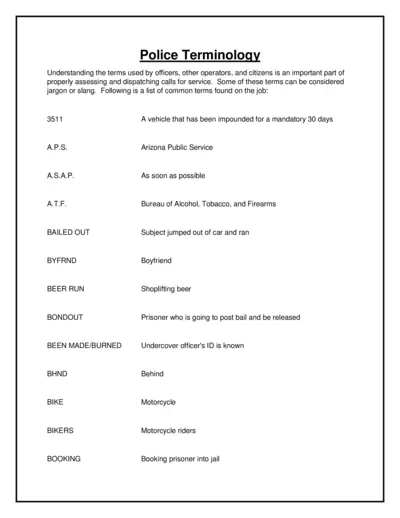
Police Terminology and Dispatching Guidelines
This file provides a comprehensive list of police terminology used by officers, operators, and citizens. It's essential for proper assessment and dispatching of calls for service. The terms include jargon, slang, and standard abbreviations.
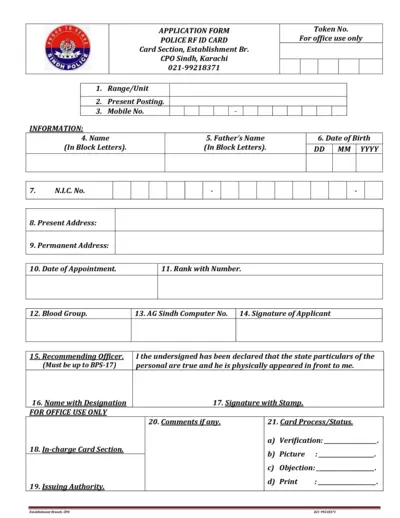
Sindh Police RFID Card Application and Payment Form
This file contains the application form for the Sindh Police RFID Card and the Inter Branch Transaction Pay In Slip of National Bank of Pakistan. It provides detailed instructions and fields required to complete the application and the transaction slip. Use this file if you need to apply for the RFID card or need to complete the payment transaction slip.
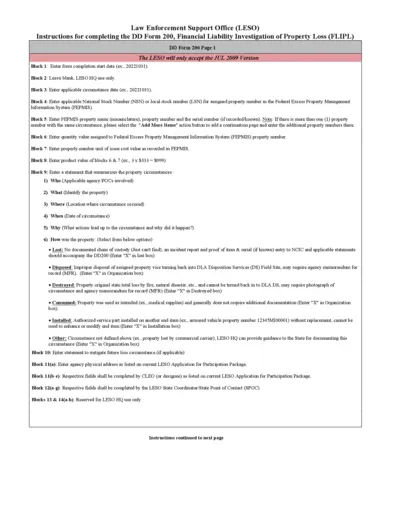
Instructions for Completing DD Form 200, Financial Liability Investigation of Property Loss
This document provides step-by-step instructions for completing the DD Form 200, used for investigating financial liability in cases of property loss. It includes guidance on documenting property details, circumstances of loss, and actions taken to prevent future occurrences. Download and follow these instructions to ensure proper completion of the form.
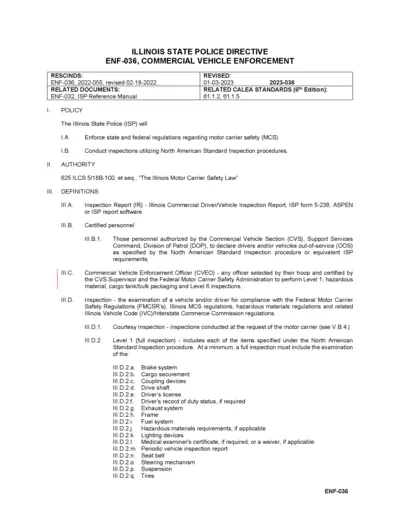
Illinois State Police Commercial Vehicle Enforcement
This document outlines the Illinois State Police's regulations and procedures for Commercial Vehicle Enforcement, including inspection types, responsibilities, and standards. It provides information on the enforcement of motor carrier safety regulations and the definitions and authorities involved. The document is relevant to certified personnel involved in commercial vehicle inspections.

Application for Employment - Entry Level Police Officer
This form is an application for entry-level police officer positions. It outlines necessary information and steps for applying. Applicants must provide personal history and pertinent qualifications.
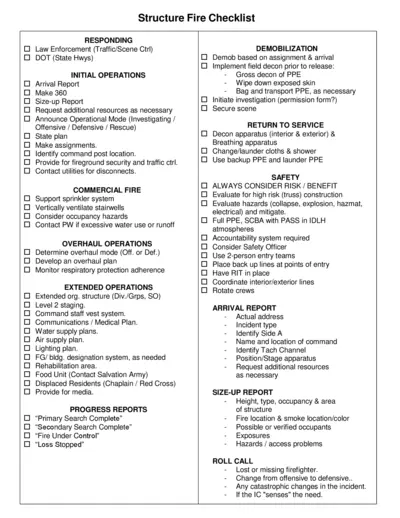
Structure Fire Checklist for Emergency Response
This document offers a comprehensive checklist for responding to structure fires. It guides first responders through initial operations, safety protocols, and demobilization. This checklist is essential for ensuring effective and efficient fireground operations.
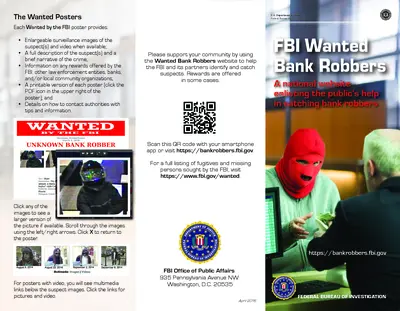
FBI Wanted Bank Robbers Information
Get details about wanted bank robbers in the U.S. including descriptions and how to assist. This is essential for community safety.
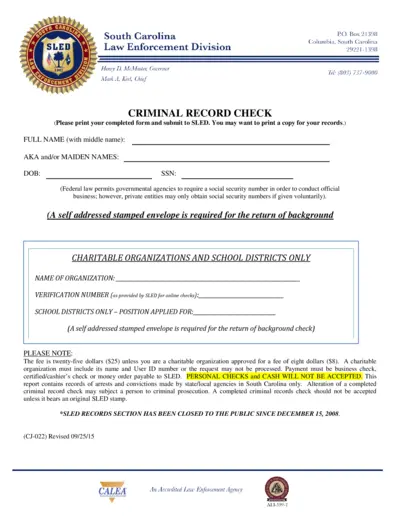
South Carolina Criminal Record Check Form
This file contains the Criminal Record Check form used in South Carolina. It provides information on how to fill out the form and the necessary details needed for submission. Ideal for individuals and organizations needing background checks.
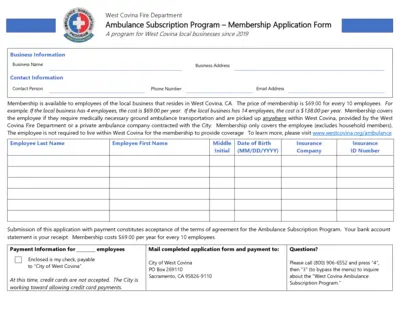
West Covina Fire Department Ambulance Program
This file contains the application form for the West Covina Fire Department's Ambulance Subscription Program, which is available to local businesses. It details the membership benefits, eligibility, payment information, and the terms of agreement for subscribers. The program provides coverage for medically necessary ground ambulance transportation for employees.
License Plate Reader Policy Development Template
This file provides a comprehensive policy development template for law enforcement agencies. It guides users on intelligence and investigative activities related to license plate readers. Essential for administrators and policymakers in law enforcement.
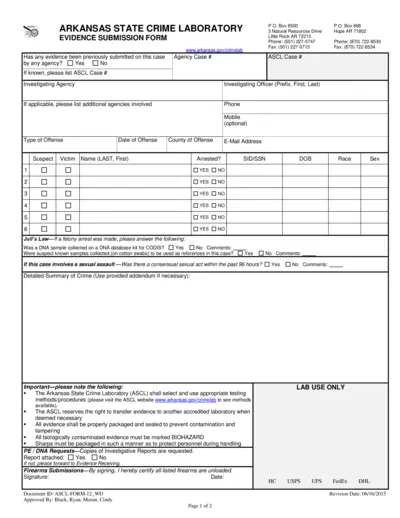
Arkansas State Crime Laboratory Evidence Submission Form
This file is the Evidence Submission Form used by the Arkansas State Crime Laboratory. It provides guidelines for submitting evidence related to criminal cases. Users can fill out this form to facilitate the analysis of evidence in investigations.
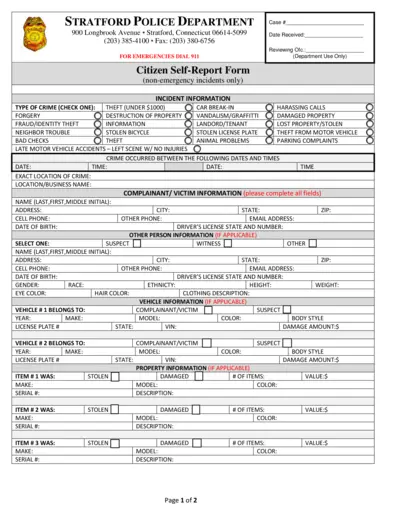
Stratford Police Department Citizen Self-Report Form
This file serves as the official Citizen Self-Report Form for the Stratford Police Department. It is used for non-emergency reporting of various crimes and incidents. You can fill out this form to assist the police in documenting your report efficiently.