
Armstrong Transport Group Invoice Instructions
This document contains detailed invoice instructions for Armstrong Transport Group. Users can find guidance on completing the invoice and key details regarding transaction specifics. It is essential for both business users and individuals handling freight payments.
Edit, Download, and Sign the Armstrong Transport Group Invoice Instructions
Form
eSign
Add Annotation
Share Form
How do I fill this out?
To fill out this invoice, start by entering the invoice date and number at the top. Then, fill in the billing and shipping information accurately. Finally, provide details for each charge and ensure that all totals are correct before submission.

How to fill out the Armstrong Transport Group Invoice Instructions?
1
Enter the invoice date and number.
2
Provide billing and shipping addresses accurately.
3
List each shipment detail, including weight and item count.
4
Specify the charges associated with the invoice.
5
Double-check totals before finalizing.
Who needs the Armstrong Transport Group Invoice Instructions?
1
Accountants who need to process payments efficiently.
2
Freight managers requiring accurate shipping records.
3
Business owners needing to track transport costs.
4
Auditors looking for detailed transaction analysis.
5
Clients expecting clear billing for services rendered.
How PrintFriendly Works
At PrintFriendly.com, you can edit, sign, share, and download the Armstrong Transport Group Invoice Instructions along with hundreds of thousands of other documents. Our platform helps you seamlessly edit PDFs and other documents online. You can edit our large library of pre-existing files and upload your own documents. Managing PDFs has never been easier.

Edit your Armstrong Transport Group Invoice Instructions online.
Editing this PDF on PrintFriendly allows for seamless updates to your invoice. You can adjust item quantities, rates, and totals with just a few clicks. This user-friendly platform ensures your invoice is always accurate.

Add your legally-binding signature.
Signing the PDF on PrintFriendly is simple and quick. Users can add their signatures directly to the document without hassle. Ensure your invoice is verified and ready for submission.

Share your form instantly.
Share your PDF on PrintFriendly effortlessly with colleagues or clients. You can send links directly to the document or download and email it securely. Collaboration has never been easier.
How do I edit the Armstrong Transport Group Invoice Instructions online?
Editing this PDF on PrintFriendly allows for seamless updates to your invoice. You can adjust item quantities, rates, and totals with just a few clicks. This user-friendly platform ensures your invoice is always accurate.
1
Upload your PDF invoice to PrintFriendly.
2
Select the areas you wish to edit, such as charges or item details.
3
Make the necessary adjustments using the editing tools provided.
4
Preview your edited invoice to ensure accuracy.
5
Download or share the updated invoice as needed.

What are the instructions for submitting this form?
To submit this invoice, you can fax it to 704-784-3036 or email it to ar@armstrongtransport.com. For physical submissions, send the completed invoice to Armstrong Transport Group, PO Box 74815, Chicago, IL 60694-4815. Ensure all details are filled out accurately to avoid processing delays.
What are the important dates for this form in 2024 and 2025?
Important dates for this form primarily relate to submission deadlines. Ensure that invoices are submitted within the specified timeframe to avoid late fees. For 2024 and 2025, please refer to your transaction agreements for any specific date updates.

What is the purpose of this form?
The purpose of this form is to facilitate accurate billing for freight services rendered. It serves as an official document detailing each shipment's charges, weights, and quantities. Ensuring correctness in these forms is essential for both the service provider and the client.

Tell me about this form and its components and fields line-by-line.

- 1. Invoice Date: The date when the invoice is generated.
- 2. Invoice Number: A unique identifier for tracking the invoice.
- 3. Billing Address: The address of the entity being billed.
- 4. Description of Charges: Details of each charge associated with the services.
- 5. Total Amount Due: The total balance that is owed.
What happens if I fail to submit this form?
Failing to submit this form can result in delayed payments and potential service interruptions. It's crucial to ensure that the invoice is submitted timely to avoid issues.
- Delayed Payments: Invoices submitted late may lead to prolonged payment processing times.
- Service Interruptions: Failure to submit may affect future service availability.
- Record Keeping Issues: Incorrect or missing invoices can lead to auditing problems.
How do I know when to use this form?

- 1. Submitting Freight Charges: To document and authorize payment for transported goods.
- 2. Record Keeping: To maintain accurate financial records for auditing.
- 3. Client Billing: To formally bill clients for freight services rendered.
Frequently Asked Questions
How do I edit my invoice?
You can edit your invoice by uploading it to PrintFriendly and using our intuitive editing tools.
Can I add charges to my invoice?
Yes, you can easily add charges and adjust the totals as required.
How do I download my edited invoice?
After making changes, simply click the download button to save your updated invoice.
Is it easy to sign the PDF?
Yes, you can add your signature directly onto the PDF on PrintFriendly.
Can I share my invoice with others?
Absolutely, you can share your invoice via a link or download it to send via email.
What should I do if I made a mistake?
You can always re-edit your invoice until it accurately reflects your needs.
Are there templates available?
PrintFriendly offers customization features allowing you to create and edit templates.
Is the tool user-friendly?
Yes, our platform is designed for simplicity, making it easy for everyone to use.
How do I contact support?
If you have questions, you can reach our support team through the website.
Can I print my invoice directly from PrintFriendly?
Yes, you can print your invoice directly after editing.
Related Documents - Armstrong Invoice
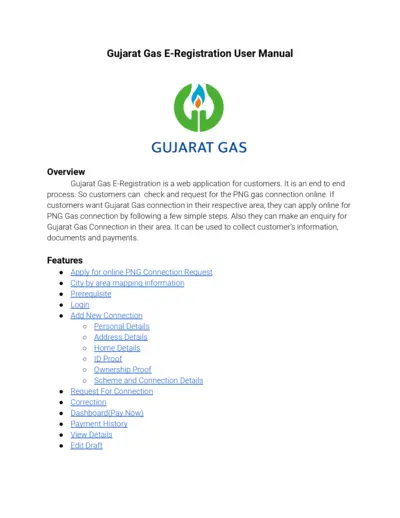
Gujarat Gas E-Registration User Manual
The Gujarat Gas E-Registration User Manual guides users through the online process of applying for a PNG gas connection. It details the steps for filling out forms, submitting documents, and making payments. It also offers features such as city by area mapping information, request corrections, and viewing detailed payment history.
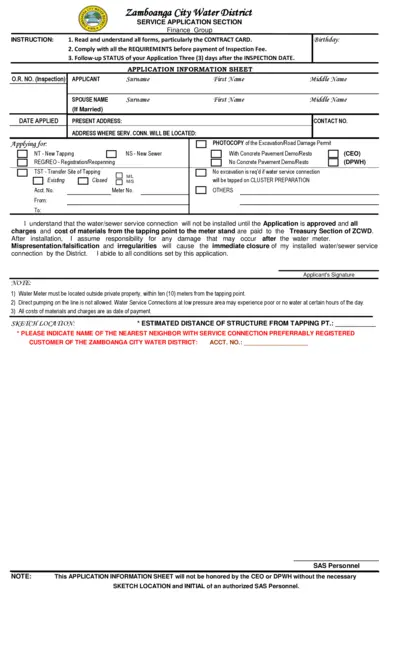
Zamboanga City Water District Service Application
This file is a service application form for the Zamboanga City Water District. It includes instructions, application information, and job order for inspection. The form should be filled out and submitted as per the guidelines provided.
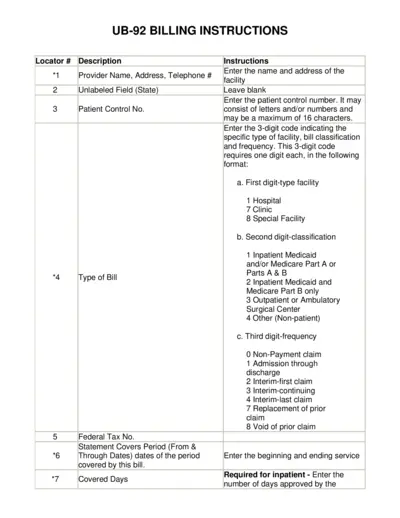
UB-92 Billing Instructions Guide for Providers
This file provides detailed instructions for completing the UB-92 form, including information on patient details, service dates, and billing codes. It is essential for healthcare providers to accurately fill out this form to ensure proper billing and reimbursement. Follow the instructions carefully to avoid errors and delays in payment.
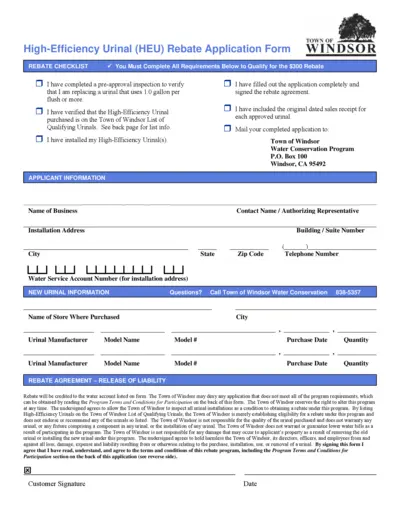
High-Efficiency Urinal (HEU) Rebate Application Form
The High-Efficiency Urinal (HEU) Rebate Application Form is used by businesses to apply for a $300 rebate for replacing old urinals with high-efficiency models. It includes applicant information, installation details, and a rebate agreement. The form must be completed, signed, and submitted with proof of purchase within 60 days of purchase.
Understanding Your PSE&G Bill
This file provides an in-depth understanding of the redesigned PSE&G bill. It includes details on the benefits of the redesign, common elements of the bill, and available resources. Learn how to read and make the most of the new PSE&G bill format.
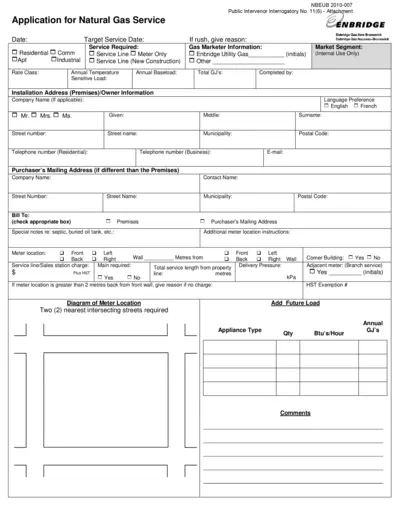
Application for Natural Gas Service - Enbridge
This file is a formal application for natural gas service provided by Enbridge Gas New Brunswick. It includes all necessary fields for different types of service requests. For assistance in filling out the form, please follow the instructions provided.
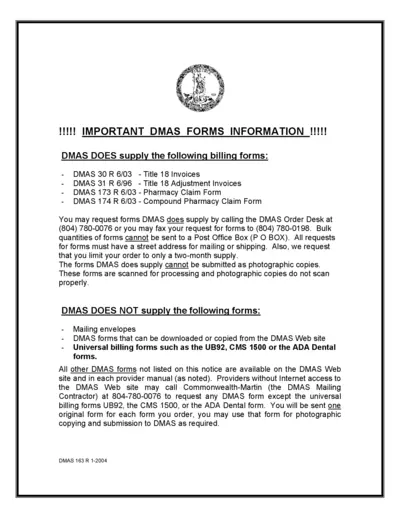
DMAS Billing Forms Information and Instructions
This file contains vital information about DMAS billing forms, including the available forms, how to request them, limitations, and submission guidelines. Use this file to understand the necessary steps for submitting your DMAS forms properly.
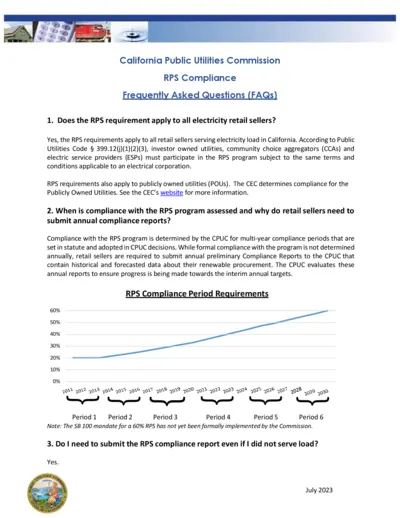
California Public Utilities Commission RPS Compliance FAQs
This document contains frequently asked questions about the RPS compliance requirements for electricity retail sellers in California. It covers compliance deadlines, reporting instructions, and penalties. Essential for utilities and energy providers.
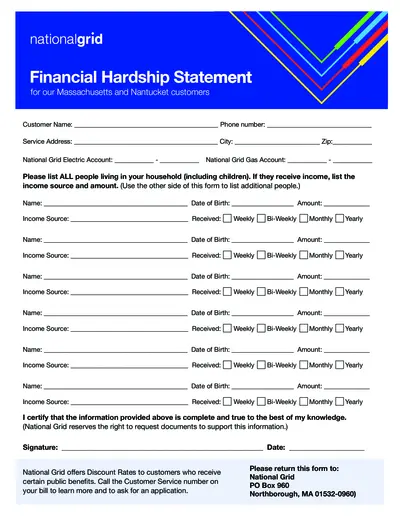
National Grid Financial Hardship Statement MA and Nantucket
This document is used by National Grid customers in Massachusetts and Nantucket who are experiencing financial hardship. It helps customers provide information about their household income. Additionally, it assists in determining eligibility for discount rates.
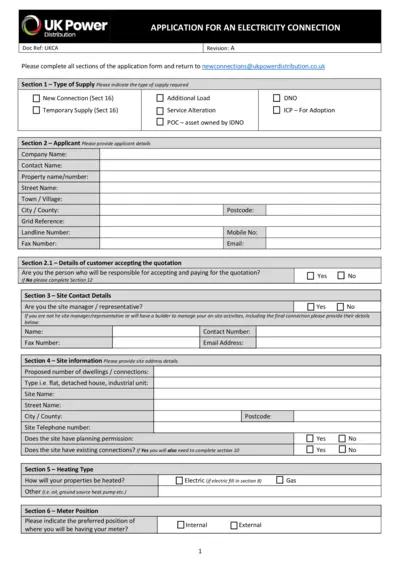
UK Power Distribution: Application for an Electricity Connection
This document is an application form for requesting a new electricity connection with UK Power Distribution. It includes sections for applicant details, site information, electrical load details, and more. Complete all required sections and submit the form for processing.
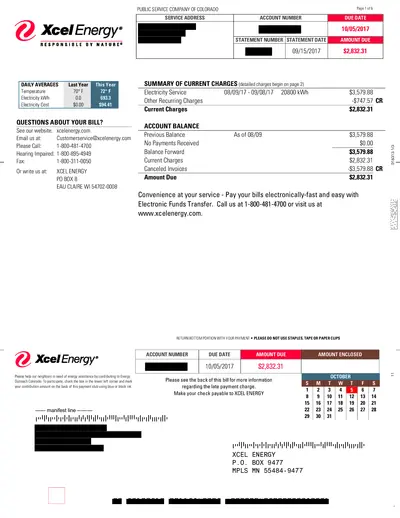
Xcel Energy Bill Statement September 2017
This file is an official bill statement from Xcel Energy for the month of September 2017, detailing electricity usage, charges, and payment information. It includes a breakdown of charges and provides instructions for payment. Additional details about community support are also included.
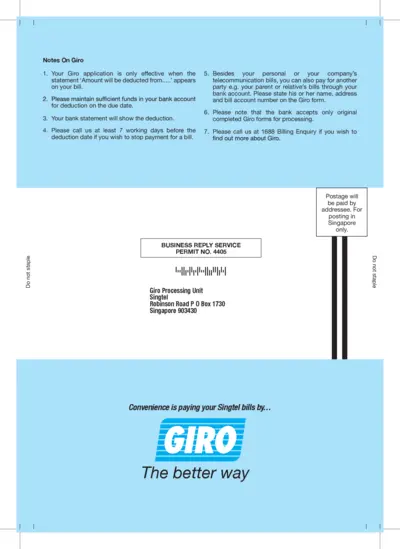
Singtel GIRO Application Form and Instructions
This file provides detailed instructions and an application form for setting up GIRO payments with Singtel. It includes steps for completing the form and important notes for applicants. Users can learn how to authorize Singtel to debit their bank account for bill payments.