
Architectural Abbreviations and Details PDF
This file contains a comprehensive list of architectural abbreviations commonly used in construction documents. Users can refer to the details for accurate communication in architectural projects. It serves as a quick reference for professionals in the field.
Edit, Download, and Sign the Architectural Abbreviations and Details PDF
Form
eSign
Add Annotation
Share Form
How do I fill this out?
To fill this out, start by reviewing the list of architectural abbreviations provided. Identify the relevant terms that pertain to your project and use them accordingly. Make sure to understand each abbreviation to ensure accurate usage in your documents.

How to fill out the Architectural Abbreviations and Details PDF?
1
Review the list of architectural abbreviations.
2
Identify the abbreviations relevant to your project.
3
Use the abbreviations appropriately in your documents.
4
Consult additional resources if needed.
5
Double-check for accuracy before submission.
Who needs the Architectural Abbreviations and Details PDF?
1
Architects who need a reference for common abbreviations.
2
Construction managers for communication in projects.
3
Students studying architecture for academic purposes.
4
Civil engineers working on design documents.
5
Contractors who must understand project specifications.
How PrintFriendly Works
At PrintFriendly.com, you can edit, sign, share, and download the Architectural Abbreviations and Details PDF along with hundreds of thousands of other documents. Our platform helps you seamlessly edit PDFs and other documents online. You can edit our large library of pre-existing files and upload your own documents. Managing PDFs has never been easier.

Edit your Architectural Abbreviations and Details PDF online.
Editing this PDF on PrintFriendly is seamless and intuitive. Simply upload your file, make the necessary changes, and review them in real time. Our platform ensures that you can easily modify any section without hassle.

Add your legally-binding signature.
Signing your PDF on PrintFriendly is now easier than ever. After editing, you can add your signature directly to the document. This feature allows for a professional touch to your files without requiring any additional software.

Share your form instantly.
Sharing your PDF on PrintFriendly is quick and efficient. Once your document is finalized, you can easily create a shareable link. This allows others to access your file from anywhere.
How do I edit the Architectural Abbreviations and Details PDF online?
Editing this PDF on PrintFriendly is seamless and intuitive. Simply upload your file, make the necessary changes, and review them in real time. Our platform ensures that you can easily modify any section without hassle.
1
Upload the PDF file to PrintFriendly.
2
Utilize the editing tools to make changes.
3
Preview your modifications in real time.
4
Save the edited version to your device.
5
Share or print your finalized document.

What are the instructions for submitting this form?
To submit this form, email the completed document to submissions@constructionform.org. You may also fax it to (123) 456-7890 or submit it online through our submission portal. For physical submissions, send the form to 123 Builder Ave, Construction City, CA 12345. Ensure all fields are complete for a smooth submission process.
What are the important dates for this form in 2024 and 2025?
Key deadlines related to this form for 2024 and 2025 include submission due dates and updates to regulations that may affect usage. Stay informed on changes that could impact architects and construction professionals. Regularly check official platforms for the most current information.

What is the purpose of this form?
The purpose of this form is to standardize architectural terms and abbreviations used in documentation. By providing a definitive list, we aim to enhance communication clarity among professionals in the construction industry. This document serves as a guide to ensure uniformity and understanding in project specifications.

Tell me about this form and its components and fields line-by-line.

- 1. Abbreviation: Shortened form of architectural terms.
- 2. Description: Explanations of what each abbreviation stands for.
- 3. Usage Context: Examples of where the abbreviation is typically applied.
What happens if I fail to submit this form?
If the form is not submitted properly, it may delay project timelines and lead to misunderstandings with contractors. Ensuring the correct submission is vital to maintain project flow. Incomplete documents can lead to additional revisions and costs.
- Delays in Project Timelines: Incorrect or late submissions can hold up construction schedules.
- Miscommunication with Contractors: Errors may arise from misunderstood abbreviations affecting work quality.
- Additional Costs: Revisions and corrections from miscommunication can add unplanned expenses.
How do I know when to use this form?

- 1. Construction Document Preparation: Utilize the abbreviations for standardized documentation.
- 2. Communication with Professionals: Facilitate clear dialogue using common terminology.
- 3. Educational Purposes: Reference this for learning and teaching architectural terms.
Frequently Asked Questions
What types of files can I edit?
You can edit PDFs with a variety of contents, including forms and documents with architectural terminology.
How do I download the edited PDF?
After making your changes, simply click the download button to save your edited PDF.
Can I edit text in the PDF?
Yes, our PDF editor allows for text modifications directly in the document.
Is there a limit to file size?
No, there is no specific file size limit for the documents you can edit.
Can I add images to the PDF?
Yes, you can insert images into your PDF during the editing process.
What if I need to revert my changes?
You can easily undo changes made during the editing session.
Are there templates available?
While we focus on PDFs, the platform allows for versatile editing that can fit various needs.
How do I provide feedback on the tool?
Feedback can be submitted through our contact form on the website.
Can I use this tool on mobile devices?
Yes, PrintFriendly is accessible and functional on mobile devices.
Do I need to create an account to use the editor?
No, an account is not required to edit and download your PDFs.
Related Documents - Arch Abbreviations PDF
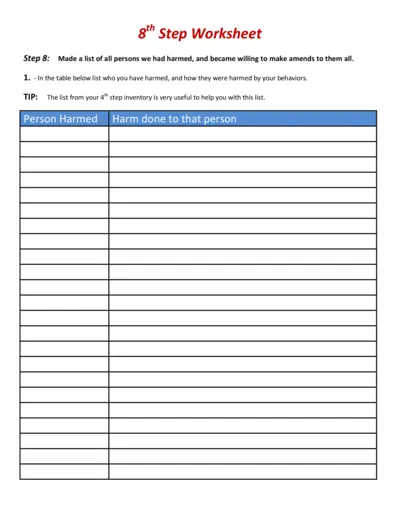
8th Step Worksheet: List and Willingness for Amends
This file is a worksheet for Step 8 in the recovery process, encouraging individuals to list persons they have harmed and become willing to make amends. It guides through listing those harmed, willingness to make amends, and includes prayers for strength and willingness. Use this worksheet to facilitate discussions with your sponsor.
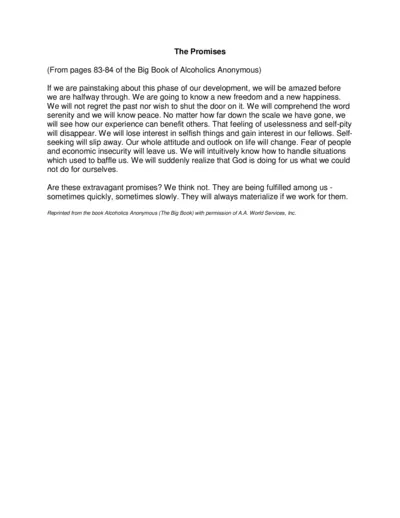
The Promises - Big Book of Alcoholics Anonymous
This file contains pages 83-84 of the Big Book of Alcoholics Anonymous, detailing 'The Promises' for those in recovery. It highlights the new freedom and happiness that can be achieved through the program. The content emphasizes personal transformation and spiritual growth.
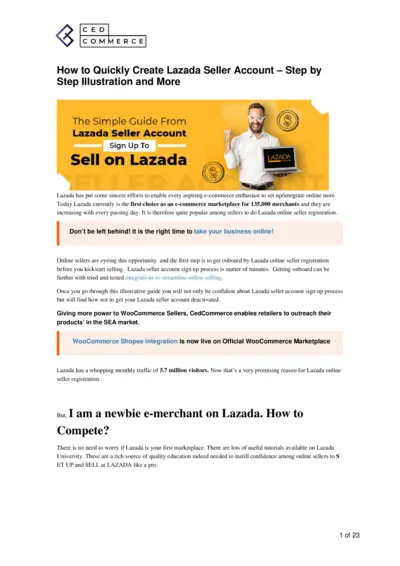
How to Create Lazada Seller Account - Step by Step Guide
This file provides a comprehensive guide on how to quickly sign up for a Lazada seller account. It includes step-by-step instructions, useful tips, and important details about fees and charges. Ideal for aspiring e-commerce merchants.
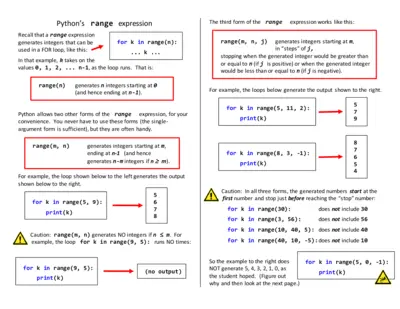
Understanding Python Range Expressions Basics
This file provides a comprehensive overview of Python's range expressions. It covers their syntax, functionality, and common pitfalls to avoid. Perfect for beginners and seasoned programmers alike, this resource will enhance your understanding of loop structures in Python.
Learn About Python Requests Library Tutorial
This file is a comprehensive tutorial on the Python Requests library. It covers all the essential aspects, making it ideal for beginners. Users will gain practical knowledge on using the library effectively.
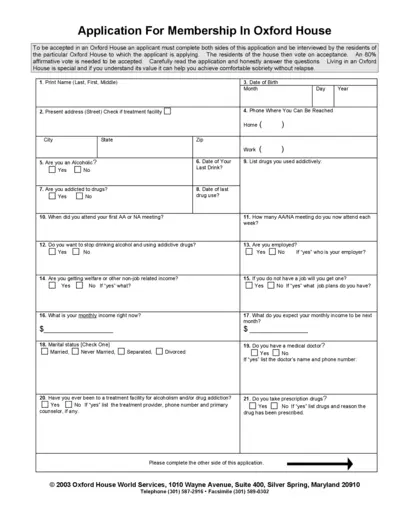
Application For Membership In Oxford House
This application is essential for individuals seeking residency in an Oxford House, promoting recovery from substance use disorders. It involves self-disclosure regarding alcohol and drug use history. Filling out this form accurately is a crucial step towards achieving comfortable sobriety in a supportive environment.
e-Vidhan User Manual for Super Administrator
This user manual provides comprehensive instructions for the e-Vidhan application used by the Vidhan Sabha staff. It covers login procedures and dashboard functionalities. Ideal for administrators and super administrators needing to understand the system's features.
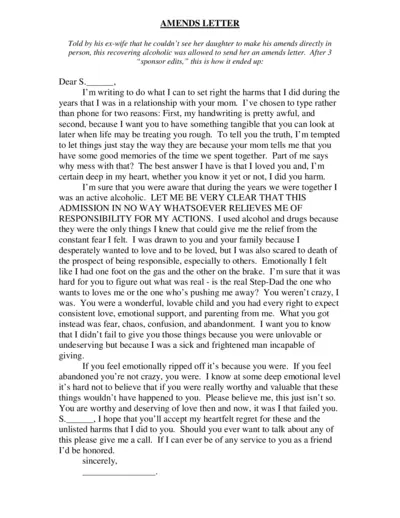
Amends Letter Template for Recovery Support
This document serves as a template for writing an amends letter to facilitate healing and reconciliation. It contains guided content to express heartfelt apologies and acknowledges past mistakes. Ideal for anyone in recovery seeking to make amends with loved ones.
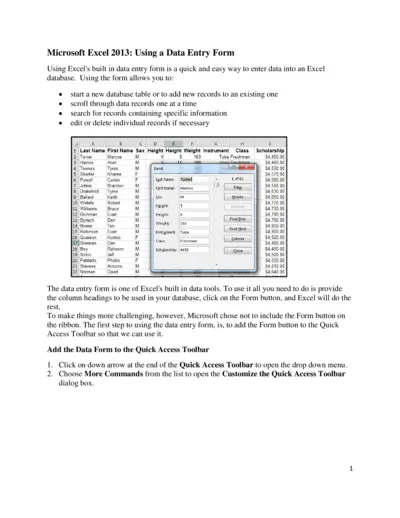
Microsoft Excel 2013 Data Entry Form Instructions
This file provides detailed instructions for using Microsoft Excel 2013's data entry form feature. Users can create new databases or add records easily. Learn the step-by-step process for efficient data management.
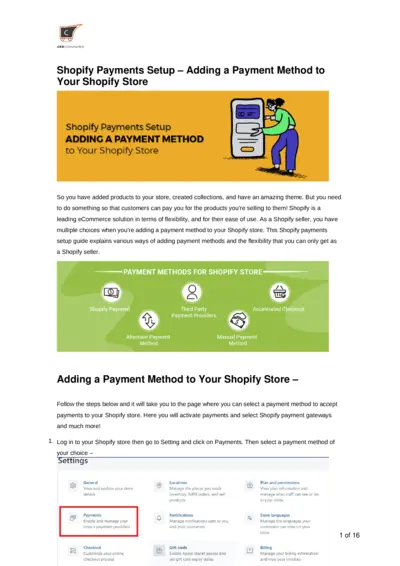
Shopify Payments Setup - Adding Payment Method
This file provides a comprehensive guide for Shopify sellers to set up payment methods in their store. It includes detailed steps and options available for payment processing. Perfect for those looking to enhance their eCommerce payment capabilities.
DR Series System 4.0.4 Release Notes
The DR Series System 4.0.4 Release Notes provide critical updates and improvements for users. This document outlines new features, maintenance fixes, and important instructions for effective utilization. Ideal for IT professionals managing data backup solutions.
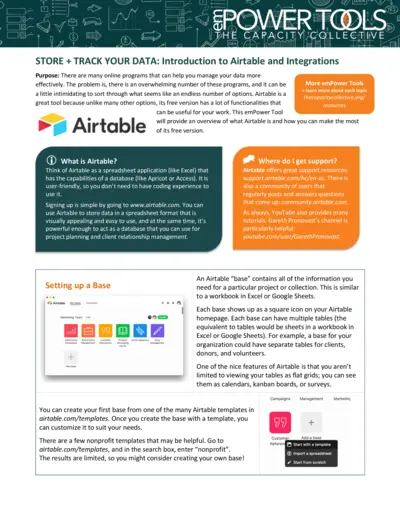
Airtable Overview and Use Guide
This file provides an introduction to Airtable, a versatile tool for managing data effectively. It outlines key functionalities, integration options, and how to maximize the free version. Ideal for those seeking to streamline data management in their projects.