
Virginia DSS TANF Direct Deposit Enrollment Form
This document provides information and instructions on how to enroll in the Direct Deposit program for TANF payments. It includes eligibility criteria, enrollment steps, and important account details. Users can streamline their TANF payment process for efficiency and security.
Edit, Download, and Sign the Virginia DSS TANF Direct Deposit Enrollment Form
Form
eSign
Add Annotation
Share Form
How do I fill this out?
To fill out the TANF Direct Deposit Enrollment Authorization Form, start by gathering your bank account information. Next, complete Section 1 with your personal and bank details. Lastly, submit the form with the required documentation to your eligibility worker.

How to fill out the Virginia DSS TANF Direct Deposit Enrollment Form?
1
Gather bank account information including account number and routing number.
2
Complete Section 1 of the form with your details.
3
Attach a voided check or bank statement.
4
Submit the completed form to your eligibility worker.
5
Wait for confirmation of your Direct Deposit setup.
Who needs the Virginia DSS TANF Direct Deposit Enrollment Form?
1
Individuals receiving TANF benefits who want faster payments.
2
Candidates who prefer secure payment methods over checks.
3
Residents who find bank trips inconvenient or time-consuming.
4
Families needing financial assistance that want direct access to funds.
5
Anyone aiming to avoid lost or stolen checks.
How PrintFriendly Works
At PrintFriendly.com, you can edit, sign, share, and download the Virginia DSS TANF Direct Deposit Enrollment Form along with hundreds of thousands of other documents. Our platform helps you seamlessly edit PDFs and other documents online. You can edit our large library of pre-existing files and upload your own documents. Managing PDFs has never been easier.

Edit your Virginia DSS TANF Direct Deposit Enrollment Form online.
You can easily edit this PDF on PrintFriendly by uploading the document and using our editing tools. Modify any text or fields as needed to ensure accuracy and completion. Once you're satisfied with the changes, download the updated PDF for your records.

Add your legally-binding signature.
Signing the PDF is simple on PrintFriendly; use our integrated signature feature to add your signature easily. You can draw your signature using your mouse or stylus for a personalized touch. After signing, save the document to complete your submission process.

Share your form instantly.
Sharing your PDF from PrintFriendly can be done quickly with our sharing options. You can generate a link to send to others or share directly via email. This makes it easy to distribute important documents effortlessly.
How do I edit the Virginia DSS TANF Direct Deposit Enrollment Form online?
You can easily edit this PDF on PrintFriendly by uploading the document and using our editing tools. Modify any text or fields as needed to ensure accuracy and completion. Once you're satisfied with the changes, download the updated PDF for your records.
1
Upload the PDF document to PrintFriendly.
2
Use the editing tools to adjust text and fields.
3
Add or remove content as needed.
4
Save changes to the document once editing is complete.
5
Download the updated PDF for future use.

What are the instructions for submitting this form?
To submit the TANF Direct Deposit Enrollment form, you can deliver it in person to your local Department of Social Services office. Alternatively, you may also fax the completed form to your local DSS at (XXX-XXX-XXXX). For online submissions or inquiries, visit your local DSS's official website.
What are the important dates for this form in 2024 and 2025?
Check with your local DSS for specific important dates related to TANF Direct Deposit enrollment. Keep an eye out for any upcoming changes in regulations or procedures in 2024 and 2025. Essential deadlines will be communicated during your eligibility interviews.

What is the purpose of this form?
The purpose of the TANF Direct Deposit Enrollment Authorization form is to facilitate the electronic deposit of TANF benefit payments directly into recipients' bank accounts. This ensures recipients receive their funds faster and with greater security than traditional mailed checks. Completing this form is a crucial step for those seeking to utilize the convenience of Direct Deposit.

Tell me about this form and its components and fields line-by-line.

- 1. Payee Name: Includes last, first, and middle initial of the TANF recipient.
- 2. Address: Full address including street, city, state, and ZIP code.
- 3. Account Type: Indicates whether the account is checking or savings.
- 4. Account Number: Your specific bank account number for deposits.
- 5. Routing Number: The bank's routing number for electronic funds transfer.
- 6. Social Security Number: The recipient's social security number required for identification.
- 7. Phone Numbers: Home and work phone numbers for contact purposes.
- 8. Signature: Authorization from the payee confirming the agreement.
What happens if I fail to submit this form?
If you fail to submit this form, you will not be able to enroll in the Direct Deposit program, which may cause delays in receiving your TANF payments. It is crucial to provide all required information to avoid processing issues.
- Delayed Payments: Without enrollment, payments may be subject to mailing delays.
- Increased Security Risks: Checks sent through the mail can be lost, stolen, or intercepted.
- Missed Enrollment Deadline: Failure to submit in a timely manner might lead to eligibility issues.
- Inconvenience of Bank Trips: Without Direct Deposit, recipients may face repeated trips to the bank to cash checks.
- Extra Fees from Banks: Receiving checks might incur additional bank fees, unlike direct deposits.
How do I know when to use this form?

- 1. Enrolling in Direct Deposit: To have TANF funds automatically deposited into your bank account.
- 2. Changing Banking Information: When a recipient needs to update their existing bank account details.
- 3. Canceling Direct Deposit: To formally withdraw previously approved Direct Deposit setup.
Frequently Asked Questions
How do I start filling out the Direct Deposit form?
Begin by gathering your personal and banking details to complete the required sections.
What documents do I need to attach?
You need to attach a voided check or a recent bank statement showing your account information.
How long does it take to process my Direct Deposit request?
It typically takes about 30 days after you submit your request for the Direct Deposit to become active.
Can I change my Direct Deposit account later?
Yes, you will need to fill out a new form and submit it to your local DSS.
What if I don't receive my payment on time?
Contact your local DSS office for assistance with any payment issues.
Is there a fee for Direct Deposit?
No, Direct Deposit through DSS is free; however, check with your bank regarding any potential fees.
Can multiple accounts be linked to one TANF case?
No, each TANF case can only have one Direct Deposit account at any time.
What happens if my account information changes?
Notify DSS immediately to ensure your payments are directed to the correct account.
How do I cancel my Direct Deposit?
You must submit a written request to your local DSS to cancel your Direct Deposit.
What if I lose my Direct Deposit form?
You can retrieve a new form from your localized DSS or download it online.
Related Documents - TANF Direct Deposit Form
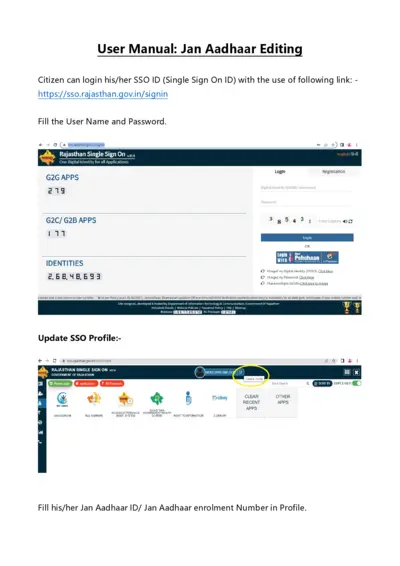
Jan Aadhaar User Manual for SSO ID Login and Profile Update
This user manual provides detailed instructions for logging in with a Single Sign On ID (SSO ID) and updating your Jan Aadhaar profile. It includes steps for authentication, profile updating, and essential information for state government employees. Follow the guide to ensure your Jan Aadhaar details are up-to-date.
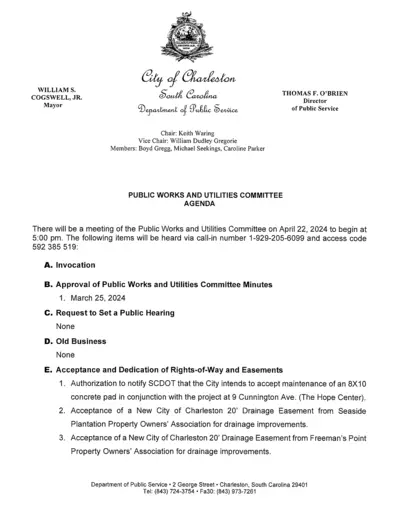
Charleston Public Works and Utilities Meeting Agenda
This document contains the agenda for the Public Works and Utilities Committee meeting for the City of Charleston. It includes details on topics such as rights-of-way and easements, temporary encroachments, and various departmental updates. Users needing information on public service projects and utilities management in Charleston will find this file useful.
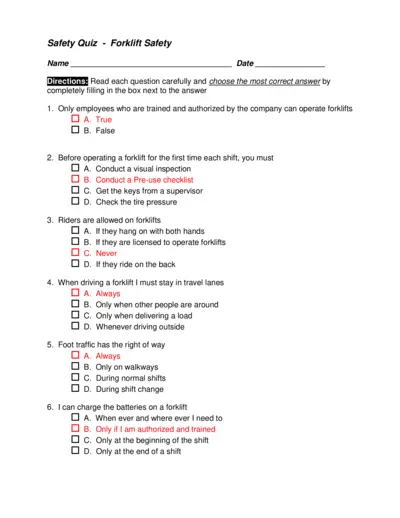
Safety Quiz - Forklift Safety
This file contains a safety quiz focused on forklift safety. It includes multiple-choice questions that assess the understanding of proper forklift operation and safety protocols. It is designed for employees to complete as part of their safety training.
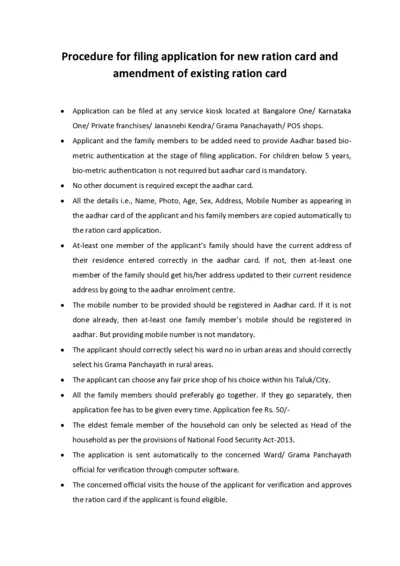
Procedure for Filing New or Amended Ration Card Application
This file provides detailed instructions on how to file an application for a new ration card or amend an existing one. It covers the required documents, steps, and verification process. Follow these guidelines to ensure a smooth application process.
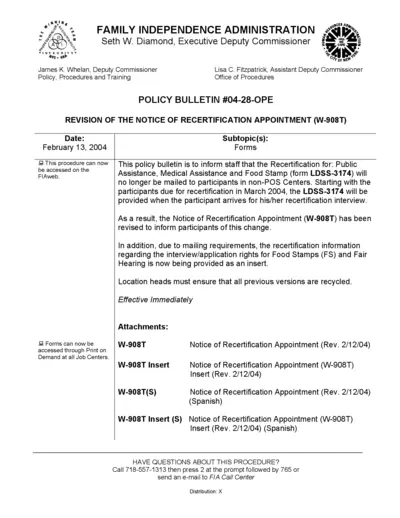
Revision of Notice of Recertification Appointment Form W-908T
This document outlines the revised procedures for the Notice of Recertification Appointment (W-908T). It details the new process for recertification interviews for Public Assistance, Medical Assistance, and Food Stamps. It also includes instructions for obtaining proof and documents required for the interview.
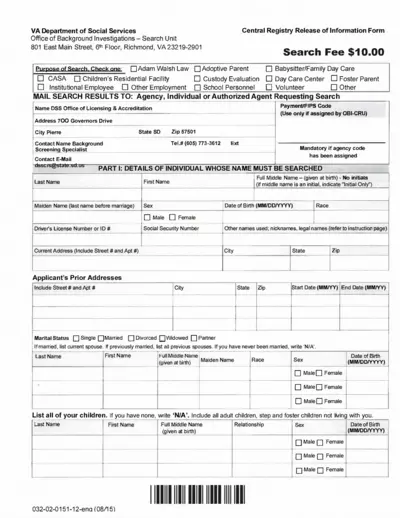
VA Department of Social Services - Background Investigations Form
This file is used by the VA Department of Social Services to release information from the Central Registry. It includes necessary details and instructions for filling out the form. The search fee is $10.00.

European Parliament Traineeships Information Guide
This document provides essential information about the traineeship program at the European Parliament. It outlines roles, rights, obligations, and practical information. Ideal for prospective and current trainees.
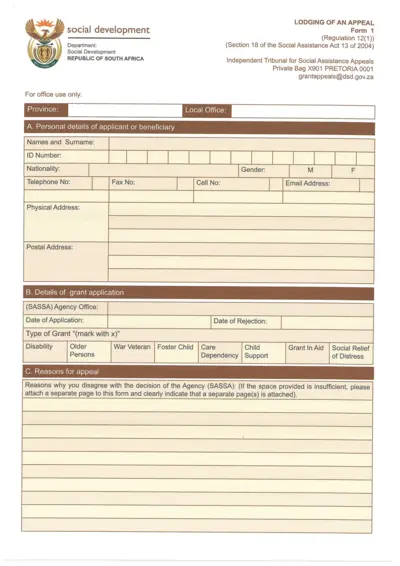
Social Assistance Grants Appeal Form
This form is used for lodging an appeal regarding social assistance grant decisions. It is essential for applicants who wish to contest a decision made by the SASSA agency. Proper completion of this form helps ensure your concerns are heard and acted upon.
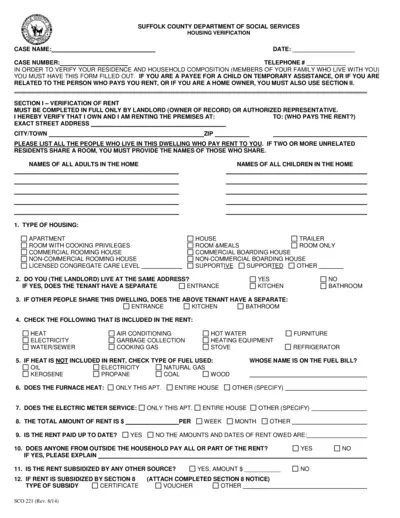
Suffolk County Housing Verification Form
This file contains essential information for verifying residence and household composition for Suffolk County Department of Social Services. It outlines requirements, sections to be filled out, and instructions for landlords and tenants. Use this form to ensure accurate and timely assistance for housing verification needs.
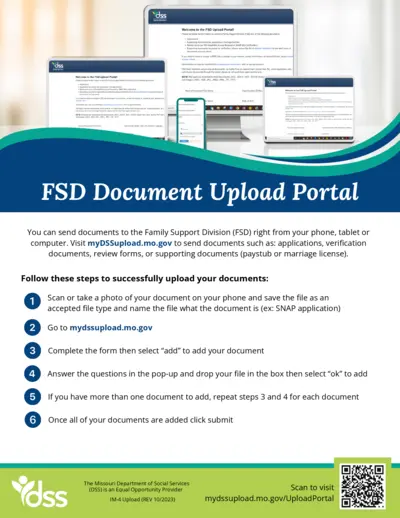
FSD Document Upload Instructions
This document provides instructions for uploading files to the Family Support Division. It contains details on acceptable file types and the information needed for submission. Perfect resource for those interacting with the FSD.
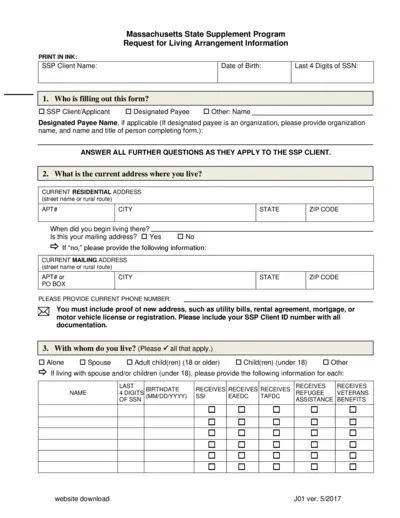
Massachusetts State Supplement Program Request Form
This form is required for individuals applying for the Massachusetts State Supplement Program. It gathers essential information regarding living arrangements and financial details. Fill it out accurately to ensure proper assistance.
Vendor Assessment Form for ISWP Submission
This Vendor Assessment Form is essential for distributors and dealers working with ISWP. It outlines the necessary documentation and information required for vendor registration. Fill out this form accurately to ensure a smooth registration process.