
Edit, Download, and Sign the Safety Meeting Tool Box Talk Roster Form
Form
eSign
Add Annotation
Share Form
How do I fill this out?
To fill out this form, begin by entering the name of your company and the date of the safety meeting. Next, specify the topics discussed during the meeting. Finally, ensure all participants print their names, sign, and indicate their time of participation.

How to fill out the Safety Meeting Tool Box Talk Roster Form?
1
Enter the company name at the top of the form.
2
Fill in the date of the safety meeting.
3
Specify the discussed topics.
4
Have participants print their names and sign.
5
Record the time of participation.
Who needs the Safety Meeting Tool Box Talk Roster Form?
1
Safety Officers: They need this roster to document attendees of safety meetings.
2
Managers: To ensure compliance with safety protocols.
3
Employees: To acknowledge their participation in safety discussions.
4
Human Resources: For record-keeping and compliance audits.
5
Training Coordinators: To track training sessions related to safety.
How PrintFriendly Works
At PrintFriendly.com, you can edit, sign, share, and download the Safety Meeting Tool Box Talk Roster Form along with hundreds of thousands of other documents. Our platform helps you seamlessly edit PDFs and other documents online. You can edit our large library of pre-existing files and upload your own documents. Managing PDFs has never been easier.

Edit your Safety Meeting Tool Box Talk Roster Form online.
Edit this PDF easily on PrintFriendly by uploading your file. You can modify text, add new sections, or erase unnecessary content. Once your edits are complete, simply download the updated file.

Add your legally-binding signature.
Signing your PDF on PrintFriendly has never been easier. You can add your digital signature directly onto the document. This feature ensures that your agreement is officially noted.

Share your form instantly.
Share your completed PDF seamlessly on PrintFriendly. Use the sharing options to send the document via email or social media. Engage with your colleagues easily with just a few clicks.
How do I edit the Safety Meeting Tool Box Talk Roster Form online?
Edit this PDF easily on PrintFriendly by uploading your file. You can modify text, add new sections, or erase unnecessary content. Once your edits are complete, simply download the updated file.
1
Upload the tool box talk roster PDF to PrintFriendly.
2
Select the text or fields you want to edit.
3
Make the desired changes directly in the document.
4
Once satisfied with your edits, click the download button.
5
Save the edited PDF to your device for future use.

What are the important dates for this form in 2024 and 2025?
Important dates for submissions in 2024 include the quarterly safety meetings scheduled for March 15, June 15, September 15, and December 15. For 2025, ensure to mark similar dates accordingly. Regular compliance checks will occur after each meeting for records.

What is the purpose of this form?
The purpose of this form is to create a documented account of attendance during safety meetings. It helps organizations maintain compliance with safety regulations and showcases commitment to employee wellbeing. Additionally, it serves as a vital tool for tracking discussions and outcomes from each meeting.

Tell me about this form and its components and fields line-by-line.

- 1. Company Name: The official name of the organization conducting the safety meeting.
- 2. Date: The specific date when the safety meeting takes place.
- 3. Topics: A brief list of topics addressed during the meeting.
- 4. Participants: Names of employees who attended the meeting.
- 5. Signatures: Signatures of attendees to verify their presence.
- 6. Time: Time of attendance of each participant.
What happens if I fail to submit this form?
Failing to submit this form can lead to compliance issues and lack of records for safety meetings.
- Compliance Risks: Not submitting the form may result in failing safety audits.
- Lack of Documentation: Absence of records can create challenges in tracking employee safety training.
- Legal Implications: Without proper records, organizations may face legal repercussions in case of incidents.
How do I know when to use this form?

- 1. Safety Meetings: Utilize the form for all formal safety meetings held in your organization.
- 2. Tool Box Talks: Perfect for documenting brief, informal safety discussions at job sites.
- 3. Training Sessions: Use to keep records of training sessions related to health and safety.
Frequently Asked Questions
What is the purpose of the tool box talk roster?
This form is used to document participant details during safety meetings.
Can I edit the PDF before downloading?
Yes, you can make edits directly on PrintFriendly before downloading.
Is there a convenient way to fill out the form?
Absolutely! You can easily type and modify the PDF in our editor.
How can I share the PDF with my team?
Use the share functionality on PrintFriendly to distribute your roster.
What should I do if I forgot to sign it?
You can add your signature at any time using our signing tool.
Can I print the edited version?
Yes, once you have edited the PDF, you can print it directly.
Is this form compliant with safety regulations?
Yes, it is designed to meet safety compliance standards.
How many participants can I add?
You can add as many participants as needed, just ensure all details are clear.
What if I make a mistake while filling it out?
Simply edit the fields again to make accurate corrections.
Do I need an account to use these features?
No account is needed to edit or download the PDF on PrintFriendly.
Related Documents - Tool Box Talk Roster
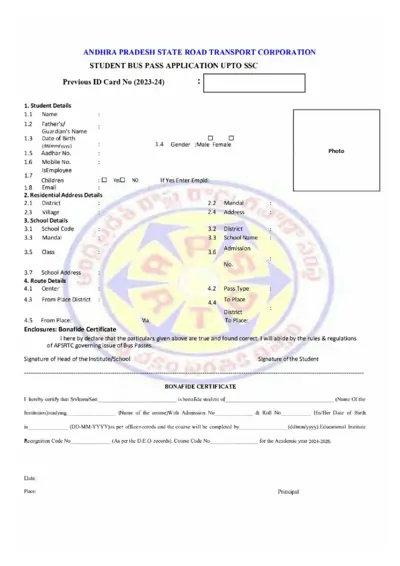
Andhra Pradesh State Road Transport Corporation Student Bus Pass Application
The Andhra Pradesh State Road Transport Corporation (APSRTC) Student Bus Pass Application form is for students up to SSC who need to apply for a bus pass for the academic year 2024-2025. This form includes personal details, school details, route details, and requires a bonafide certificate. Completing this form allows students to travel on APSRTC buses between their residence and school at a concessional fare.
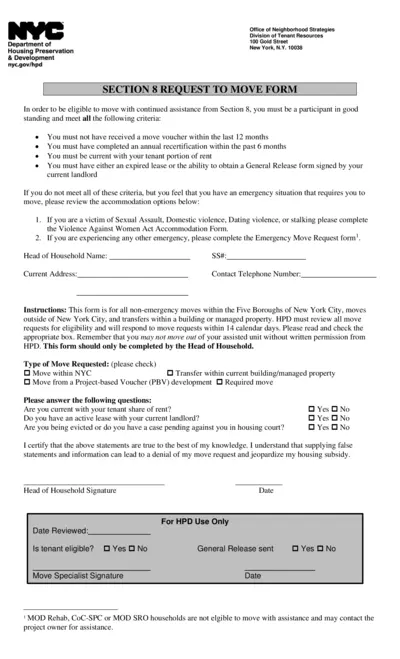
NYC Section 8 Request to Move Form
The NYC Section 8 Request to Move Form is for participants in good standing to move with continued assistance. Participants must meet specific criteria and obtain necessary approvals. The form includes options for non-emergency and emergency moves.
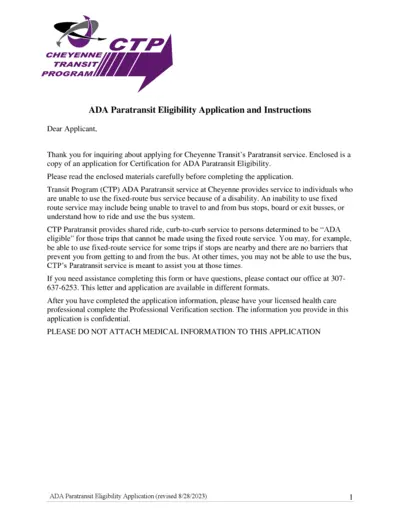
Cheyenne Transit ADA Paratransit Eligibility Application
This file includes the application and instructions for Cheyenne Transit's ADA Paratransit service. It details the eligibility criteria and provides guidelines on how to complete the form. The document must be filled out in full and submitted to determine eligibility for Paratransit service.
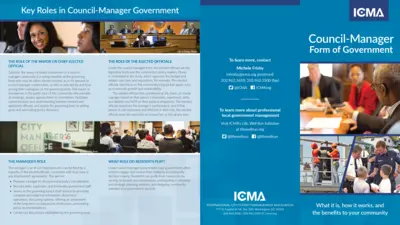
Council-Manager Government Roles and Responsibilities Guide
This file provides detailed information about the roles and responsibilities of key officials in a council-manager government structure, including the mayor, city manager, and elected officials. It also explains how residents can participate in the government decision-making process.
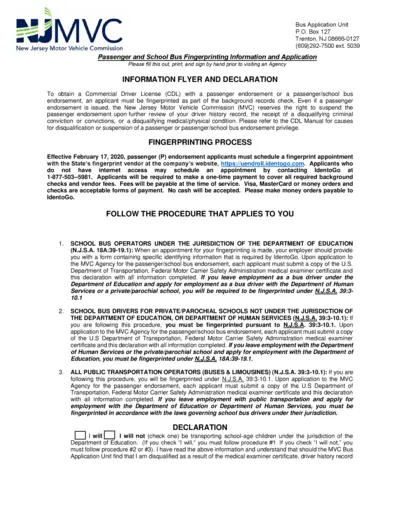
Passenger and School Bus Driver Application
This file provides detailed instructions and forms required for obtaining a Commercial Driver License (CDL) with a passenger or passenger/school bus endorsement in New Jersey. It includes fingerprinting information, medical examiner certificate requirements, and a declaration form. Applicants must complete the form, print, and sign it before visiting an Agency or the New Jersey Motor Vehicle Commission.
Facility Clearance (FCL) Orientation Handbook - March 2021
This handbook provides a comprehensive orientation to the Facility Clearance (FCL) process. It outlines responsibilities, deadlines, and guidance. It includes detailed process information and required forms.
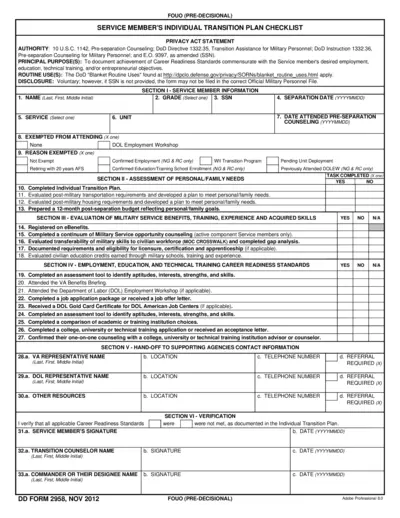
Service Member's Individual Transition Plan Checklist
This file is a checklist intended for service members to document and certify the achievement of career readiness standards as they transition out of the military. It includes sections for personal and family needs assessment, evaluation of military service benefits and acquired skills, career readiness standards, and contact information for supporting agencies. The checklist must be completed and verified by the service member, transition counselor, and unit commander prior to separation.
Bangladesh Judicial Service Commission Form Instructions
This document provides detailed instructions for filling out and submitting the Bangladesh Judicial Service Commission form, including essential deadlines and required fields.
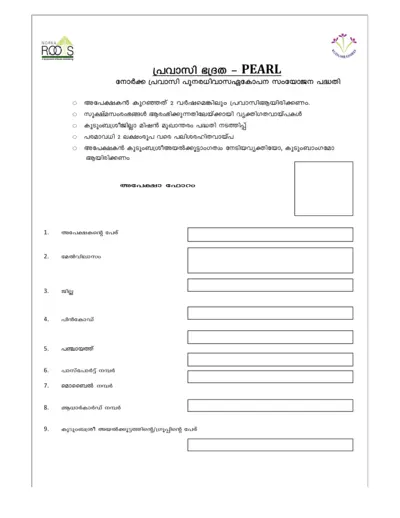
NORKA, RØD S - Government of Kerala Undertaking File
This document is issued by the Government of Kerala and pertains to various government-related undertakings. It provides important instructions and details necessary for various procedures. Users should follow the guidelines carefully to ensure compliance.
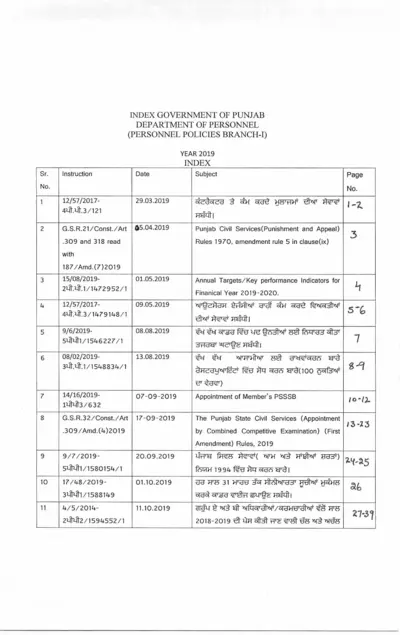
GOVERNMENT OF PUNJAB DEPARTMENT OF PERSONNEL MANUAL 2019
This document is a manual by the Government of Punjab's Department of Personnel, outlining various personnel policies and instructions issued in the year 2019. It includes amendments, performance indicators, appointment procedures, and relevant rules for civil services and recruitment. The manual serves as a comprehensive guide for personnel management and related administrative processes.
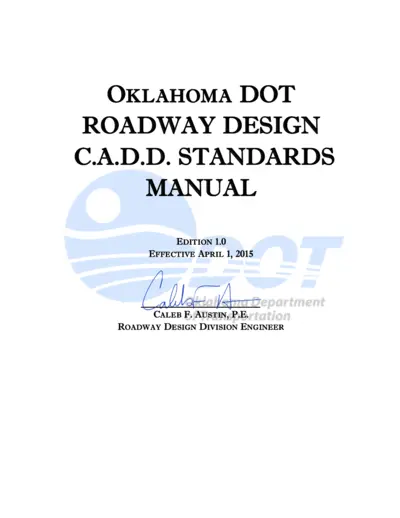
Oklahoma DOT Roadway Design CADD Standards Manual
The Oklahoma DOT Roadway Design CADD Standards Manual effective April 1, 2015 details the best practices for all related engineering work. Following these standards ensures readability, uniformity, and proficiency in design plans. This manual is essential for designers working with or for the Oklahoma Department of Transportation.
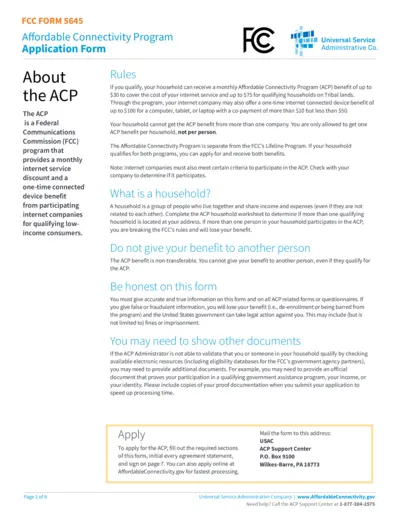
Affordable Connectivity Program Application Form FCC Form 5645
FCC Form 5645 is an application form for the Affordable Connectivity Program (ACP) that provides monthly internet service discounts and a one-time device benefit for qualifying low-income consumers. The form includes sections for personal information, identity verification, and household details. Instructions for submission and required documentation are also provided.