
PTO/SB/92 Submission Instructions and Mailing
This file contains the instructions and details for submitting the PTO/SB/92 form. It provides guidance for the completion and mailing of the form to the U.S. Patent and Trademark Office. Essential information regarding privacy and compliance with the Paperwork Reduction Act is also included.
Edit, Download, and Sign the PTO/SB/92 Submission Instructions and Mailing
Form
eSign
Add Annotation
Share Form
How do I fill this out?
Filling out the PTO/SB/92 form requires attention to detail and understanding of the provided instructions. Before you start, make sure to have all necessary information about your submission ready. Follow the step-by-step instructions carefully to ensure a correct and complete form.

How to fill out the PTO/SB/92 Submission Instructions and Mailing?
1
Read the instructions thoroughly for guidance.
2
Gather all required information such as mailing address and personal details.
3
Complete each section of the form accurately.
4
Sign and date the form where indicated.
5
Submit the completed form through the appropriate channel.
Who needs the PTO/SB/92 Submission Instructions and Mailing?
1
Inventors applying for a patent need to submit this form for their application.
2
Patent attorneys require this form to file on behalf of clients.
3
Businesses seeking patent protection must fill out this form for their inventions.
4
Individuals needing to certify their correspondence to the patent office must use this form.
5
Researchers and developers filing patent applications use this form for legal documentation.
How PrintFriendly Works
At PrintFriendly.com, you can edit, sign, share, and download the PTO/SB/92 Submission Instructions and Mailing along with hundreds of thousands of other documents. Our platform helps you seamlessly edit PDFs and other documents online. You can edit our large library of pre-existing files and upload your own documents. Managing PDFs has never been easier.

Edit your PTO/SB/92 Submission Instructions and Mailing online.
Editing the PTO/SB/92 PDF on PrintFriendly is simple and intuitive. You can directly modify text, add comments, or adjust any section of the form as required. Take advantage of our editing tools to customize the document to your needs.

Add your legally-binding signature.
Signing the PTO/SB/92 PDF on PrintFriendly is a seamless process. You can easily add your signature using our digital signing feature, ensuring that your submission is compliant and valid. Make your document official with just a few clicks of the mouse.

Share your form instantly.
Sharing your completed PTO/SB/92 PDF is made effortless on PrintFriendly. You can send the document directly via email or share it through various platforms with ease. Keep your collaborators informed by utilizing our share feature.
How do I edit the PTO/SB/92 Submission Instructions and Mailing online?
Editing the PTO/SB/92 PDF on PrintFriendly is simple and intuitive. You can directly modify text, add comments, or adjust any section of the form as required. Take advantage of our editing tools to customize the document to your needs.
1
Open the PTO/SB/92 form in PrintFriendly.
2
Use the text editing tools to make changes where necessary.
3
Add notes or comments for clarification if needed.
4
Preview the edited document to ensure accuracy.
5
Save the revised PDF for submission or future reference.

What are the important dates for this form in 2024 and 2025?
The PTO/SB/92 form must be submitted by various deadlines related to patent applications. Keep track of these dates to ensure timely submissions. Additionally, file your application before the expiration of any patent-related solicitations.

What is the purpose of this form?
The PTO/SB/92 form serves as a critical document for submitting correspondence to the U.S. Patent and Trademark Office. It ensures that all relevant information is provided for the processing of patent applications or related communications. Completing this form accurately is essential to maintain compliance with U.S. laws and regulations.

Tell me about this form and its components and fields line-by-line.

- 1. Signature: This field requires the applicant's signature to validate the submission.
- 2. Date: The date on which the form is completed and signed.
- 3. Typed or printed name: The full name of the individual submitting the form.
- 4. Telephone number: A contact number for any follow-ups regarding the submission.
What happens if I fail to submit this form?
If the PTO/SB/92 form is not submitted correctly, it may lead to significant delays in the processing of a patent application. Incomplete forms can result in requests for additional information, which prolongs the application timeline.
- Delayed Processing: Incomplete or incorrect submissions can lead to significant delays in the application process.
- Application Abandonment: Failure to submit properly could result in the abandonment of your patent application.
- Legal Implications: Incorrect filings may have legal consequences for patent rights and protections.
How do I know when to use this form?

- 1. Filing a New Patent Application: Use this form when you are submitting a new application for a patent.
- 2. Responding to Office Actions: This form is required when responding to any actions taken by the patent office.
- 3. Certifying Mailings: Utilize the form to certify that documents have been mailed correctly.
Frequently Asked Questions
How do I edit the PTO/SB/92 form using PrintFriendly?
You can easily edit the form directly in the PrintFriendly editor by accessing the text and modifying it as needed.
Can I share the PTO/SB/92 form with others?
Yes, PrintFriendly allows you to share your edited document through email or other platforms.
What if I need to sign the PTO/SB/92 form?
You can add your signature directly in the PrintFriendly platform before submitting the form.
Is there a cost to use PrintFriendly?
PrintFriendly offers free editing and sharing features for your PDF documents.
How do I download the edited PTO/SB/92 form?
After editing, simply click on the download option to save your changes.
What formats can I save my edited form in?
You can save your edited PTO/SB/92 form as a PDF.
Can I submit the form directly from PrintFriendly?
No, you’ll need to download the form and submit it through the appropriate channels.
What should I do if I make a mistake while editing?
You can easily undo changes or revise your edits in the PrintFriendly editor.
Is there support available if I have questions?
Yes, PrintFriendly provides resources and guides to assist you.
Can I print my edited form directly from PrintFriendly?
Yes, you can print the edited form directly from the platform.
Related Documents - PTO/SB/92 Form Guide
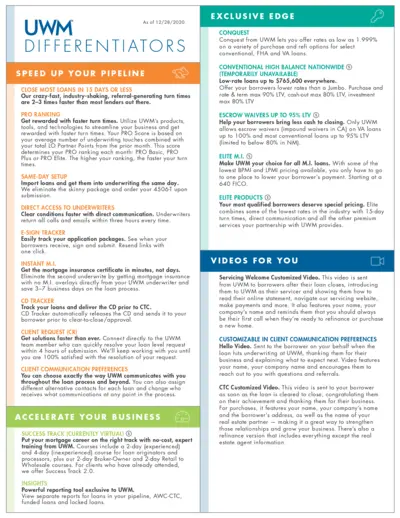
UWM File Details and Instructions
This file provides detailed information and instructions on the services and products offered by UWM. It highlights various features such as turn times, direct access to underwriters, E-sign tracker, and more. Users can find guidance on how to accelerate their business practices.
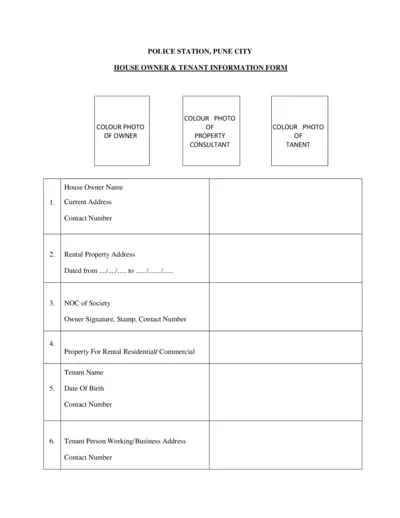
Police Station Pune City House Owner & Tenant Information Form
This form is for house owners in Pune City to provide necessary information about their tenants to the police station. It includes details about the owner, tenant, and rental property. It ensures proper verification and record-keeping.
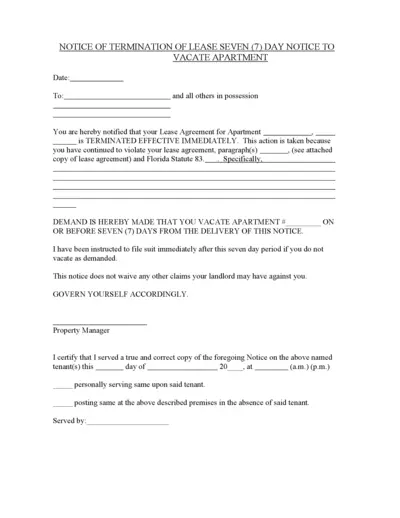
Notice of Termination of Lease - Seven Day Notice
This document serves as a Notice of Termination of Lease. It is used to notify tenants that their lease agreement is terminated immediately. The tenant is required to vacate the premises within seven days.
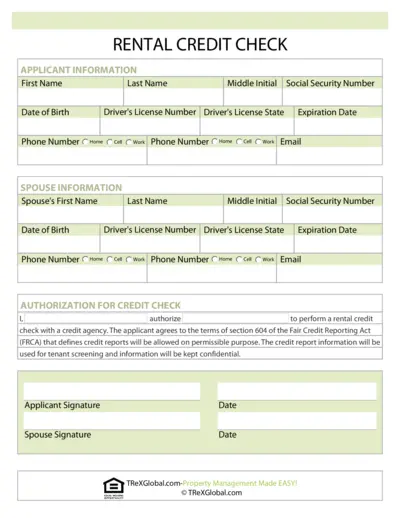
Rental Credit Check Authorization Form
This document is used to authorize a rental credit check for potential tenants. It requires personal information for both the applicant and their spouse. It ensures compliance with the Fair Credit Reporting Act (FCRA) for tenant screening purposes.
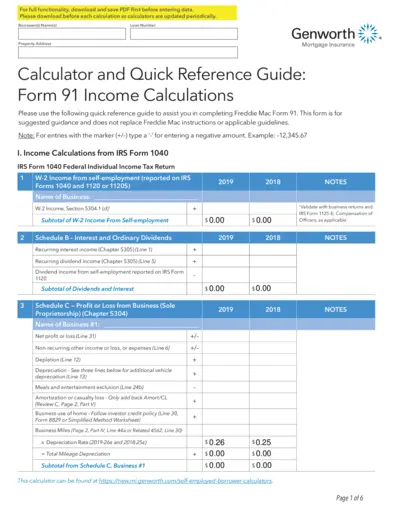
Freddie Mac Form 91 Mortgage Insurance Calculation Tool
This PDF is a guide for completing Freddie Mac Form 91. It includes instructions for calculating income from various sources. The guide also details how to use the Genworth Mortgage Insurance Calculator.
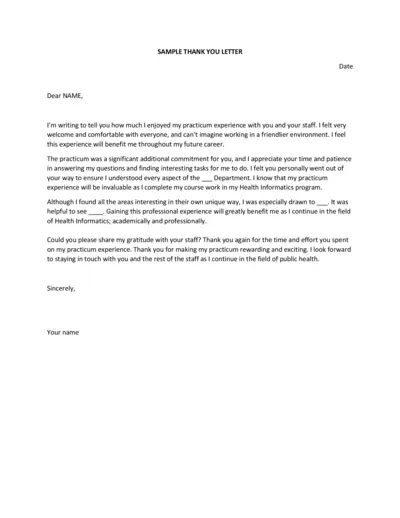
Health Informatics Practicum Thank You Letter Template
This file is a thank you letter template for a practicum experience in Health Informatics. It helps users express their gratitude for the opportunity and the learnings gained. The letter highlights the user's appreciation for the staff and the professional experience.
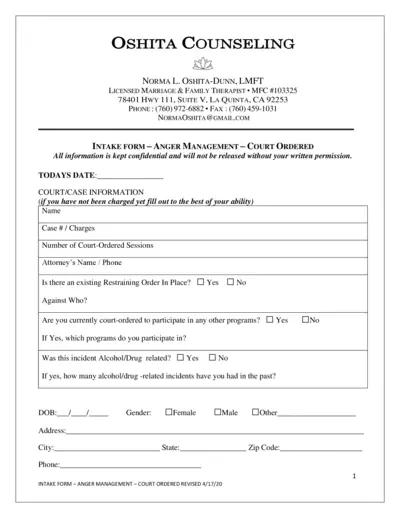
Court-Ordered Anger Management Intake Form
This intake form is designed for individuals required to complete anger management sessions by court order. It collects personal, legal, and psychological information to help therapists provide appropriate therapy. Confidentiality is ensured.
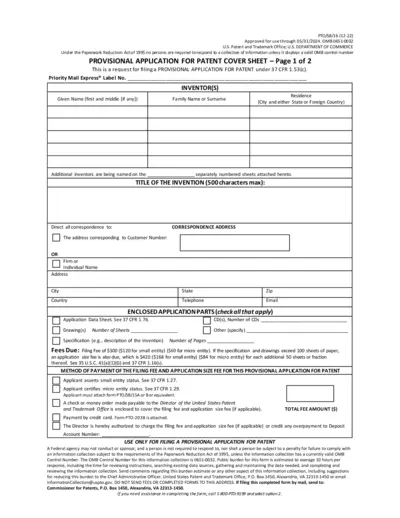
Provisional Patent Application Cover Sheet - Instructions
This file is a cover sheet for a provisional patent application under 37 CFR 1.53(c). It includes inventor details, invention title, correspondence address, fees due, and payment methods.
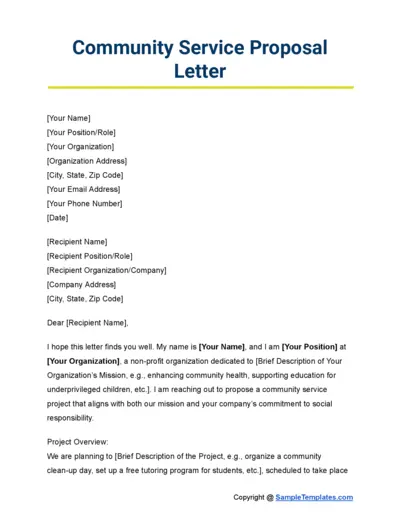
Community Service Proposal Template
This file is a community service proposal template. It helps organizations outline their proposed service project in a structured format. It includes sections for project overview, support needed, benefits of collaboration, and next steps.
Stockdale & Leggo Rental Application Form
This rental application form from Stockdale & Leggo is required for each adult residing in the property. The form includes fields for personal details, identification, and employment information. Successful applicants will be notified immediately and must pay the full bond and first month's rent within 24 hours.
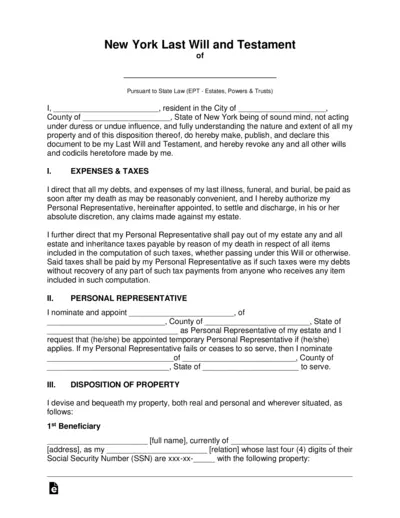
New York Last Will and Testament Guide
This document is a New York Last Will and Testament in accordance with state law. It provides a legal framework for distributing your property after death. It includes instructions for appointing a personal representative and managing expenses and taxes.
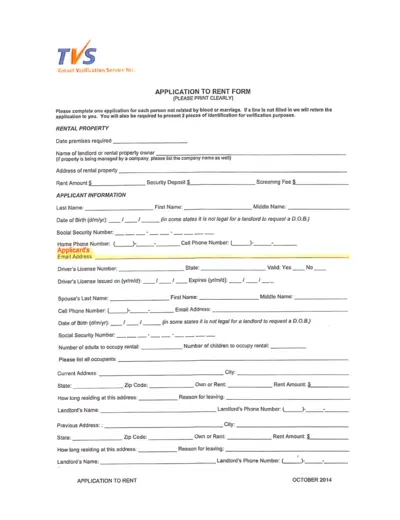
TVS Tenant Verification Application to Rent Form
This file is an application to rent form used by TVS Tenant Verification Service Inc. It gathers applicant information, rental history, employment details, and personal references. The form is designed to assess tenant eligibility and creditworthiness.