
Edit, Download, and Sign the Parent Workshop Feedback Form - The Basics
Form
eSign
Add Annotation
Share Form
How do I fill this out?
To fill out this form, start by circling the response that best reflects your opinion. Next, indicate how true each statement is for you by selecting a corresponding number. Finally, use the open-ended questions to share your thoughts on the workshop experience.

How to fill out the Parent Workshop Feedback Form - The Basics?
1
Read each question carefully.
2
Circle the appropriate response for the multiple-choice questions.
3
Select a number for the statements that apply to you.
4
Provide detailed answers for the open-ended questions.
5
Submit the form once completed.
Who needs the Parent Workshop Feedback Form - The Basics?
1
Parents looking for feedback opportunities to improve their skills.
2
Caregivers wanting to share their experiences from the workshop.
3
Educators seeking insights on workshop effectiveness.
4
Program administrators desiring to enhance future workshops.
5
Community leaders interested in the overall feedback from participants.
How PrintFriendly Works
At PrintFriendly.com, you can edit, sign, share, and download the Parent Workshop Feedback Form - The Basics along with hundreds of thousands of other documents. Our platform helps you seamlessly edit PDFs and other documents online. You can edit our large library of pre-existing files and upload your own documents. Managing PDFs has never been easier.

Edit your Parent Workshop Feedback Form - The Basics online.
Editing this PDF on PrintFriendly is simple and user-friendly. You can click on any text field to modify responses seamlessly. Take advantage of our intuitive editing tools to ensure your feedback is accurately represented.

Add your legally-binding signature.
You can sign the PDF on PrintFriendly using our easy signature tool. Simply click where you want to add your signature and follow the prompts to draw or type your name. This feature allows for quick and secure sign-off on your form.

Share your form instantly.
Sharing the PDF on PrintFriendly is effortless. Once your form is complete, you can directly share it with others via email or social media. This feature allows you to easily disseminate your feedback and encourage others to participate.
How do I edit the Parent Workshop Feedback Form - The Basics online?
Editing this PDF on PrintFriendly is simple and user-friendly. You can click on any text field to modify responses seamlessly. Take advantage of our intuitive editing tools to ensure your feedback is accurately represented.
1
Open the form in PrintFriendly.
2
Click on the text fields to begin editing.
3
Make your selections and type your responses.
4
Review your edits for accuracy.
5
Download or share your edited PDF.

What are the instructions for submitting this form?
To submit this form, please complete all sections and ensure your responses are accurate. You can submit the form via email by sending it to feedback@thebasics.org, or fax it to (555) 123-4567. Additionally, printed forms can be mailed to The Basics, 123 Main St, Springfield, ST 12345.
What are the important dates for this form in 2024 and 2025?
Important submission dates for the feedback form will be provided at the beginning of 2024 and 2025 workshops. Make sure to adhere to these deadlines to ensure your feedback is counted. Stay tuned for updates on specific dates as they become available.

What is the purpose of this form?
The purpose of this form is to collect feedback from participants regarding the effectiveness of the Parent Workshops. It aims to understand attendees’ experiences, identify areas for improvement, and enhance future sessions based on participant insights. By gathering valuable feedback, organizers can tailor workshops to better meet the needs of parents and caregivers.

Tell me about this form and its components and fields line-by-line.

- 1. Usefulness Rating: A section to rate the usefulness of the workshop on a scale.
- 2. True Statements: Statements to indicate how true they are for the participant.
- 3. Open-Ended Questions: Areas for participants to provide detailed feedback.
What happens if I fail to submit this form?
If this form is not submitted, feedback will be unaccounted for, hindering the improvement of future workshops. Participants may miss the opportunity to express their views on workshop effectiveness. It's important to submit to ensure collective voices are heard.
- Lack of Improvement: Without feedback, workshops may not evolve to meet participants' needs.
- Missing Participation: Non-submission may result in fewer insights from diverse perspectives.
How do I know when to use this form?

- 1. After Workshop Attendance: Participants fill out the form to provide immediate feedback post-session.
- 2. Program Improvement: Organizers utilize the feedback to enhance future workshop quality.
Frequently Asked Questions
How do I fill out the Parent Workshop Feedback Form?
To fill out the form, circle your answers and type your responses in the designated fields.
Can I edit the PDF after downloading?
Yes, you can edit the PDF using PrintFriendly’s editing tools.
How do I share the completed form?
Simply click the share button to send it via email or social media platforms.
What if I have trouble with the form?
For assistance, use the help feature available on PrintFriendly.
Is it possible to print the filled-out form?
Yes, you can print your edited form directly from PrintFriendly.
Can I save my progress while filling out the form?
Yes, you can save your progress by downloading the form anytime.
What formats can I download the filled form in?
You can download the filled form in PDF format.
Is there a deadline for submitting the feedback?
Please check the specific instructions provided with the form for deadlines.
Who sees my feedback?
Your feedback is used internally to improve future workshops.
Can I fill out the form anonymously?
If you prefer, simply leave your name and contact information blank.
Related Documents - Feedback Form
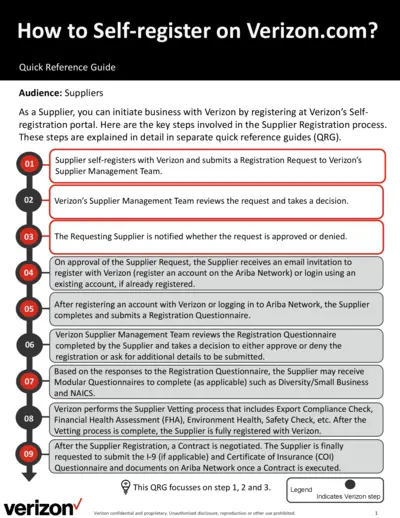
How to Self-register on Verizon.com - Quick Reference Guide
This file provides detailed instructions for suppliers on how to self-register on Verizon.com and submit a registration request. It outlines the steps involved in the supplier registration process, including submitting a registration questionnaire and undergoing a vetting process. The guide also explains how to complete necessary forms and provide required information.
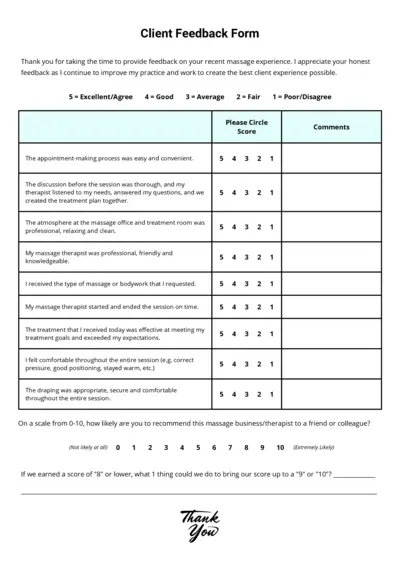
Client Feedback Form for Massage Experience - Easy to Use
This form is designed to gather feedback on your recent massage experience. It helps improve the overall client experience by addressing specific areas of service. Please provide honest feedback to help us serve you better.
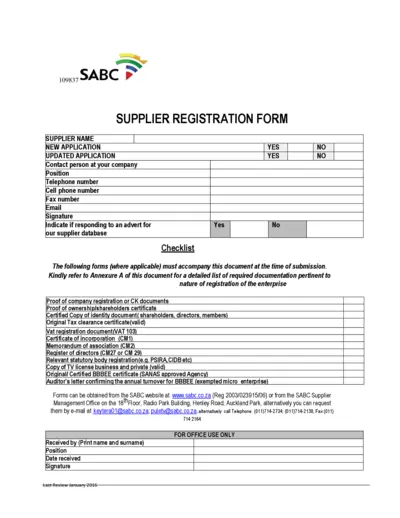
SABC Supplier Registration Form
This file is the official form for supplier registration with SABC. It includes sections for company details, director/ownership details, and required documentation. Use this form to apply or update your supplier registration.
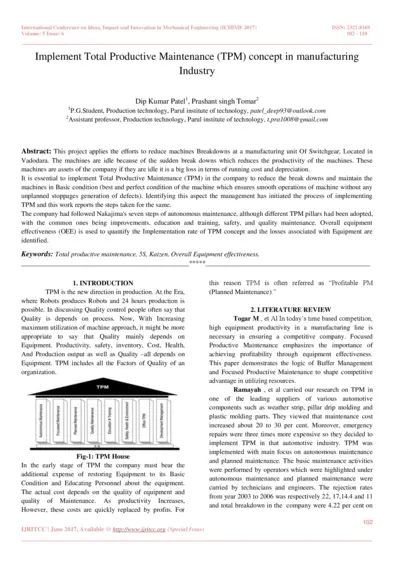
Implement Total Productive Maintenance (TPM) in Manufacturing Industry
This file discusses the implementation of Total Productive Maintenance (TPM) to reduce machine breakdowns and improve productivity. It includes a literature review, case study, and analysis of the effectiveness of TPM. The focus is on autonomous maintenance, planned maintenance, and overall equipment effectiveness.
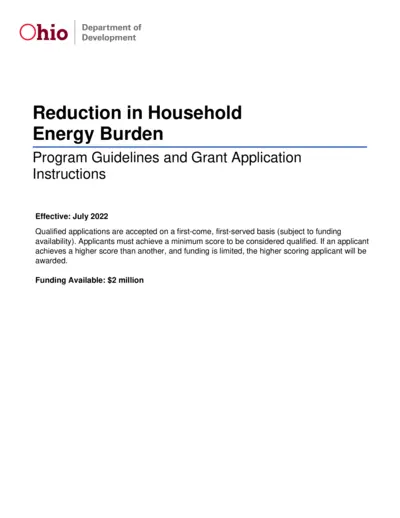
Ohio Development Reduction in Household Energy Burden
The Ohio Department of Development has allocated funds to reduce energy consumption for income-qualified customers. This document serves as a guideline and grant application instruction for eligible organizations to apply for this program. Funding is available on a first-come, first-serve basis.
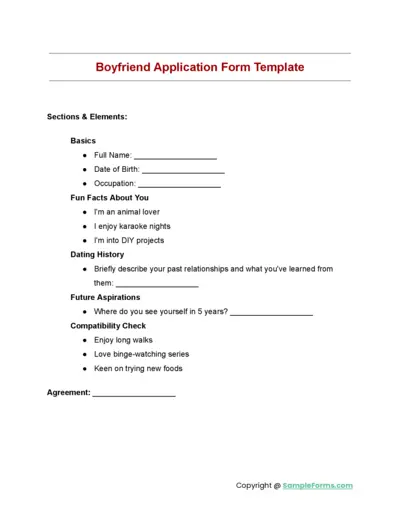
Boyfriend Application Form Template
The Boyfriend Application Form Template helps individuals detail their basic information, fun facts, dating history, future aspirations, and compatibility check. It is a comprehensive and engaging way to get to know potential partners better. The template also includes an agreement section.
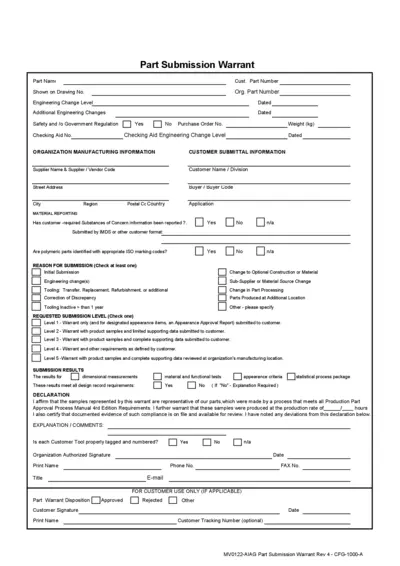
Part Submission Warrant and Engineering Change Record
This file contains the Part Submission Warrant and related engineering change records for manufacturing organizations. It includes details on part identification, material reporting, and submission results. Essential for complying with Production Part Approval Process requirements.
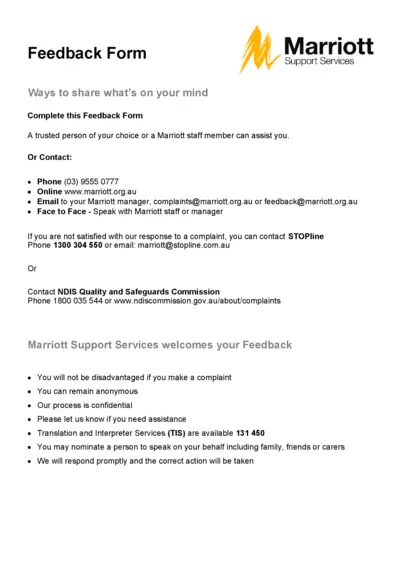
Marriott Feedback Form - Share Your Thoughts
This file contains the Marriott Feedback Form for customers to share their thoughts. It provides clear instructions on how to submit feedback or complaints. Use this form to ensure your voice is heard effectively.
Safeway Supplier Handbook Overview and Guidelines
The Safeway Supplier Handbook provides essential guidelines and requirements for suppliers working with Safeway. It contains vital information on the procedures for becoming a supplier and maintaining partnerships. This document is crucial for all potential and current suppliers to understand their responsibilities and the operational standards expected.
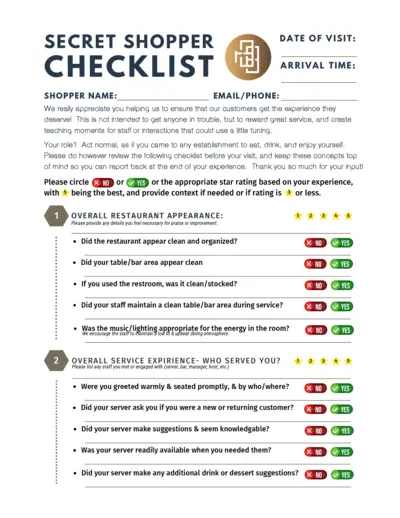
Secret Shopper Checklist Instructions and Guidelines
This document serves as a checklist for secret shoppers to evaluate their dining experience. It outlines key areas to assess such as service quality, restaurant appearance, and food quality. Use this checklist to provide valuable feedback that helps improve service standards.
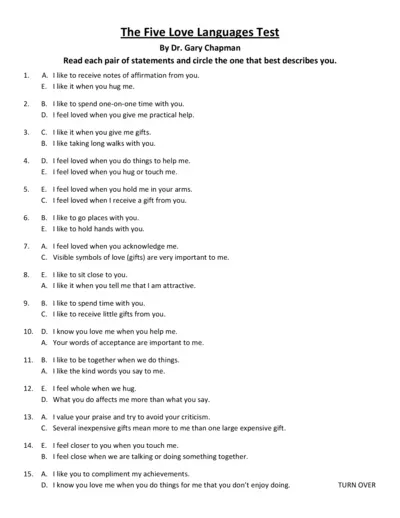
The Five Love Languages Test by Dr. Gary Chapman
This file contains the Five Love Languages Test by Dr. Gary Chapman. Users can assess their love language preferences. It provides a structured way to understand and communicate feelings in relationships.
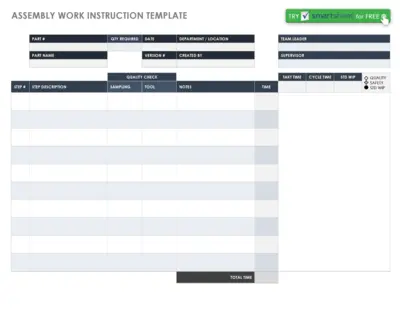
Assembly Work Instruction Template for Efficient Workflow
This file serves as a comprehensive assembly work instruction template for users. It provides structured guidance to streamline assembly processes. Utilize this template for enhanced efficiency and quality control in your projects.