
Non-Resident Firearm Declaration Continuation Sheet
The Non-Resident Firearm Declaration Continuation Sheet is essential for individuals bringing firearms into Canada. It outlines the necessary information required for legal compliance and responsible firearm ownership. Fill out this form accurately to facilitate the importation process while adhering to Canadian laws.
Edit, Download, and Sign the Non-Resident Firearm Declaration Continuation Sheet
Form
eSign
Add Annotation
Share Form
How do I fill this out?
To complete the Non-Resident Firearm Declaration Continuation Sheet, start by printing clearly in black or blue ink. Ensure that you do not write in shaded areas and carefully follow instructions provided on the form. For any questions while filling it out, you can reach out to the contact numbers provided.

How to fill out the Non-Resident Firearm Declaration Continuation Sheet?
1
Print your personal information clearly.
2
List the number of firearms you are declaring.
3
Indicate the details of each firearm including type and serial number.
4
Ensure to attach this continuation sheet to the main declaration.
5
Review your information for accuracy before submission.
Who needs the Non-Resident Firearm Declaration Continuation Sheet?
1
Travelers entering Canada with non-restricted firearms.
2
Individuals hosting hunting trips in Canada.
3
Temporary residents needing firearms for sport shooting.
4
Collectors bringing firearms for display at events.
5
Tourists visiting Canada who wish to bring their own sports firearms.
How PrintFriendly Works
At PrintFriendly.com, you can edit, sign, share, and download the Non-Resident Firearm Declaration Continuation Sheet along with hundreds of thousands of other documents. Our platform helps you seamlessly edit PDFs and other documents online. You can edit our large library of pre-existing files and upload your own documents. Managing PDFs has never been easier.

Edit your Non-Resident Firearm Declaration Continuation Sheet online.
Editing the Non-Resident Firearm Declaration Continuation Sheet on PrintFriendly is simple and user-friendly. Just upload your PDF document, and you can modify any field to suit your needs. After editing, you will have the option to download or save the updated form.

Add your legally-binding signature.
Signing the PDF is straightforward on PrintFriendly. After completing the necessary fields, you can utilize the signing tool to add your signature directly onto the form. This ensures that your declaration is legally binding upon submission.

Share your form instantly.
You can easily share the Non-Resident Firearm Declaration Continuation Sheet using PrintFriendly's sharing options. Simply select the share feature, and you can send the document via email or generate a shareable link. This makes it convenient to share your information with others.
How do I edit the Non-Resident Firearm Declaration Continuation Sheet online?
Editing the Non-Resident Firearm Declaration Continuation Sheet on PrintFriendly is simple and user-friendly. Just upload your PDF document, and you can modify any field to suit your needs. After editing, you will have the option to download or save the updated form.
1
Upload the Non-Resident Firearm Declaration Continuation Sheet.
2
Click on the fields you wish to edit and enter your information.
3
Use the preview feature to ensure all information is correct.
4
Save the edited document to your device.
5
Share or print your updated form as needed.

What are the instructions for submitting this form?
Once you have completed the Non-Resident Firearm Declaration Continuation Sheet, submit it along with your Firearm Declaration Form at the border. You can contact the Canadian Firearms Program at 1 800 731-4000 for any questions. Ensure that you carry all required documentation to avoid any delays during your entry into Canada.
What are the important dates for this form in 2024 and 2025?
The Non-Resident Firearm Declaration Continuation Sheet remains valid as long as it is attached to the main Firearm Declaration Form. Ensure you have completed and submitted both forms correctly. Important renewals or changes should be checked yearly.

What is the purpose of this form?
The Non-Resident Firearm Declaration Continuation Sheet serves several purposes, primarily to facilitate the legal importation of firearms by non-residents to Canada. It ensures that all firearms are documented, helping authorities track and manage controlled items. By completing this form accurately, travelers uphold Canadian firearms regulations while promoting responsible firearm ownership.

Tell me about this form and its components and fields line-by-line.

- 1. Personal Information: Includes name, date of birth, and confirmation of identification.
- 2. Firearms Declared: Details of each firearm such as type, make, and serial number.
- 3. Authorization to Transport: For restricted firearms, the permissions and expiry dates must be noted.
- 4. Destination in Canada: The location where the firearms will be kept or used during the stay.
- 5. Acknowledgment: Signature and date affirming the completeness and accuracy of the information provided.
What happens if I fail to submit this form?
Failing to submit the Non-Resident Firearm Declaration Continuation Sheet may result in legal issues at the border, including potential fines or confiscation of firearms. It is critical to ensure all forms are filled out and submitted as required to avoid complications during travel.
- Legal Consequences: Not submitting the form may lead to potential violations of Canada's firearm laws.
- Firearm Seizure: Failure to comply may result in the confiscation of the firearms being brought into Canada.
- Delays at Border: Incomplete documentation can cause significant delays during customs processing.
How do I know when to use this form?

- 1. Traveling for Sport Shooting: For non-residents competing in shooting sports.
- 2. Hunting Trips: To declare firearms used for hunting in Canada.
- 3. Exhibitors at Trade Shows: For displaying firearms at exhibitions.
- 4. Temporary Residents: For those living in Canada for a short period and needing personal firearms.
- 5. Visiting Friends or Family: Needed when bringing firearms for recreational shooting with family.
Frequently Asked Questions
What is the Non-Resident Firearm Declaration Continuation Sheet?
It is a form required for individuals bringing firearms into Canada, detailing their firearms and personal information.
How do I fill out this form?
Print clearly, provide the required information about your firearms, and make sure to review the details before submission.
Where can I submit this form?
You can submit the form at the Canadian border upon entering Canada.
Is there an online version of this form?
Yes, you can fill out and edit the form using PrintFriendly's PDF editor.
What if I make a mistake on the form?
You can easily edit and correct any mistakes using our platform before downloading.
Do I need to include personal identification?
Yes, personal identification details are necessary for legal compliance.
How can I contact support for help with this form?
You can contact the Canadian Firearms Program directly at the numbers provided on the form.
Can I save my form online?
While you can edit and download your document, saving directly online is not currently available.
What types of firearms do I need to declare?
You need to declare all types of firearms you plan to bring, including shotguns, rifles, and handguns.
Is this form valid if not signed?
No, your declaration needs to be signed upon completion to be considered valid.
Related Documents - Firearm Declaration Continuation
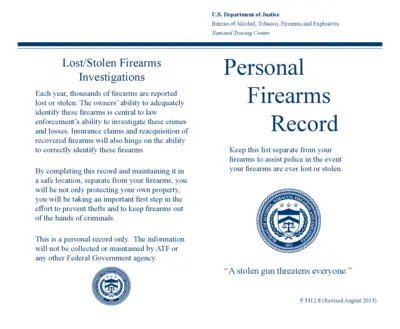
Lost/Stolen Firearms Investigations Record
This file helps firearm owners keep a personal record of their firearms in the event they are lost or stolen. It includes fields for detailed descriptions of each firearm to assist law enforcement in investigations. Maintained separately from firearms, this record supports insurance claims and reacquisition efforts.
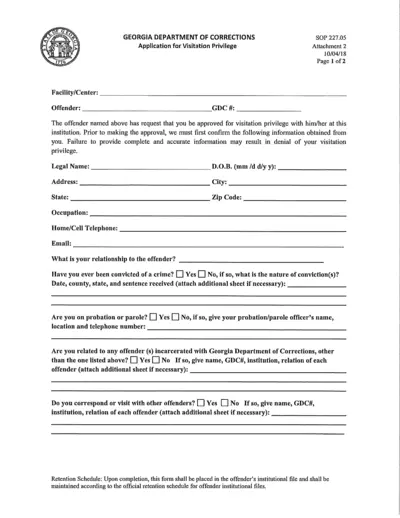
Georgia Department of Corrections Visitation Application
This file is an application form for visitation privileges at Georgia correctional facilities. It gathers personal information and criminal history of the visitor. Complete this form to establish your relationship with an inmate for visitation approval.
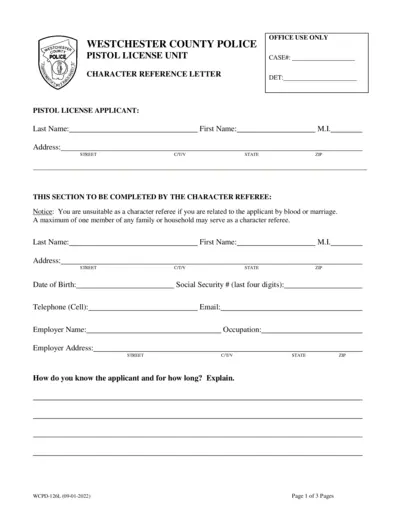
Westchester County Police Pistol License Application
This file contains the necessary application form for obtaining a pistol license in Westchester County, NY. It guides the applicant through providing personal information and character references. Ensure all sections are thoroughly completed to improve processing time.
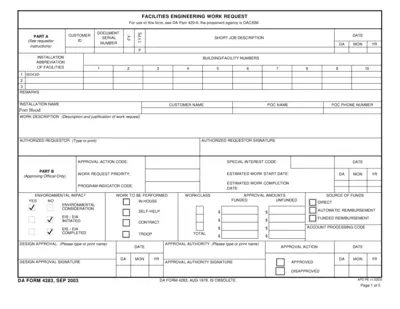
Facilities Engineering Work Request Form Instructions
This file provides a structured form for submitting facilities engineering work requests. It outlines necessary fields and approval processes. Ideal for both individual and organizational submissions to ensure work is promptly addressed.
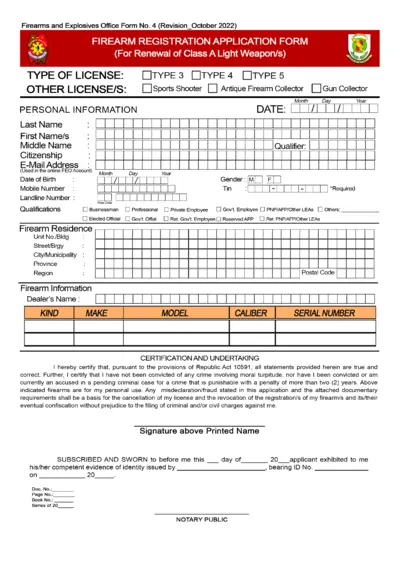
Firearm Registration Application Form for Renewal
This application form is required for renewing a Class A Light Weapon's registration. It collects personal and firearm information to comply with legal requirements. Ensure that all details are accurately provided to avoid issues with your application.
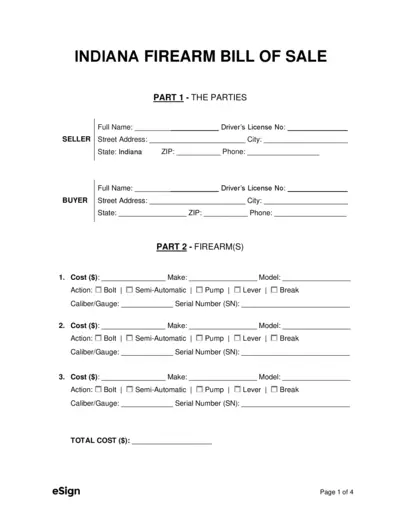
Indiana Firearm Bill of Sale Template and Guide
This Indiana firearm bill of sale template details information for buyers and sellers. It includes instructions and disclosures to ensure compliance with state laws. Use this document for legally transferring firearm ownership.
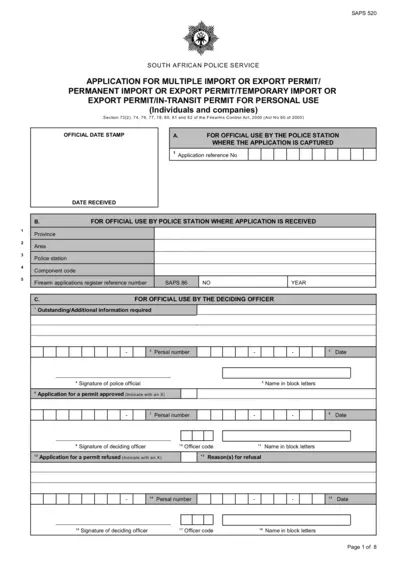
Application for South African Import Export Permit
The SAPS 520 form is required for individuals and companies applying for import or export permits for firearms in South Africa. This document provides guidelines for completing the application, necessary fields, and submission procedures. Ensure that all required information is accurately filled out to avoid delays in processing.
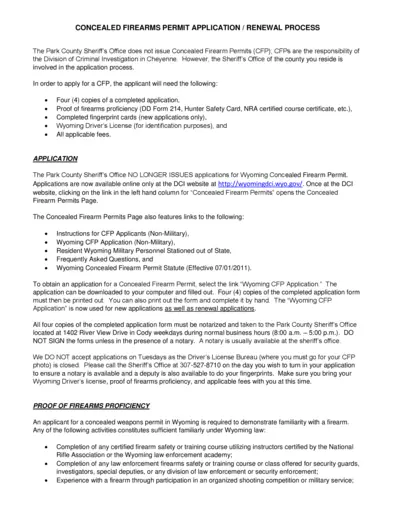
Concealed Firearms Permit Application Process
This file outlines the process for applying for a concealed firearms permit in Wyoming. It includes necessary documents, fees, and where to submit your application. Follow the instructions to ensure your application is completed correctly.
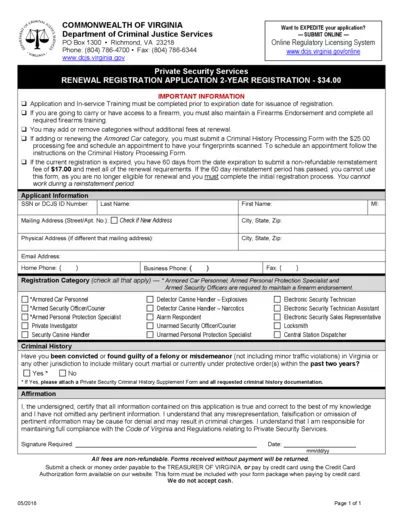
Virginia Private Security Services Registration Form
This document is the Virginia Private Security Services Registration Form. It is essential for individuals seeking to apply for or renew their registration in private security services. Complete all required fields accurately to ensure a smooth processing experience.
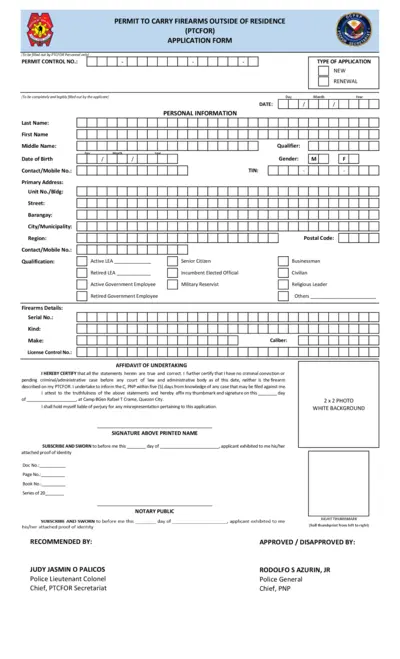
Permit to Carry Firearms Outside Residence Application
This application form is required for individuals seeking a permit to carry firearms outside their residence. It includes personal details, firearm information, and necessary certifications. Ensure all information is accurately provided to avoid any processing delays.
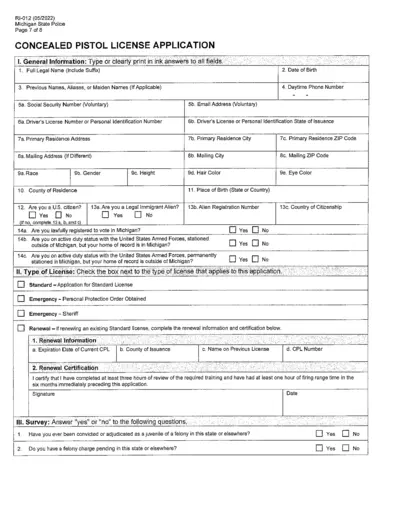
Concealed Pistol License Application Michigan
This file outlines the application process for a Concealed Pistol License (CPL) in Michigan. It includes general information requirements, license types, and survey questions related to eligibility. The application also covers agreements and certifications required for applicants.
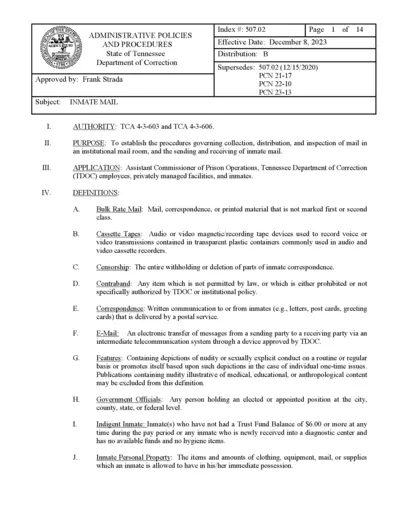
Tennessee Inmate Mail Procedures and Policies
This document outlines the policies and procedures for inmate mail in the Tennessee Department of Correction. It provides guidelines for sending, receiving, and inspecting inmate mail. Understanding these regulations is essential for compliance and effective communication with inmates.