
Excellence/Discrepancy Report Form AETC 341
The Excellence/Discrepancy Report Form AETC 341 is used for documenting instances of excellence or discrepancies in performance. This form is essential for maintaining standards and recognizing achievements or identifying areas that need improvement. It is prescribed by AETCI36-2651 and the previous edition is obsolete.
Edit, Download, and Sign the Excellence/Discrepancy Report Form AETC 341
Form
eSign
Add Annotation
Share Form
How do I fill this out?
To fill this form out, you must provide specific details about the excellence or discrepancy observed. Ensure that all fields are completed accurately. If there's any uncertainty, refer to the detailed instructions provided.

How to fill out the Excellence/Discrepancy Report Form AETC 341?
1
Enter the last name, first name, and middle initial of the individual.
2
Specify the grade and organization of the individual.
3
Indicate the class/flight if applicable.
4
Detail the specific excellence or discrepancy observed.
5
Provide the time, date, and place of the occurrence, and obtain the signature of the reporting individual.
Who needs the Excellence/Discrepancy Report Form AETC 341?
1
Instructors who need to document student performance.
2
Supervisors monitoring employee achievements or discrepancies.
3
Training coordinators tracking class or flight performance.
4
Human Resources departments for performance reviews.
5
Employees or students who need to understand areas for improvement.
How PrintFriendly Works
At PrintFriendly.com, you can edit, sign, share, and download the Excellence/Discrepancy Report Form AETC 341 along with hundreds of thousands of other documents. Our platform helps you seamlessly edit PDFs and other documents online. You can edit our large library of pre-existing files and upload your own documents. Managing PDFs has never been easier.

Edit your Excellence/Discrepancy Report Form AETC 341 online.
You can easily edit the PDF on PrintFriendly by uploading the document to our PDF editor. Make any necessary changes or additions directly on the platform. Once edited, you can download the updated document.

Add your legally-binding signature.
Sign the PDF on PrintFriendly by uploading the document to our PDF editor. Use the signature tool to add your signature electronically. Save the signed document and download it directly from our platform.

Share your form instantly.
Share the PDF on PrintFriendly by uploading the document to our PDF editor. Use the share feature to email a link to the edited document or download it and share via your preferred method. Sharing is seamless and easy on our platform.
How do I edit the Excellence/Discrepancy Report Form AETC 341 online?
You can easily edit the PDF on PrintFriendly by uploading the document to our PDF editor. Make any necessary changes or additions directly on the platform. Once edited, you can download the updated document.
1
Upload the PDF to PrintFriendly.
2
Open the PDF in the editor.
3
Make the necessary changes or additions.
4
Save the edited document.
5
Download the updated PDF.

What are the instructions for submitting this form?
To submit the AETC Form 341, ensure that all fields are completed accurately. The form can be submitted via email to your supervisor or organization's HR department, faxed to the relevant departmental number, or submitted online through your organization's submission portal. Physical copies can be delivered to the HR office or the appropriate supervisory body. Ensure to keep a copy for your records and follow up if there is no acknowledgement of receipt within a reasonable time.
What are the important dates for this form in 2024 and 2025?
There are no specific important dates for this form in 2024 and 2025. It can be used whenever instances of excellence or discrepancies need to be documented.

What is the purpose of this form?
The purpose of the Excellence/Discrepancy Report Form AETC 341 is to document and track instances of excellence or discrepancies in performance. This form is utilized by instructors, supervisors, and training coordinators to ensure standards are maintained and achievements or areas needing improvement are recognized. By using this form, organizations can systematically address performance issues and provide constructive feedback to individuals.

Tell me about this form and its components and fields line-by-line.

- 1. LAST NAME - FIRST NAME - MIDDLE INITIAL: The last name, first name, and middle initial of the individual being assessed.
- 2. GRADE: The grade of the individual being assessed.
- 3. ORGANIZATION: The organization to which the individual belongs.
- 4. CLASS/FLIGHT (If Applicable): The class or flight the individual is part of, if applicable.
- 5. EXCELLENCE/EXHIBITED DISCREPANCY (Be specific): Details of the specific excellence or discrepancy observed.
- 6. TIME: The time at which the occurrence took place.
- 7. DATE: The date on which the occurrence took place.
- 8. PLACE: The place where the occurrence took place.
- 9. PRINTED NAME OF REPORTING INDIVIDUAL: The printed name of the individual reporting the occurrence.
- 10. SIGNATURE OF REPORTING INDIVIDUAL: The signature of the individual reporting the occurrence.
What happens if I fail to submit this form?
Failing to submit this form can lead to unaddressed discrepancies or unrecognized excellence, affecting performance evaluations and improvements.
- Unaddressed Discrepancies: Performance issues or discrepancies may not be identified and resolved, leading to ongoing problems.
- Unrecognized Excellence: Instances of excellence may go unnoticed, affecting motivation and recognition.
- Inaccurate Evaluations: Without documentation, performance evaluations may lack accuracy and fairness.
How do I know when to use this form?

- 1. Performance Reviews: To document specific events for accurate performance evaluations.
- 2. Training Feedback: To provide feedback on training sessions and identify areas of excellence and improvement.
- 3. Promotions and Awards: To support cases for promotions and awards with documented instances of excellence.
- 4. Corrective Action: To formalize discrepancies and plan corrective actions.
- 5. Organizational Tracking: To track overall performance within the organization and identify trends.
Frequently Asked Questions
How can I fill out the Excellence/Discrepancy Report Form AETC 341?
You can fill out the form by entering the required information in the specified fields using PrintFriendly's PDF editor.
Can I edit the form after filling it out?
Yes, you can edit the form anytime by uploading it to PrintFriendly's PDF editor.
How do I add my signature to the form?
You can add your signature by using the signature tool in PrintFriendly's PDF editor.
Can I share the completed form with others?
Yes, you can share the form by emailing a link or downloading and sharing it via your preferred method.
Is there a detailed guide for filling out the form?
Yes, PrintFriendly provides detailed instructions for each field while you are filling out the form.
Can I print the completed form directly from PrintFriendly?
Yes, you can print the completed form directly from PrintFriendly.
What information do I need to provide in the form?
You need to provide details such as the individual's name, grade, organization, class/flight, specific excellence or discrepancy, time, date, place, and signature of the reporting individual.
Is the previous edition of this form still valid?
No, the previous edition of the form is obsolete. Use the updated version.
How can I download the edited form?
You can download the edited form directly from PrintFriendly after making the necessary changes.
Can I save my progress while filling out the form?
Yes, you can save your progress and continue editing the form later on PrintFriendly.
Related Documents - AETC Form 341
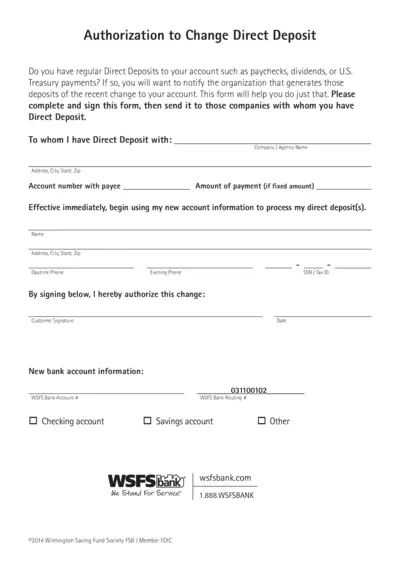
Authorization to Change Direct Deposit Form
This form is for notifying organizations of changes to your direct deposit account. Complete and sign this form and send it to the companies handling your direct deposits. The form includes sections for personal information and new account details.

Sprouts Farmers Market 2023 Annual Meeting Proxy Statement
This document contains details about the 2023 Annual Meeting of Stockholders for Sprouts Farmers Market, Inc. It includes information on the meeting date, items of business, and instructions for proxy voting. Access to proxy materials and voting instructions are also provided.
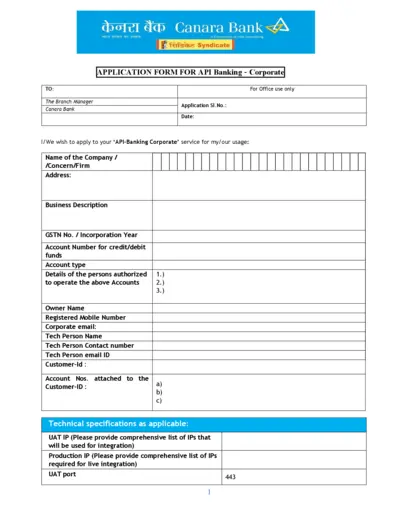
Canara Bank API Banking Application Form
This file is an application form for Canara Bank's API Banking services for corporate entities. The form includes sections to provide company details, technical specifications and authorized personnel. It requires the applicant to declare understanding and acceptance of terms and conditions related to the service.
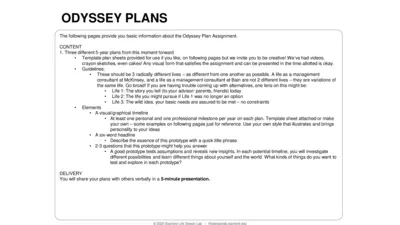
Odyssey Plan Assignment Guide: Create Your Future in 3 Steps
This file provides the guidelines and templates for creating three distinct 5-year Odyssey Plans. It encourages creative visual representations and exploration of multiple life possibilities. It is designed to help users test assumptions and gain new insights about potential life paths.
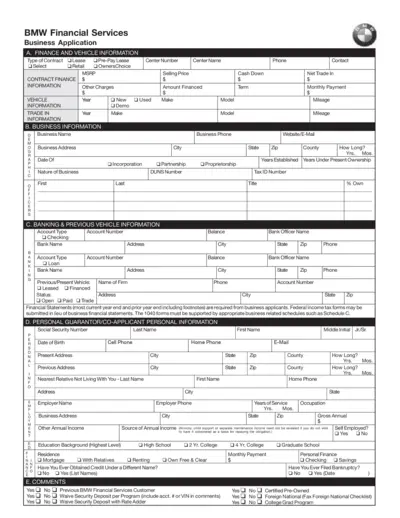
BMW Financial Services Business Application Form
This form is used to apply for various financing options through BMW Financial Services, including lease, retail, pre-pay lease, and OwnersChoice. It collects detailed information about finance, vehicle, business, banking, and personal guarantor information. Instructions and certifications required for business entities and personal guarantors are included.
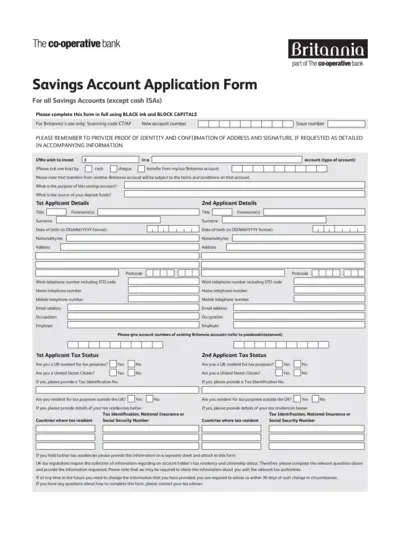
Savings Account Application Form - The Co-operative Bank
This application form is needed to apply for a savings account with The Co-operative Bank. It requires personal information, tax status, and account preferences. Follow the instructions carefully for successful submission.
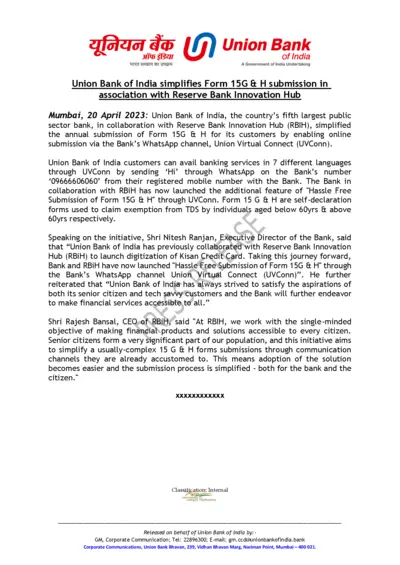
Union Bank of India Simplifies Form 15G & H Submission via WhatsApp
Union Bank of India has simplified the annual submission of Form 15G & H by enabling online submission via its WhatsApp channel Union Virtual Connect in association with RBIH. This initiative aims to make the submission process easier for senior citizens and tech-savvy customers. It provides banking services in 7 different languages through WhatsApp.
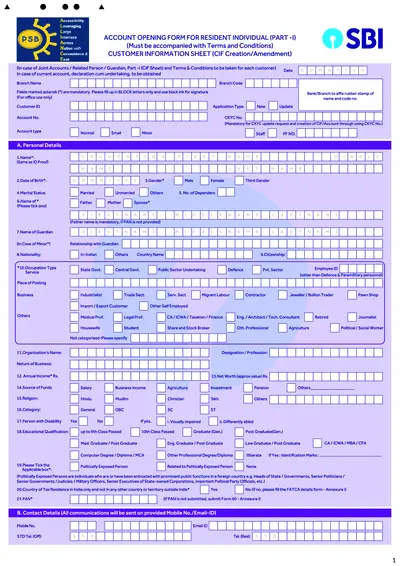
SBI Account Opening Form for Resident Individuals
This file is an account opening form for resident individuals of SBI. It includes detailed sections that need to be filled for creating a Customer Information File. The form must be accompanied by terms and conditions and is suitable for various types of accounts including saving bank, current account, and term deposits.
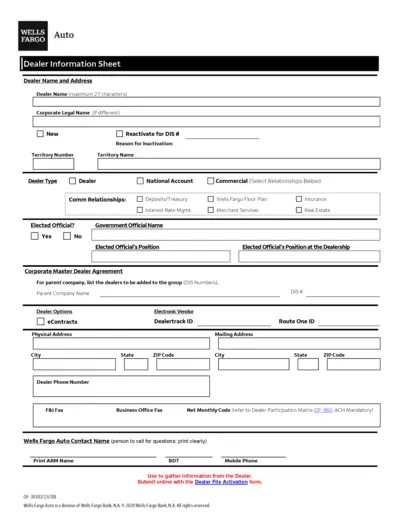
Wells Fargo Auto Dealer Profile Form
This document contains information and instructions for Wells Fargo Auto Dealers on completing the Dealer Information Sheet, ACH Profile Authorization Form, and Franchise Dealer Profile. Dealer's details, bank account information, and dealership legal details are required.
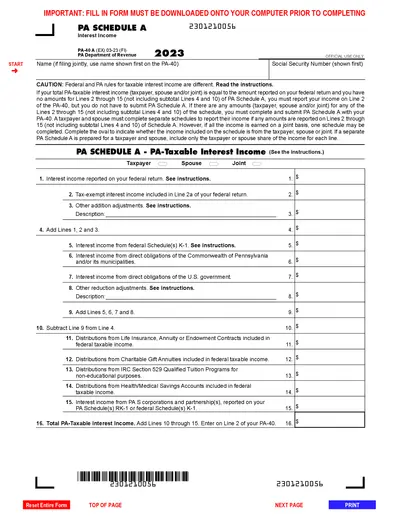
PA-40 A: 2023 Interest Income Schedule A Instructions
This file provides the instructions and details for completing the PA-40 Schedule A to report interest income for Pennsylvania tax purposes. It includes information on taxable interest, required schedules, and specific line items. Instructions for filling out, editing, and submitting the form are also provided.
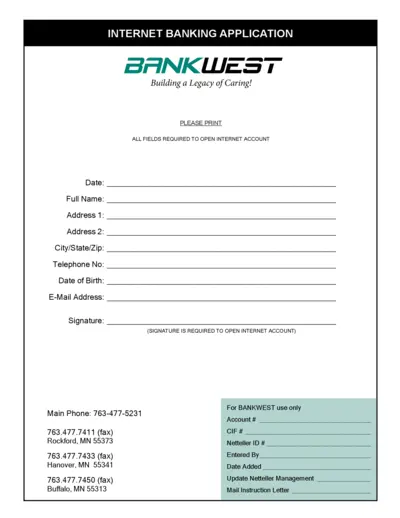
Internet Banking Application | BANKWEST
This file contains the application form for BANKWEST's Internet Banking service. Users are required to provide their personal details and sign the document. The form is mandatory to open an Internet account with BANKWEST.
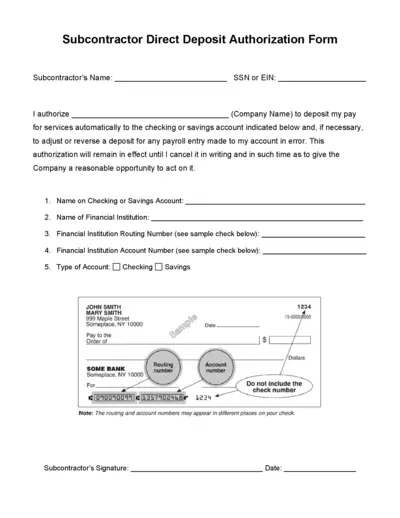
Subcontractor Direct Deposit Authorization Form
This form is used by subcontractors to authorize direct deposit of their pay into a chosen checking or savings account. It allows the company to make automatic payroll deposits. The form requires financial institution details and account information.