
Construction Progress Schedule Form HUD-5372 Guide
This file provides details on the Construction Progress Schedule required by HUD. It includes guidelines for public housing agencies to report construction progress accurately. Users can find essential information and instructions related to the construction projects.
Edit, Download, and Sign the Construction Progress Schedule Form HUD-5372 Guide
Form
eSign
Add Annotation
Share Form
How do I fill this out?
To fill out the Construction Progress Schedule, gather your project details and contract information. Ensure you have accurate start and end dates, contract prices, and project specifics. This initial preparation will help streamline the completion of the schedule.

How to fill out the Construction Progress Schedule Form HUD-5372 Guide?
1
Gather contract documents and project information.
2
Fill in the required fields with relevant details.
3
Indicate start and completion dates accurately.
4
Calculate monthly progress and anticipated values.
5
Review and submit the form for approval.
Who needs the Construction Progress Schedule Form HUD-5372 Guide?
1
Public Housing Agencies for reporting progress.
2
Contractors needing to document project timelines.
3
Architects requiring updates on construction status.
4
Project managers overseeing construction activities.
5
Regulatory bodies ensuring compliance with HUD regulations.
How PrintFriendly Works
At PrintFriendly.com, you can edit, sign, share, and download the Construction Progress Schedule Form HUD-5372 Guide along with hundreds of thousands of other documents. Our platform helps you seamlessly edit PDFs and other documents online. You can edit our large library of pre-existing files and upload your own documents. Managing PDFs has never been easier.

Edit your Construction Progress Schedule Form HUD-5372 Guide online.
Editing this PDF on PrintFriendly is simple and intuitive. Users can modify any text fields directly within the PDF editor. Our platform allows seamless updates to ensure that the construction progress schedule is accurate and up-to-date.

Add your legally-binding signature.
Signing your PDF on PrintFriendly is a streamlined process. Once you’ve filled out the necessary details, you can easily add your signature in the designated area. This feature ensures that your document is officially validated and ready for submission.

Share your form instantly.
Sharing your PDF from PrintFriendly is quick and user-friendly. Simply use the sharing options to distribute the document via email or other platforms. This ensures that all stakeholders have access to the latest version of the construction progress schedule.
How do I edit the Construction Progress Schedule Form HUD-5372 Guide online?
Editing this PDF on PrintFriendly is simple and intuitive. Users can modify any text fields directly within the PDF editor. Our platform allows seamless updates to ensure that the construction progress schedule is accurate and up-to-date.
1
Open the PDF in the PrintFriendly editor.
2
Select the text fields you wish to edit.
3
Input your information as required.
4
Save changes to retain your updates.
5
Download the edited PDF for your records.

What are the instructions for submitting this form?
To submit the form, email it to your local HUD office or fax it to the number indicated on the form. You may also send a physical copy to the address provided in the instructions. Ensure all sections are filled out correctly to avoid processing delays.
What are the important dates for this form in 2024 and 2025?
All construction progress submissions should align with HUD requirements, with particular focus on the deadlines set by the OMB. If your project spans 2024 and 2025, ensure you are aware of any change in regulations or additional requirements for those years. The forms must be submitted promptly to avoid any compliance issues.

What is the purpose of this form?
The purpose of the Construction Progress Schedule form is to help public housing agencies document the construction progress accurately. This ensures regulatory compliance with HUD standards and helps track the efficient use of federal funds. It serves as a vital communication tool between contractors and the agencies overseeing the projects.

Tell me about this form and its components and fields line-by-line.

- 1. Name of Public Housing Agency: Identifies the agency responsible for the project.
- 2. City: The location where the construction is taking place.
- 3. State: The state in which the project is located.
- 4. Location: Specific address or site for the construction.
- 5. Project Name: The official name of the construction project.
- 6. Project Number: Unique identifier for the construction project.
- 7. Contract For: Type of work being contracted (e.g., general construction).
- 8. Contract Time: Total time allocated for project completion in days.
- 9. From: Start date for the contract.
- 10. To: End date for the contract.
- 11. Contract Price $: Total budget allocated for the project.
- 12. Number of Buildings: Total buildings involved in the project.
- 13. Number of Dwelling Units: Units being constructed or modernized.
- 14. Number of Rooms: Total number of rooms for all units.
What happens if I fail to submit this form?
Failure to submit the form can result in delays in funding and regulatory compliance issues. It is crucial to address such matters promptly to avoid negative impacts on your project timeline.
- Regulatory Non-Compliance: Delays can lead to non-compliance with HUD requirements.
- Funding Delays: Late submissions may cause delays in receiving project funding.
- Project Delays: Overall project timelines can be affected due to missing paperwork.
How do I know when to use this form?

- 1. Initial Contract Submission: Submit this form to outline the initial contract terms.
- 2. Monthly Progress Reporting: Report monthly achievements to ensure compliance and funding.
- 3. Completion of Major Milestones: Document critical phases of construction when completed.
Frequently Asked Questions
What is the Construction Progress Schedule?
The Construction Progress Schedule is a form used by agencies to document the progress of construction projects as required by HUD.
Who can fill out this form?
Public housing agencies, contractors, and project managers involved in HUD-funded projects can fill out this form.
How do I submit the completed form?
Completed forms can be submitted via email, fax, or physically to the respective agency as indicated in the instructions.
Can I edit this PDF once it's filled out?
Yes, you can edit the PDF directly on PrintFriendly before making a final download.
What if I need to change my submission after it's been sent?
You can fill out a new form to reflect the changes and resubmit it as necessary.
Are there formatting guidelines for filling out the form?
Yes, ensure all entries are clear and within the specified fields to avoid confusion.
What happens after I submit the form?
After submission, the designated agency will review your form for approval and may contact you for further details.
Is technical support available for using the PDF editor?
Yes, PrintFriendly provides resources and support for users needing assistance with the PDF editor.
Can I share the PDF with multiple stakeholders?
Absolutely, you can share the completed PDF via email or other suitable platforms directly from PrintFriendly.
What features does the PrintFriendly PDF editor offer?
The editor allows you to edit text, sign documents, and share PDFs with ease.
Related Documents - HUD-5372 Guide
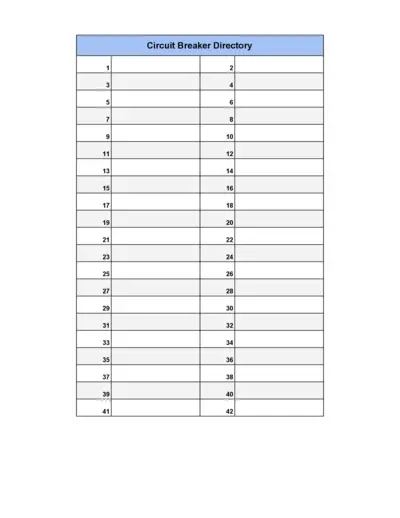
Circuit Breaker Directory
This file contains a comprehensive list of circuit breakers organized in numerical order. It serves as a reference guide for locating specific circuit breakers within a directory. Ideal for professionals and technicians working with electrical systems.
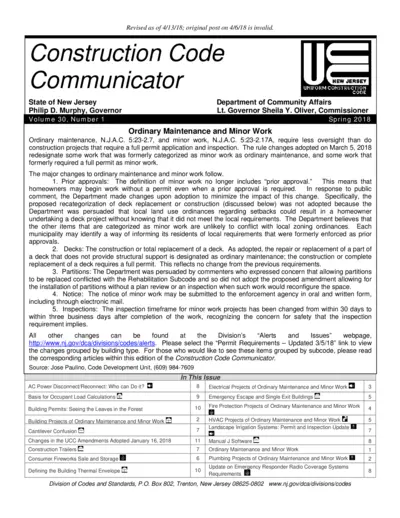
New Jersey Uniform Construction Code Updates Spring 2018
This document contains updates to the New Jersey Uniform Construction Code as of Spring 2018. It includes important changes to ordinary maintenance and minor work classifications, as well as specific projects that no longer require permits.
Construction Estimating Using Excel Second Edition Guide
This file is a comprehensive guide on construction estimating using Excel, ideal for professionals in the construction industry. It provides detailed instructions and examples on how to accurately estimate construction costs. This edition includes updated content and methodologies.
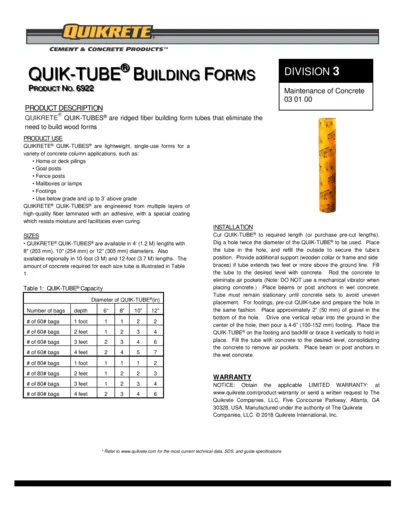
QUIK-TUBE® Building Forms Instructions
This document provides detailed instructions for using QUIK-TUBE® Building Forms, including product specifications, installation steps, and warranty information.
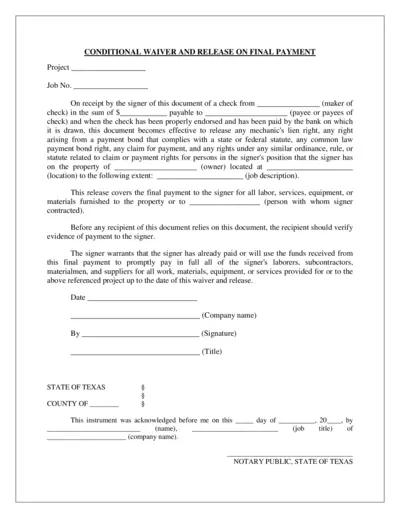
Conditional and Unconditional Waiver and Release Forms
This file contains Conditional Waiver and Release on Final Payment, Conditional Waiver and Release on Progress Payment, and Unconditional Waiver and Release on Final Payment forms. These forms are used to waive and release lien rights against a property under specific conditions. It is crucial for contractors, subcontractors, and suppliers.
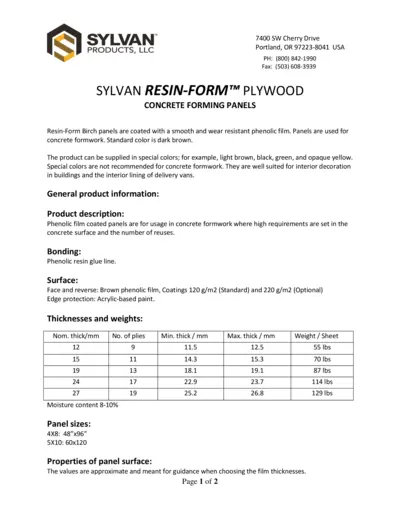
SYLVAN RESIN-FORM PLYWOOD CONCRETE FORMING PANELS
This file provides details and instructions for the usage of SYLVAN RESIN-FORM PLYWOOD in concrete forming panels. It includes product information, installation instructions, and additional resources. Ideal for those working with concrete formwork.
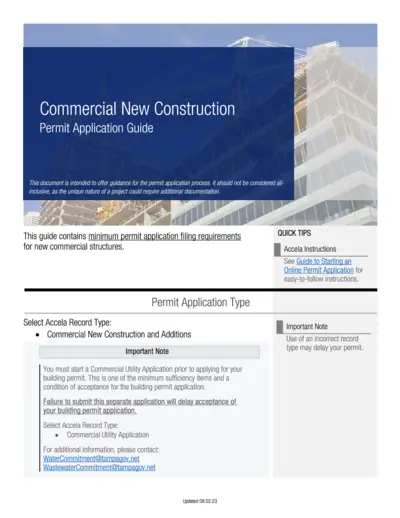
Commercial New Construction Permit Application Guide
The Commercial New Construction Permit Application Guide offers detailed instructions for filing permit applications for new commercial structures. It outlines required documentation, site plans, building plans, mechanical plans, and more. This guide ensures a thorough understanding of the application process for new commercial construction.
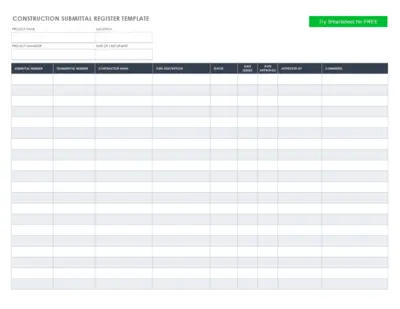
Construction Submittal Register Template - Project Details
This Construction Submittal Register Template is designed to keep track of project details, including submittal and transmittal numbers, contractor information, item descriptions, and approval statuses. Perfect for project managers to maintain organized and up-to-date records. Easy to use and customizable to fit your project's needs.
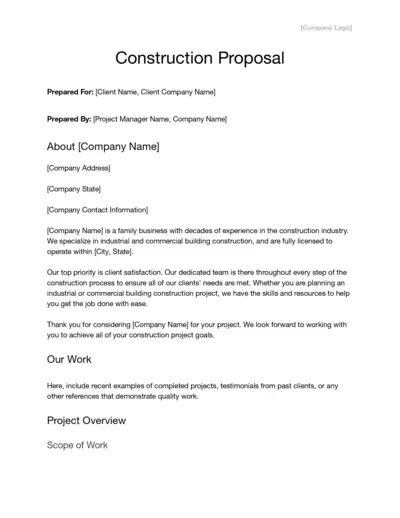
Construction Proposal Template for Building Projects
This file is a comprehensive construction proposal template designed for businesses in the construction industry. It includes sections for project details, scope of work, budget, terms, and approval fields. Use this template to draft detailed proposals for industrial and commercial construction projects.
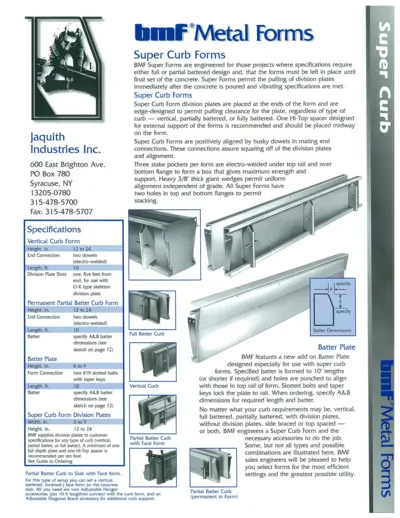
BMF Super Curb and Gutter Metal Forms Manual
This file provides detailed specifications and instructions for using BMF Super Curb and Gutter Metal Forms. It includes information on types of forms, division plates, and accessories. Ideal for engineering projects requiring precise concrete form setups.
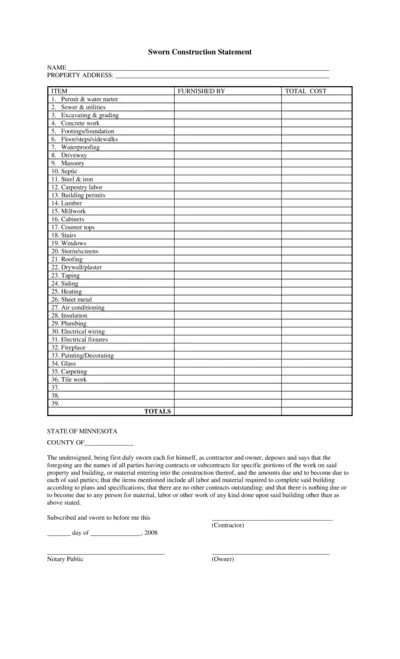
Sworn Construction Statement Form for Contractors & Owners
The Sworn Construction Statement is a comprehensive document for listing and verifying all contract details related to construction projects. It includes items like permits, utilities, and subcontractors. Contractors and owners must fill out and swear by the accuracy of the included information.
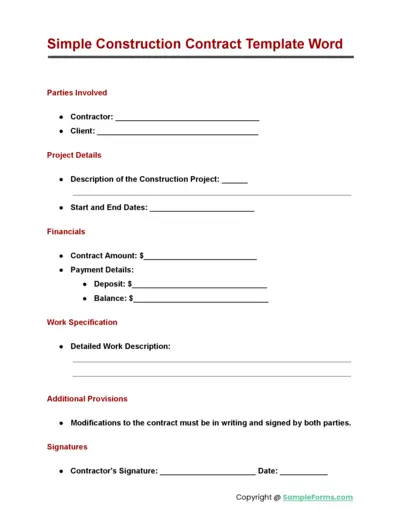
Simple Construction Contract Template Word
This file is a simple construction contract template in Word. It outlines essential details like parties involved, project description, financials, and work specifications. The document ensures that both the contractor and client have a clear agreement.