
Colorado Solar Bank Election Form Instructions
This form allows Xcel Energy customers to elect to manage excess generation from their net metered photovoltaic systems. Review the options carefully to make an informed decision that benefits you and income-qualified Coloradans. Follow the instructions to fill out the form correctly for optimal energy credit management.
Edit, Download, and Sign the Colorado Solar Bank Election Form Instructions
Form
eSign
Add Annotation
Share Form
How do I fill this out?
To fill out the Colorado Solar Bank Election Form, begin by reviewing your options for electing how to manage your excess energy generation. Make sure to provide all required personal information accurately to avoid any delays. Carefully consider your preferred option regarding the donation of credits before submitting.

How to fill out the Colorado Solar Bank Election Form Instructions?
1
Review the election options available for excess energy generation.
2
Provide your personal details in the designated fields.
3
Select your preferred election option.
4
Choose whether to donate excess credits to assist others.
5
Submit the form by the specified deadline.
Who needs the Colorado Solar Bank Election Form Instructions?
1
Xcel Energy customers looking to manage their excess solar energy.
2
New tenants or homeowners taking over an Xcel Energy account.
3
Individuals wishing to donate energy credits to help low-income residents.
4
Customers interested in optimizing their energy credits and savings.
5
Individuals needing to make an informed choice regarding their solar energy options.
How PrintFriendly Works
At PrintFriendly.com, you can edit, sign, share, and download the Colorado Solar Bank Election Form Instructions along with hundreds of thousands of other documents. Our platform helps you seamlessly edit PDFs and other documents online. You can edit our large library of pre-existing files and upload your own documents. Managing PDFs has never been easier.

Edit your Colorado Solar Bank Election Form Instructions online.
Editing the Colorado Solar Bank Election Form on PrintFriendly is easy and convenient. Simply open the PDF in our editor, and you can make changes directly within the document. Finalize your edits, and download the updated version for submission.

Add your legally-binding signature.
Signing the Colorado Solar Bank Election Form on PrintFriendly is straightforward. Once you have edited the form to your satisfaction, you can easily apply your signature digitally. This facilitates a quick and efficient submission process.

Share your form instantly.
Sharing the Colorado Solar Bank Election Form is made simple with PrintFriendly. After editing, you can easily share the PDF directly via email or social media. This allows for seamless communication with others who need to access the form.
How do I edit the Colorado Solar Bank Election Form Instructions online?
Editing the Colorado Solar Bank Election Form on PrintFriendly is easy and convenient. Simply open the PDF in our editor, and you can make changes directly within the document. Finalize your edits, and download the updated version for submission.
1
Open the Colorado Solar Bank Election Form in the PrintFriendly editor.
2
Click on the fields you wish to edit and enter your information.
3
Review your selections to ensure all details are correct.
4
Save your changes within the editor.
5
Download or share the completed form as needed.

What are the instructions for submitting this form?
To submit the Colorado Solar Bank Election Form, complete all required fields and ensure the information is accurate. You may submit the form electronically via email or through the specified online form submission link. For physical submissions, mail the completed form to the address indicated on the form, making sure to allow sufficient time for processing before any deadlines. Always keep a copy for your records.
What are the important dates for this form in 2024 and 2025?
Important dates for the Colorado Solar Bank Election Form in 2024 include December 1 for changing or selecting your election. In 2025, the same deadline applies for making a new selection or donation election. Ensure timely submissions for proper credit management.

What is the purpose of this form?
The purpose of the Colorado Solar Bank Election Form is to empower Xcel Energy customers to make informed decisions regarding the management of excess energy produced by their photovoltaic systems. By completing this form, customers can opt for Continuous Rollover Credits or choose to waive the decision, thus affecting how their energy credits are used and potentially donated. Through this process, individuals not only optimize their energy savings but can also support income-qualified Coloradans by donating excess credits.

Tell me about this form and its components and fields line-by-line.

- 1. Name: The full name of the individual completing the form.
- 2. Address: The mailing address associated with the Xcel Energy account.
- 3. City: The city of residence.
- 4. State: The state of residence.
- 5. ZIP: The postal code of the residence.
- 6. Xcel Energy Account Number: The unique account number assigned by Xcel Energy for billing purposes.
- 7. Customer Signature: Signature indicating agreement to the terms outlined in the form.
- 8. Date: The date on which the form is signed.
What happens if I fail to submit this form?
If you fail to submit this form, your account will automatically default to the Waive Decision option, meaning you will receive a year-end payout. This could result in missed opportunities to maximize your credits or contribute to community assistance. Hence, it is important to submit the form on time to align with your preferences.
- Default to Waive Decision: Not submitting means your decision automatically waives the current year's election, limiting your credit management options.
- Missed Donations: Failure to submit may result in missing the chance to donate excess credits to low-income residents.
- Financial Implications: Defaulting may lead to less favorable financial outcomes in terms of energy credits.
How do I know when to use this form?

- 1. New Account Holder: A new homeowner or tenant must fill out this form to establish their energy credit preferences.
- 2. Annual Review: Customers should review and submit this form at the end of each year for any changes.
- 3. Donation Decisions: Use this form if you wish to include credit donations to aid income-qualified individuals.
Frequently Asked Questions
What is the Colorado Solar Bank Election Form?
It is a form for Xcel Energy customers to elect how to manage excess generation from their solar photovoltaic systems.
How do I fill out the Colorado Solar Bank Election Form?
Review the options carefully, fill in your details, select your preferences, and submit before the deadline.
Can I donate credits to help others?
Yes, the form allows you to choose to donate excess credits to assist income-qualified Coloradans.
How can I edit the form?
Use the PrintFriendly editor to open, modify, and save your changes directly on the PDF.
Is it possible to sign the form digitally?
Yes, you can apply a digital signature using PrintFriendly.
What happens if I choose not to submit the form?
Failure to submit the form will default your account election to the Waive Decision option.
Can I change my election choice later?
Yes, you can change your choice if you meet the deadline of December 1.
What are the key deadlines for this form?
The main deadline is December 1 for making your election pertaining to the current year.
Who qualifies for the donation of credits?
The credits can go to income-qualified Colorado residents in need.
Where can I submit my completed form?
You can submit it through the prescribed method listed on the form, which may include mail, email, or online submission.
Related Documents - Solar Bank Election Form
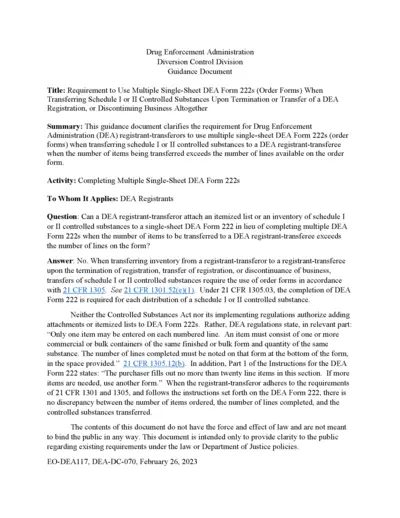
Requirement to Use Multiple Single-Sheet DEA Form 222s
This file provides guidance for DEA registrants on the requirement to use multiple single-sheet DEA Form 222s when transferring schedule I or II controlled substances upon the termination or transfer of a DEA registration or when discontinuing business altogether.
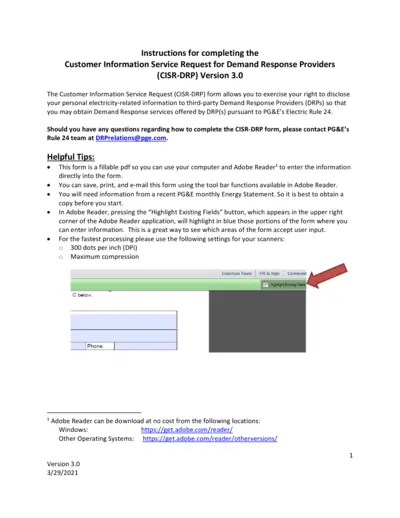
Customer Information Service Request for Demand Response
The Customer Information Service Request (CISR-DRP) form allows users to disclose their personal electricity-related information to third-party DRPs for obtaining Demand Response services under PG&E's Electric Rule 24. This document provides detailed instructions for completing the CISR-DRP form. Make sure to have a recent PG&E monthly Energy Statement before you start.
Detailed Instructional Document for Users
This document provides comprehensive guidelines on filling out the form. It includes important sections, required information, and steps for submission. Perfect for individuals and businesses looking to complete important documentation efficiently.

Liquor Licensee Rules and FAQs
This document provides essential information and answers frequently asked questions about liquor licensee regulations. It covers areas such as permissible sale hours, minor's presence at the bar, sale of drinks, happy hour rules, and more. Perfect for those working in licensed establishments in Pennsylvania.
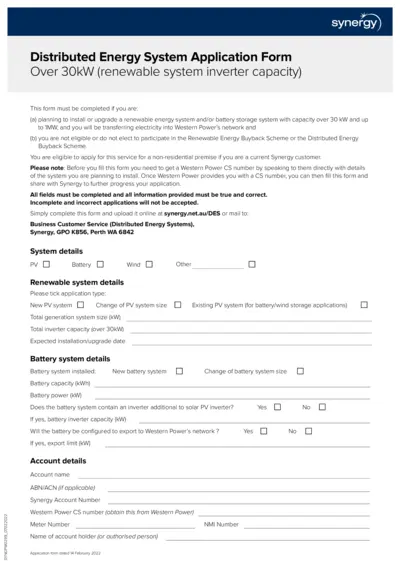
Synergy Distributed Energy System Application Form Over 30kW
This file is used for applying to install or upgrade a renewable energy system and/or battery storage system with capacity over 30 kW up to 1MW, and transferring electricity into Western Power's network. It is required if ineligible for the Renewable Energy Buyback Scheme or Distributed Energy Buyback Scheme. Ensure you obtain a CS number from Western Power before filling out the form.
G99 Connection Procedures Guidance Document for WPD
This file outlines the connection procedures and requirements for Power Generating Modules per Engineering Recommendation G99. It details the steps and definitions needed for compliance. It also explains the roles of the customer, generator, and distribution network operator.
Net Energy Metering and Net Billing Tariff Application
This document is the application form for PG&E's Net Energy Metering (NEM/NEM2) and Net Billing Tariff (NBT) Interconnection for solar and/or wind electric generating facilities of 30 kW or less. It includes necessary customer and system information, interconnection types, system ownership details, contractor information, and description of generating facilities. Instructions also cover variances from Distribution Interconnection Handbook and Greenbook requirements.
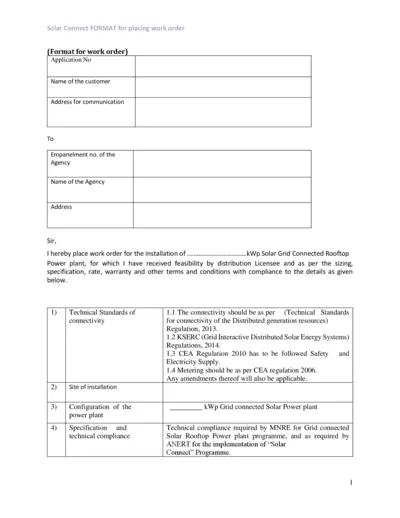
Solar Grid Connected Rooftop Power Plant Work Order
This file contains the format for placing a work order for the installation of a solar grid connected rooftop power plant. It includes technical standards, cost details, and warranty conditions. The document is essential for customers and agencies involved in the Solar Connect program.
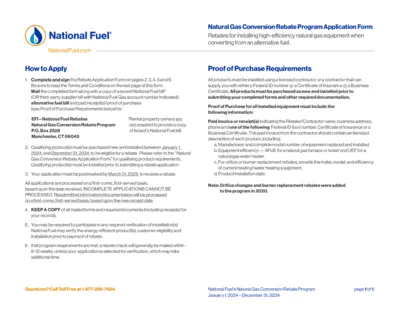
National Fuel Gas Conversion Rebate Application Instructions
This file provides detailed instructions on applying for National Fuel's Natural Gas Conversion Rebate Program for 2024. It includes guidelines on the necessary documentation, eligibility criteria, and submission process. Ensure your application is complete and postmarked by March 31, 2025.
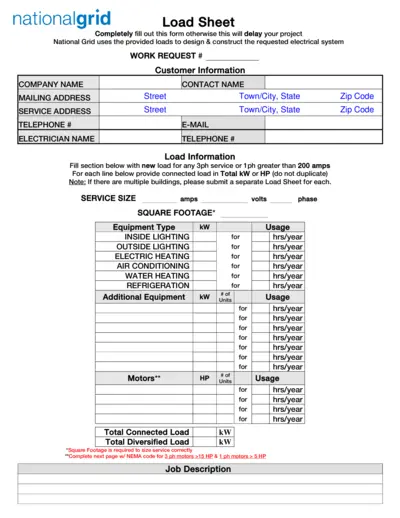
National Grid Electrical Load Sheet and Motor Data Form
This file contains the National Grid Load Sheet and Motor Data Form required for designing and constructing electrical systems. Users must completely fill out these forms to avoid project delays. It includes sections for customer information, load information, motor data, and welder data.
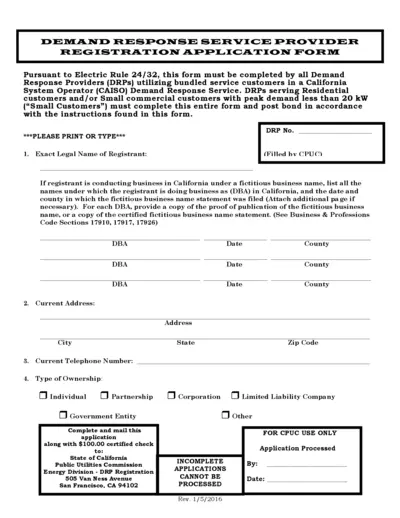
Demand Response Service Provider Registration Form
This file contains the Demand Response Service Provider Registration Application Form for California. It outlines the necessary information and instructions to apply for demand response services. Ideal for businesses involved in energy solutions and utilities.
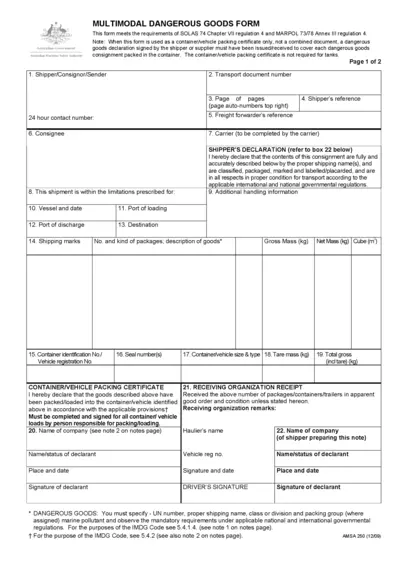
Multimodal Dangerous Goods Form
This form is essential for shipping dangerous goods across multiple modes of transport. It adheres to international regulations ensuring safety during transport. Properly filling this form is crucial for compliance and effective logistics management.