
Coaxial 2-Point Phase I and Balance Phase II Checklist
This file is a comprehensive inspection checklist for Coaxial and 2-Point Phase I with Balance Phase II vapor recovery systems. It ensures all components are inspected thoroughly for safety and compliance. Use this checklist to document your daily inspections and maintain records for regulatory purposes.
Edit, Download, and Sign the Coaxial 2-Point Phase I and Balance Phase II Checklist
Form
eSign
Add Annotation
Share Form
How do I fill this out?
To fill out this form, begin by reviewing the components that require inspection. Check each box where your inspection revealed no problems, and mark an 'X' for any defects or issues that require action. Ensure you document any noted defects on the Daily Repair Log and record your initials at the bottom of the form.

How to fill out the Coaxial 2-Point Phase I and Balance Phase II Checklist?
1
Review each inspection item.
2
Check or mark defects in appropriate boxes.
3
Document issues on the Daily Repair Log.
4
Sign your initials after inspecting items.
5
Keep records accessible for future inspections.
Who needs the Coaxial 2-Point Phase I and Balance Phase II Checklist?
1
Regulatory inspectors need this file to ensure compliance with environmental standards.
2
Station operators require this checklist to maintain safety and operational efficiency.
3
Maintenance personnel use it to address equipment defects promptly.
4
Environmental agencies utilize the documentation for audits.
5
Safety officers need this checklist to ensure all safety protocols are followed.
How PrintFriendly Works
At PrintFriendly.com, you can edit, sign, share, and download the Coaxial 2-Point Phase I and Balance Phase II Checklist along with hundreds of thousands of other documents. Our platform helps you seamlessly edit PDFs and other documents online. You can edit our large library of pre-existing files and upload your own documents. Managing PDFs has never been easier.

Edit your Coaxial 2-Point Phase I and Balance Phase II Checklist online.
Editing the PDF of this form on PrintFriendly is straightforward and user-friendly. You can modify text, add comments, and make necessary adjustments effortlessly. This feature empowers you to tailor the document to your specific needs seamlessly.

Add your legally-binding signature.
Signing the PDF on PrintFriendly allows you to add your digital signature with ease. Once you've completed your edits, simply insert your signature in the designated area. This process is designed to simplify documentation while maintaining professional standards.

Share your form instantly.
Sharing your edited PDF on PrintFriendly is simple and efficient. After saving your changes, utilize the share feature to distribute the file directly to colleagues or stakeholders. This functionality enhances collaboration and accessibility.
How do I edit the Coaxial 2-Point Phase I and Balance Phase II Checklist online?
Editing the PDF of this form on PrintFriendly is straightforward and user-friendly. You can modify text, add comments, and make necessary adjustments effortlessly. This feature empowers you to tailor the document to your specific needs seamlessly.
1
Open the PDF in the PrintFriendly editor.
2
Make necessary edits to the text or fields.
3
Insert comments or annotations as needed.
4
Save your changes digitally to your device.
5
Share the edited document directly from the platform.

What are the instructions for submitting this form?
To submit this form, please send the completed document via email to compliance@environmentalagency.gov. Alternatively, you can fax the form to (123) 456-7890. For in-person submission, bring the document to our office located at 123 Environmental Way, Suite 200, Cityville, ST, 12345. It is advisable to retain a copy for your records.
What are the important dates for this form in 2024 and 2025?
The important dates for submission of inspections using this checklist typically align with quarterly compliance reviews. Ensure all inspections are completed regularly to avoid any regulatory issues. Records should be updated and checked at least once every two years.

What is the purpose of this form?
The purpose of this form is to ensure thorough inspection and maintenance of vapor recovery systems at fuel stations. It facilitates regulatory compliance as well as operational safety, protecting both staff and the environment. By maintaining an accurate record of inspections, issues can be promptly addressed, ensuring the integrity of the equipment and safety standards.

Tell me about this form and its components and fields line-by-line.

- 1. Month/Year: Indicate the month and year of the inspection.
- 2. Station Name: Provide the name of the fuel station.
- 3. Address: Enter the physical address of the fuel station.
- 4. Facility PTO #: Document the facility’s permit to operate number.
- 5. Day of the Month: Record the specific day inspections were conducted.
- 6. Inspector's Initials: Sign with your initials to verify the inspection is complete.
What happens if I fail to submit this form?
If this form is not submitted, potential compliance violations may occur, leading to regulatory penalties. Regular inspections are vital for maintaining operational standards and ensuring public safety. It's essential to manage records diligently to prevent issues during inspections by authorities.
- Regulatory Compliance: Failure to submit could lead to non-compliance with environmental regulations.
- Safety Risks: Not conducting regular inspections can increase safety hazards at the station.
- Operational Delays: Neglecting inspections may result in delayed operations due to equipment failures.
How do I know when to use this form?

- 1. Routine Inspections: Use this form during weekly or monthly inspections of your vapor recovery systems.
- 2. Regulatory Audits: Submit this form during audits conducted by environmental authorities.
- 3. Maintenance Documentation: Keep records using this checklist whenever repairs are made on equipment.
Frequently Asked Questions
Can I edit this inspection checklist on PrintFriendly?
Yes, you can easily edit this inspection checklist directly on PrintFriendly's platform.
How do I download the edited PDF?
Once you've made your edits, use the download option to save your updated PDF.
Is my edited copy saved automatically?
Your edits will need to be downloaded, as the platform does not save changes.
What formats can I share the PDF in?
You can share the PDF through email or other sharing links provided on PrintFriendly.
Is there a limit on how many times I can edit?
You can edit the document as many times as you need without restriction.
Can I sign the PDF after editing?
Yes, you can add a digital signature once you've completed your edits.
What if I encounter issues while editing?
You can refresh the page and restart the editing process if you face any issues.
Can I print the PDF after editing?
Absolutely! You can print the PDF directly from the PrintFriendly platform.
Are there any fees to use these features?
No, you can use the editing, downloading, and sharing features for free.
What should I do if I need to make complex edits?
For more complex edits, consider downloading the PDF and using dedicated software.
Related Documents - Vapor Recovery Checklist
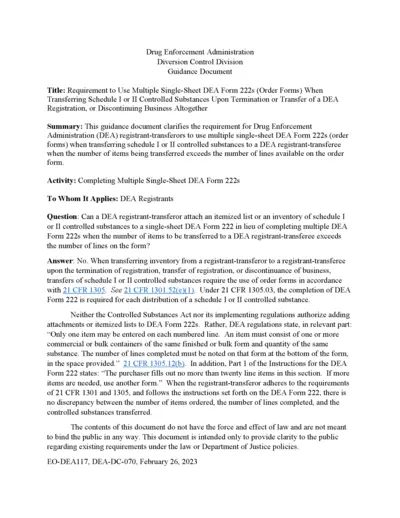
Requirement to Use Multiple Single-Sheet DEA Form 222s
This file provides guidance for DEA registrants on the requirement to use multiple single-sheet DEA Form 222s when transferring schedule I or II controlled substances upon the termination or transfer of a DEA registration or when discontinuing business altogether.
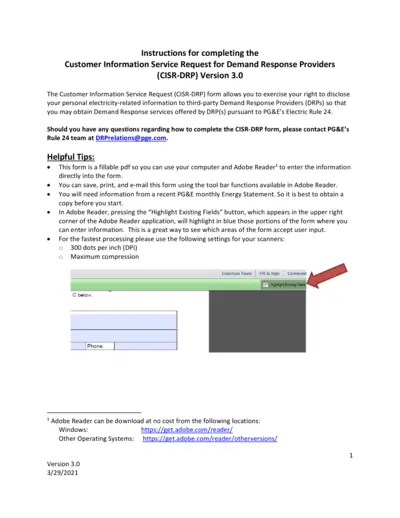
Customer Information Service Request for Demand Response
The Customer Information Service Request (CISR-DRP) form allows users to disclose their personal electricity-related information to third-party DRPs for obtaining Demand Response services under PG&E's Electric Rule 24. This document provides detailed instructions for completing the CISR-DRP form. Make sure to have a recent PG&E monthly Energy Statement before you start.
Detailed Instructional Document for Users
This document provides comprehensive guidelines on filling out the form. It includes important sections, required information, and steps for submission. Perfect for individuals and businesses looking to complete important documentation efficiently.

Liquor Licensee Rules and FAQs
This document provides essential information and answers frequently asked questions about liquor licensee regulations. It covers areas such as permissible sale hours, minor's presence at the bar, sale of drinks, happy hour rules, and more. Perfect for those working in licensed establishments in Pennsylvania.
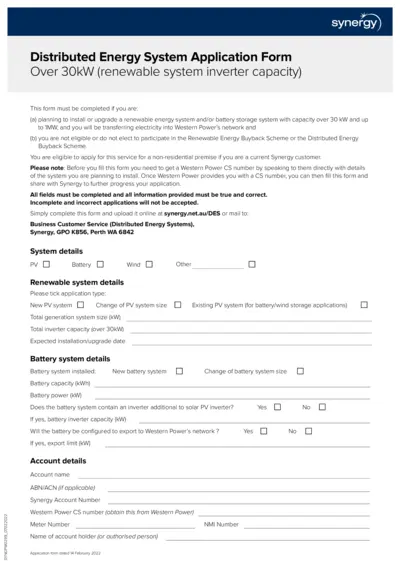
Synergy Distributed Energy System Application Form Over 30kW
This file is used for applying to install or upgrade a renewable energy system and/or battery storage system with capacity over 30 kW up to 1MW, and transferring electricity into Western Power's network. It is required if ineligible for the Renewable Energy Buyback Scheme or Distributed Energy Buyback Scheme. Ensure you obtain a CS number from Western Power before filling out the form.

G99 Connection Procedures Guidance Document for WPD
This file outlines the connection procedures and requirements for Power Generating Modules per Engineering Recommendation G99. It details the steps and definitions needed for compliance. It also explains the roles of the customer, generator, and distribution network operator.
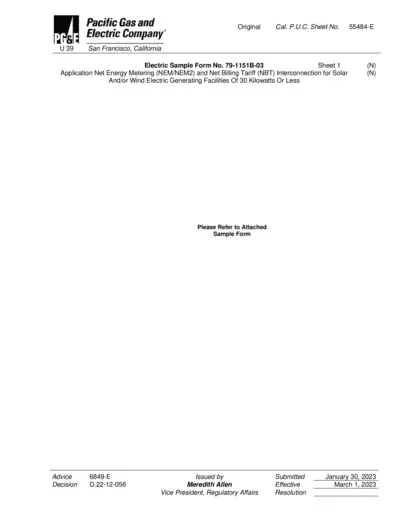
Net Energy Metering and Net Billing Tariff Application
This document is the application form for PG&E's Net Energy Metering (NEM/NEM2) and Net Billing Tariff (NBT) Interconnection for solar and/or wind electric generating facilities of 30 kW or less. It includes necessary customer and system information, interconnection types, system ownership details, contractor information, and description of generating facilities. Instructions also cover variances from Distribution Interconnection Handbook and Greenbook requirements.
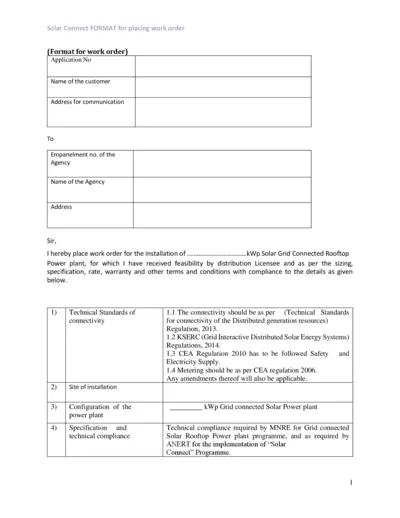
Solar Grid Connected Rooftop Power Plant Work Order
This file contains the format for placing a work order for the installation of a solar grid connected rooftop power plant. It includes technical standards, cost details, and warranty conditions. The document is essential for customers and agencies involved in the Solar Connect program.
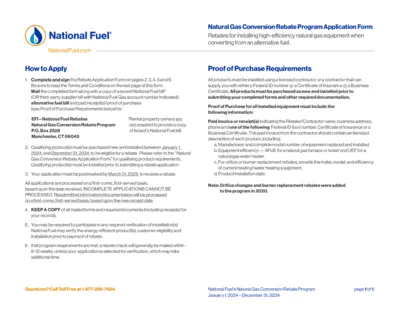
National Fuel Gas Conversion Rebate Application Instructions
This file provides detailed instructions on applying for National Fuel's Natural Gas Conversion Rebate Program for 2024. It includes guidelines on the necessary documentation, eligibility criteria, and submission process. Ensure your application is complete and postmarked by March 31, 2025.
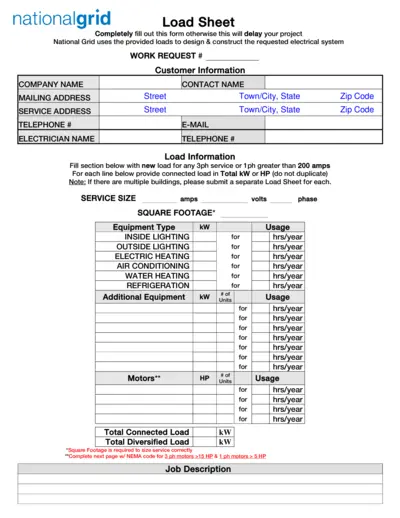
National Grid Electrical Load Sheet and Motor Data Form
This file contains the National Grid Load Sheet and Motor Data Form required for designing and constructing electrical systems. Users must completely fill out these forms to avoid project delays. It includes sections for customer information, load information, motor data, and welder data.
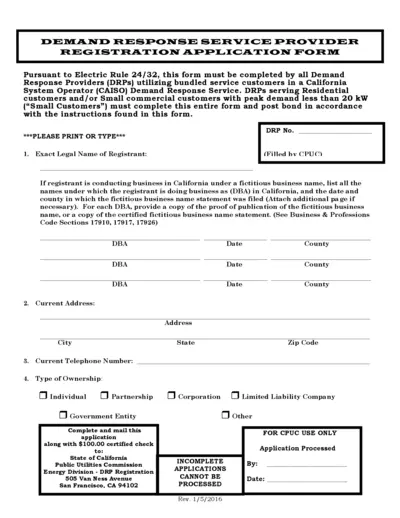
Demand Response Service Provider Registration Form
This file contains the Demand Response Service Provider Registration Application Form for California. It outlines the necessary information and instructions to apply for demand response services. Ideal for businesses involved in energy solutions and utilities.
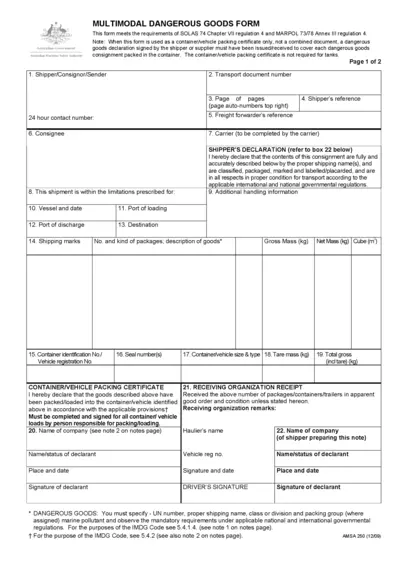
Multimodal Dangerous Goods Form
This form is essential for shipping dangerous goods across multiple modes of transport. It adheres to international regulations ensuring safety during transport. Properly filling this form is crucial for compliance and effective logistics management.