
CMR Online Submission Instructions and Steps
This file provides detailed instructions for submitting the Compliance Monitoring Report (CMR) online. Users can access the online system to register and submit various compliance reports. This guide aids in navigating the registration, login, and submission processes effectively.
Edit, Download, and Sign the CMR Online Submission Instructions and Steps
Form
eSign
Add Annotation
Share Form
How do I fill this out?
To fill out this form, start by creating your account using the sign-up page. Ensure you have your business and user information ready for a smooth registration process. Follow the on-screen prompts to complete your submission accurately.

How to fill out the CMR Online Submission Instructions and Steps?
1
Visit the online registration page for the CMR system.
2
Fill in your business and user information without leaving blanks.
3
Upload the required PDF documents as instructed.
4
Review all the entered details before submission.
5
Click the 'Submit' button to complete your CMR submission.
Who needs the CMR Online Submission Instructions and Steps?
1
Environmental consultants needing to report compliance.
2
Business owners operating in industries under environmental regulation.
3
Government agencies monitoring environmental compliance.
4
Non-Governmental Organizations (NGOs) focused on environmental issues.
5
Project managers overseeing extractive industries and compliance reporting.
How PrintFriendly Works
At PrintFriendly.com, you can edit, sign, share, and download the CMR Online Submission Instructions and Steps along with hundreds of thousands of other documents. Our platform helps you seamlessly edit PDFs and other documents online. You can edit our large library of pre-existing files and upload your own documents. Managing PDFs has never been easier.

Edit your CMR Online Submission Instructions and Steps online.
You can edit this PDF on PrintFriendly by using our intuitive PDF editor. Simply upload your PDF file and use the editing tools to make any necessary changes. Once your edits are complete, you can save and download the updated document easily.

Add your legally-binding signature.
Signing the PDF on PrintFriendly is simple and efficient. Upload your document and use the electronic signature feature to add your signature. After signing, you can download the PDF for your records.

Share your form instantly.
Sharing your PDF on PrintFriendly is straightforward. Use the share feature to generate a link or share directly through email. This allows you to collaborate with others seamlessly without needing to download the document first.
How do I edit the CMR Online Submission Instructions and Steps online?
You can edit this PDF on PrintFriendly by using our intuitive PDF editor. Simply upload your PDF file and use the editing tools to make any necessary changes. Once your edits are complete, you can save and download the updated document easily.
1
Upload your PDF file onto PrintFriendly.
2
Access the editing tools available in the interface.
3
Make necessary changes to the text or images.
4
Save your changes within the editor.
5
Download the edited PDF to your device.

What are the instructions for submitting this form?
To submit this form, visit the CMR online portal at online.emb.gov.ph/cmr. Fill in the required fields accurately and attach necessary documents such as your ECC number and identification. For any submission issues, contact the EMB support team via support@emb.gov.ph.
What are the important dates for this form in 2024 and 2025?
All users must keep track of submission deadlines and other important dates related to environmental regulations for 2024 and 2025. Be sure to check regularly for updates on requirements and deadlines.

What is the purpose of this form?
The purpose of this form is to facilitate the online submission of Compliance Monitoring Reports (CMRs) mandated for businesses operating in sectors heavily regulated for environmental impact. This tool is essential in ensuring compliance with environmental laws and gathering necessary data for oversight and monitoring. Through this system, users are empowered to manage their submissions efficiently, streamlining communication between businesses and regulatory agencies.

Tell me about this form and its components and fields line-by-line.

- 1. User Name: The unique identifier for the individual registering.
- 2. Password: The secure access key for an account.
- 3. Email Address: The primary email for communication and notifications.
- 4. ECC Number: Environmental Compliance Certificate number relevant to the submission.
- 5. Project Coordinates: Geographical data indicating project locations.
- 6. Attachments: Required documents in PDF format.
What happens if I fail to submit this form?
If the form is not submitted, users may face compliance penalties and negative impacts on their operational licenses. It's vital to understand the implications of inaccurate or late submissions.
- Compliance Penalties: Late submission may lead to fines or legal consequences.
- Regulatory Scrutiny: Failure to submit might prompt investigations by regulatory agencies.
- Operational Risks: Non-compliance can affect business operational licenses.
How do I know when to use this form?

- 1. Initial Compliance Reporting: To establish compliance upon project commencement.
- 2. Ongoing Monitoring: To provide periodic updates on environmental performance.
Frequently Asked Questions
What is the purpose of this form?
This form is designed for submitting Compliance Monitoring Reports online.
Who can use this form?
This form can be utilized by businesses, consultants, and government entities involved in environmental compliance.
What documents do I need to submit along with this form?
You need to submit various PDFs including business registration documents and identification.
How do I access the CMR online system?
Navigate to online.emb.gov.ph/cmr to access the CMR online system.
What if I forget my password?
You can recover your password through the 'Can't sign-in to your account?' option on the login page.
Is there a file size limit for attachments?
Yes, each PDF file must not exceed 1MB.
Can I edit my submission after it is submitted?
No, once submitted, editing is not allowed. You will have to submit a new report.
What should I do if I encounter technical issues?
For technical assistance, please email support@emb.gov.ph.
Is there a help guide available?
Yes, you can refer to the guidelines provided on the CMR online system.
How often do I need to submit this report?
Submission frequency depends on regulatory requirements and project specifications.
Related Documents - CMR Submission Guide
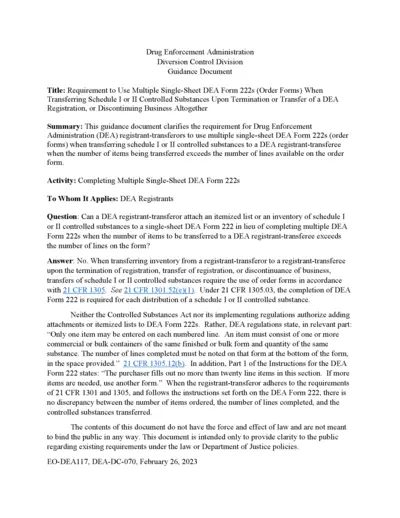
Requirement to Use Multiple Single-Sheet DEA Form 222s
This file provides guidance for DEA registrants on the requirement to use multiple single-sheet DEA Form 222s when transferring schedule I or II controlled substances upon the termination or transfer of a DEA registration or when discontinuing business altogether.
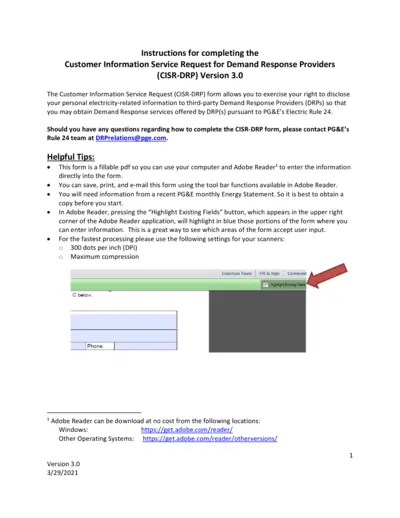
Customer Information Service Request for Demand Response
The Customer Information Service Request (CISR-DRP) form allows users to disclose their personal electricity-related information to third-party DRPs for obtaining Demand Response services under PG&E's Electric Rule 24. This document provides detailed instructions for completing the CISR-DRP form. Make sure to have a recent PG&E monthly Energy Statement before you start.
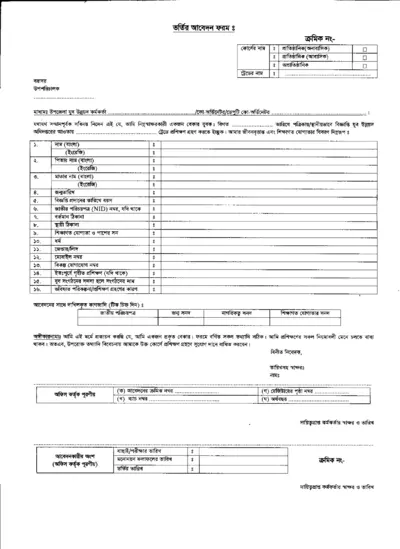
Detailed Instructional Document for Users
This document provides comprehensive guidelines on filling out the form. It includes important sections, required information, and steps for submission. Perfect for individuals and businesses looking to complete important documentation efficiently.
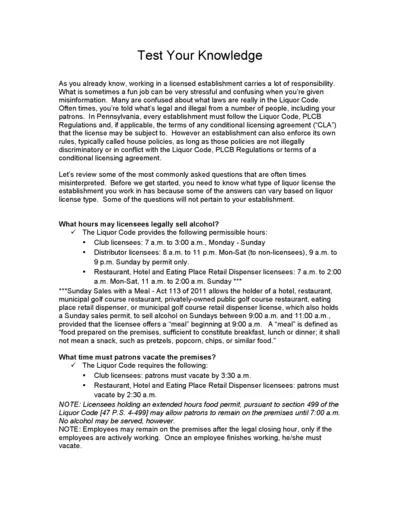
Liquor Licensee Rules and FAQs
This document provides essential information and answers frequently asked questions about liquor licensee regulations. It covers areas such as permissible sale hours, minor's presence at the bar, sale of drinks, happy hour rules, and more. Perfect for those working in licensed establishments in Pennsylvania.
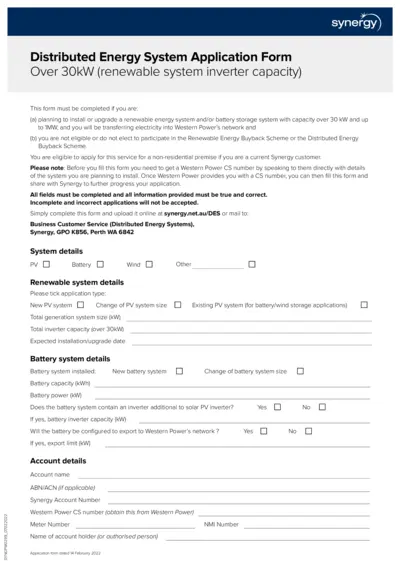
Synergy Distributed Energy System Application Form Over 30kW
This file is used for applying to install or upgrade a renewable energy system and/or battery storage system with capacity over 30 kW up to 1MW, and transferring electricity into Western Power's network. It is required if ineligible for the Renewable Energy Buyback Scheme or Distributed Energy Buyback Scheme. Ensure you obtain a CS number from Western Power before filling out the form.
G99 Connection Procedures Guidance Document for WPD
This file outlines the connection procedures and requirements for Power Generating Modules per Engineering Recommendation G99. It details the steps and definitions needed for compliance. It also explains the roles of the customer, generator, and distribution network operator.
Net Energy Metering and Net Billing Tariff Application
This document is the application form for PG&E's Net Energy Metering (NEM/NEM2) and Net Billing Tariff (NBT) Interconnection for solar and/or wind electric generating facilities of 30 kW or less. It includes necessary customer and system information, interconnection types, system ownership details, contractor information, and description of generating facilities. Instructions also cover variances from Distribution Interconnection Handbook and Greenbook requirements.
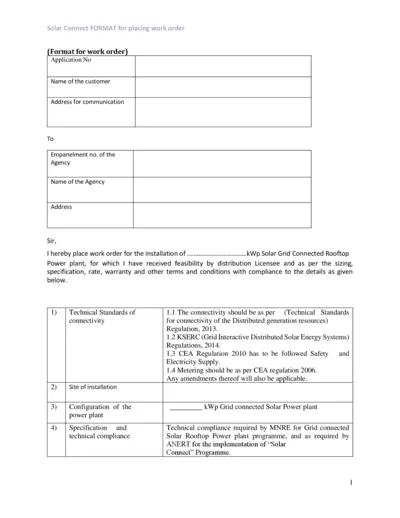
Solar Grid Connected Rooftop Power Plant Work Order
This file contains the format for placing a work order for the installation of a solar grid connected rooftop power plant. It includes technical standards, cost details, and warranty conditions. The document is essential for customers and agencies involved in the Solar Connect program.
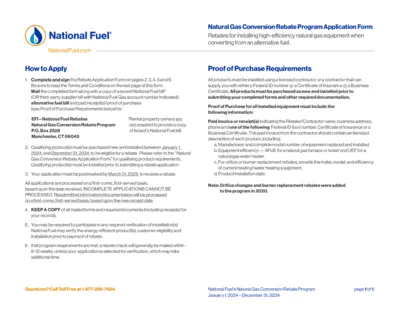
National Fuel Gas Conversion Rebate Application Instructions
This file provides detailed instructions on applying for National Fuel's Natural Gas Conversion Rebate Program for 2024. It includes guidelines on the necessary documentation, eligibility criteria, and submission process. Ensure your application is complete and postmarked by March 31, 2025.
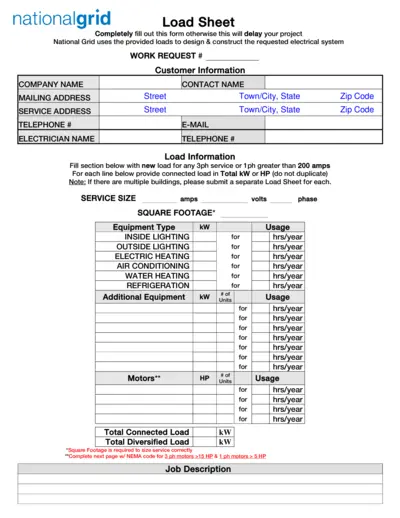
National Grid Electrical Load Sheet and Motor Data Form
This file contains the National Grid Load Sheet and Motor Data Form required for designing and constructing electrical systems. Users must completely fill out these forms to avoid project delays. It includes sections for customer information, load information, motor data, and welder data.
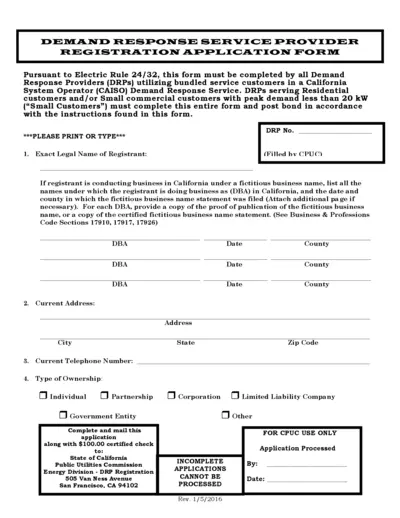
Demand Response Service Provider Registration Form
This file contains the Demand Response Service Provider Registration Application Form for California. It outlines the necessary information and instructions to apply for demand response services. Ideal for businesses involved in energy solutions and utilities.
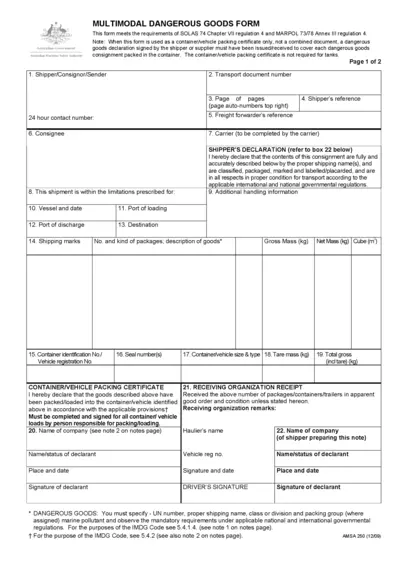
Multimodal Dangerous Goods Form
This form is essential for shipping dangerous goods across multiple modes of transport. It adheres to international regulations ensuring safety during transport. Properly filling this form is crucial for compliance and effective logistics management.